


Inspiring
March 8, 2018
Answered

Reconnecting missing AE assets located in a CC Library (NOT CC files)

  • March 8, 2018
  • 3 replies
  • 4147 views

Hi all,

I have cross-posted this question as a reply in the assets/syncing forum but I'd very much love it if an AE user had any ideas.

I have an AE project that is unable to locate files that are stored within my Library. This is NOT to be confused with the Creative Cloud Library of the exact same name. "Files" kept in the CC Cloud are accessible for download (and even re connection in that secret location). CC Library files, not so.

My missing asset on left, my asset on right in the library panel, yet no way to re-connect them:
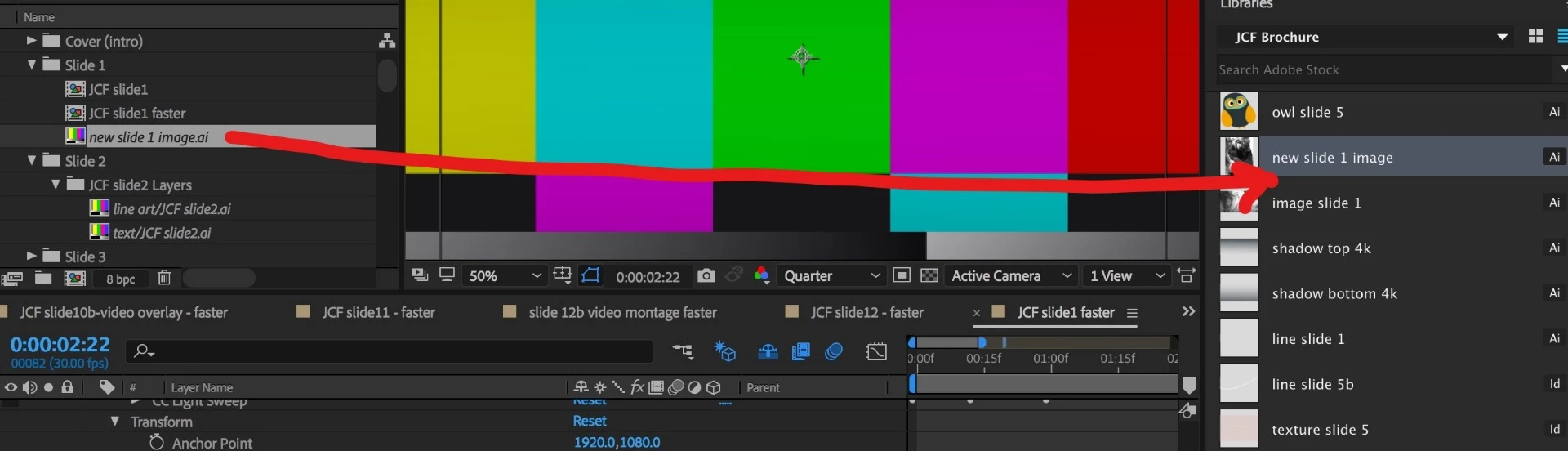
Here is the "Libraries" Project Panel in AE, from which I saved a bunch of AI assets when prompted by AI to try this great new feature. 😕😕
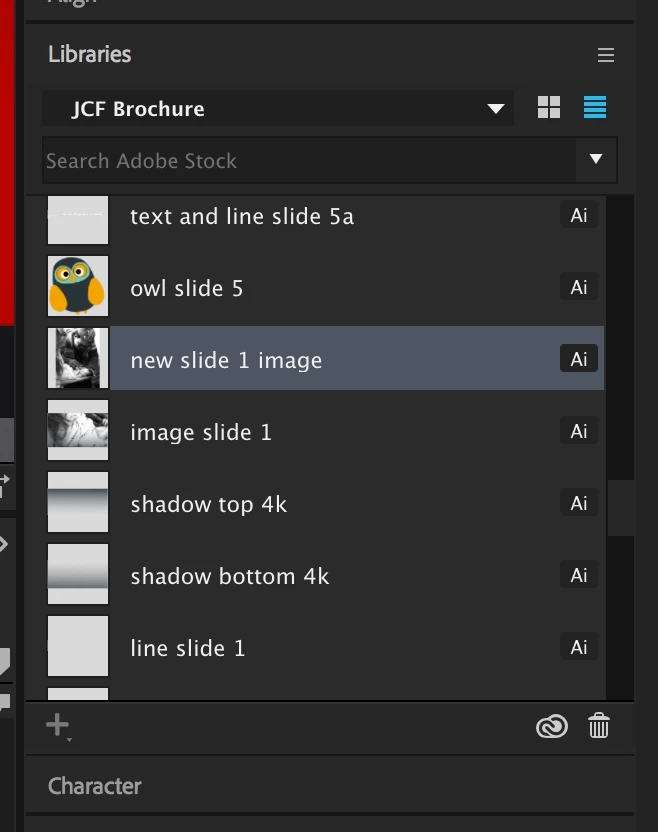
Here is the difference I am talking about between CC files and Library files:

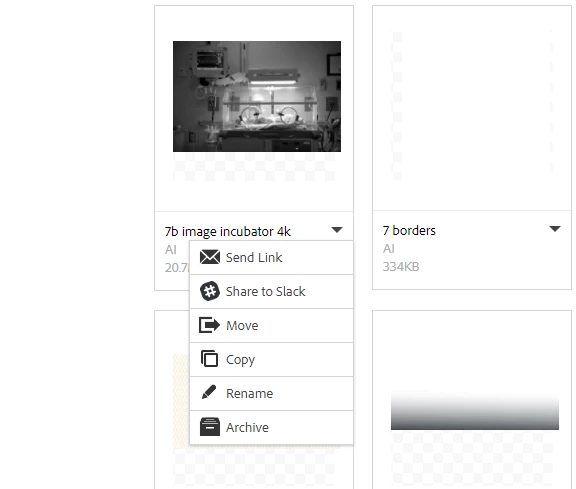
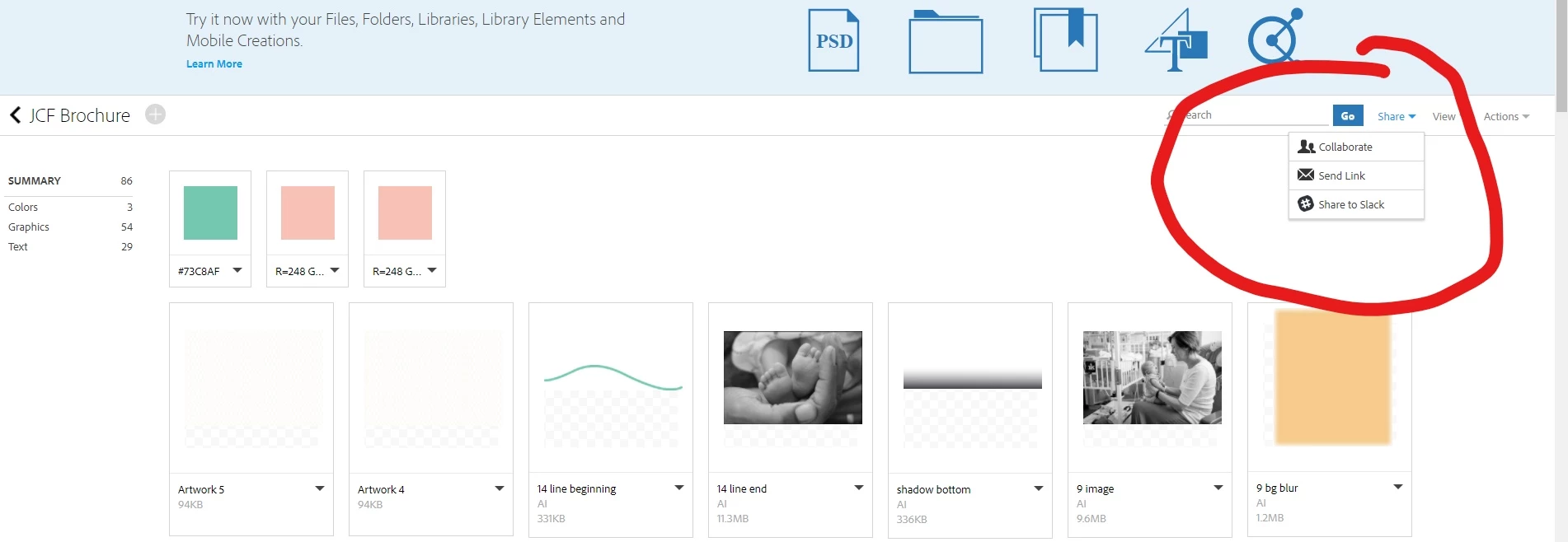
Here is what happens when I attempt to download from the Library:

Single asset (no option to dl):
Whole project folder (same):
I am at a total loss here. I guess my next step is going into AI and seeing if the files also saved locally when I saved this into the abyss.(ETA: I forgot I actually tried that first -- there is no local location for these files).

Message was edited by: Alison Weiss

This topic has been closed for replies.
Correct answer wondtacular

OK, well I found my workaround for now and will cross-post on the sync forum.

I'm doing this on a Mac.

- Inside AE, in Libraries panel, find the asset you need. Click Edit.

- This will open the associated app, in my case InDesign and AI for most of these assets.

- Within that app, right click on the doc name tab > Reveal in finder. There's the asset in a hidden, temporary folder.

- Now you have to save the file somewhere real and reconnect from AE.

And repeat for every single asset, by looking carefully through AE Libraries panel for each one that is missing because there is no search function in the panel.

Whomever at Adobe rolled out this Library idea, please take note of this impracticality. It really does seem like "Libraries" are the same idea as "CC Files," and functionality should be the same. You have pop-ups asking us to save our assets in Libraries, and then this happens.

Also, why couldn't AE find any of the Library files it once had? My guess is they are only temporary files and when the cache is dumped the connections die.

3 replies

Participant
November 15, 2018

I love the convenience that Adobe Cloud libraries give me for storing color swatches and logo files that I use frequently. But I'm experiencing a similar thing. Anything I've imported into the project from the libraries panel goes missing when I try to open the project on a different machine. It doesn't seem to matter if it's Windows or Mac based. I thought the point of cloud-based libraries is that the assets would be synced no matter what machine you were working on?

My workaround is to drag the same file back in from the libraries panel, at which point AE says one additional missing item found. Then there are two copies in the project. I look for the one that isn't used in any comp and delete it, leaving the correct file linked. There must be a more elegant solution to this, Adobe.

Inspiring
March 8, 2018

Yeah, I am never trusting them to store my assets again. OK, breaks over, back to right-clicking and re-saving and relinking,,,

Dave_LaRonde
Inspiring
March 8, 2018

Definite PITA.

wondtacularAuthorCorrect answer
Inspiring
March 8, 2018

OK, well I found my workaround for now and will cross-post on the sync forum.

I'm doing this on a Mac.

- Inside AE, in Libraries panel, find the asset you need. Click Edit.

- This will open the associated app, in my case InDesign and AI for most of these assets.

- Within that app, right click on the doc name tab > Reveal in finder. There's the asset in a hidden, temporary folder.

- Now you have to save the file somewhere real and reconnect from AE.

And repeat for every single asset, by looking carefully through AE Libraries panel for each one that is missing because there is no search function in the panel.

Whomever at Adobe rolled out this Library idea, please take note of this impracticality. It really does seem like "Libraries" are the same idea as "CC Files," and functionality should be the same. You have pop-ups asking us to save our assets in Libraries, and then this happens.

Also, why couldn't AE find any of the Library files it once had? My guess is they are only temporary files and when the cache is dumped the connections die.

Dave_LaRonde
Inspiring
March 8, 2018

Well, you seem to be laboring under the perception that Adobe painstakingly thinks out every new feature all the way... which RARELY happens.

Thus, I choose to remain one version behind -- AE CC 2017's gotten all the bug fixes it's going to get.