


Inspiring
December 21, 2021
Answered

Rendering PNG sequence error

  • December 21, 2021
  • 15 replies
  • 8131 views

I'm trying to render a PNG sequence as below and I get the following errors:

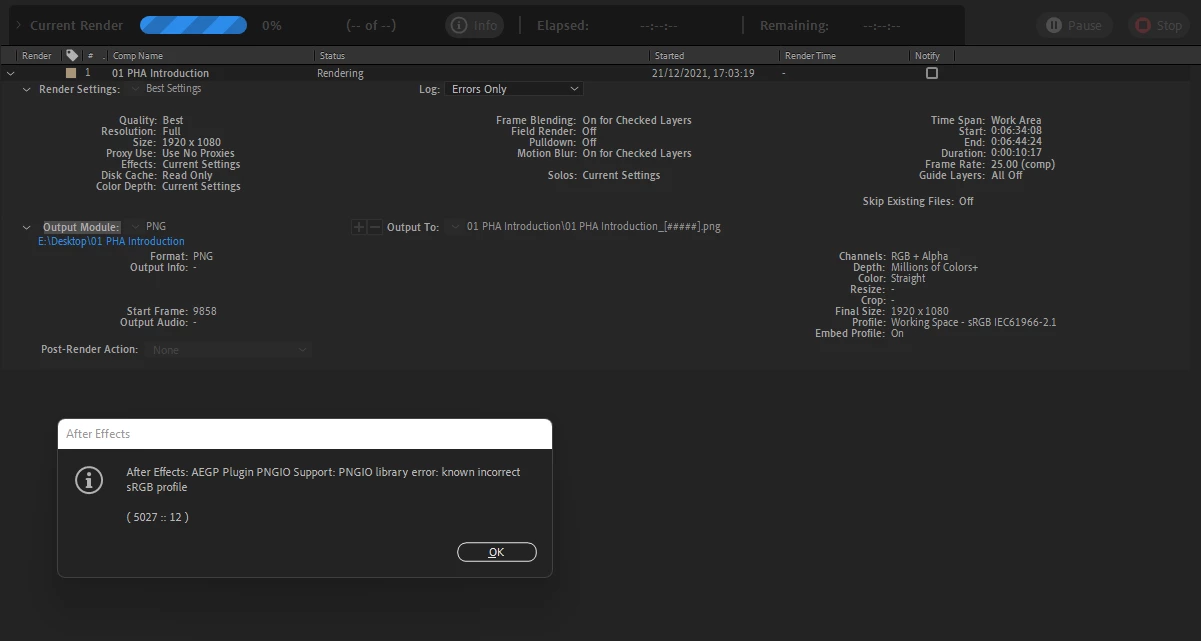
- AEGP Plugin PNGIO Support: PNGIO library error: known incorrect sRGB profile
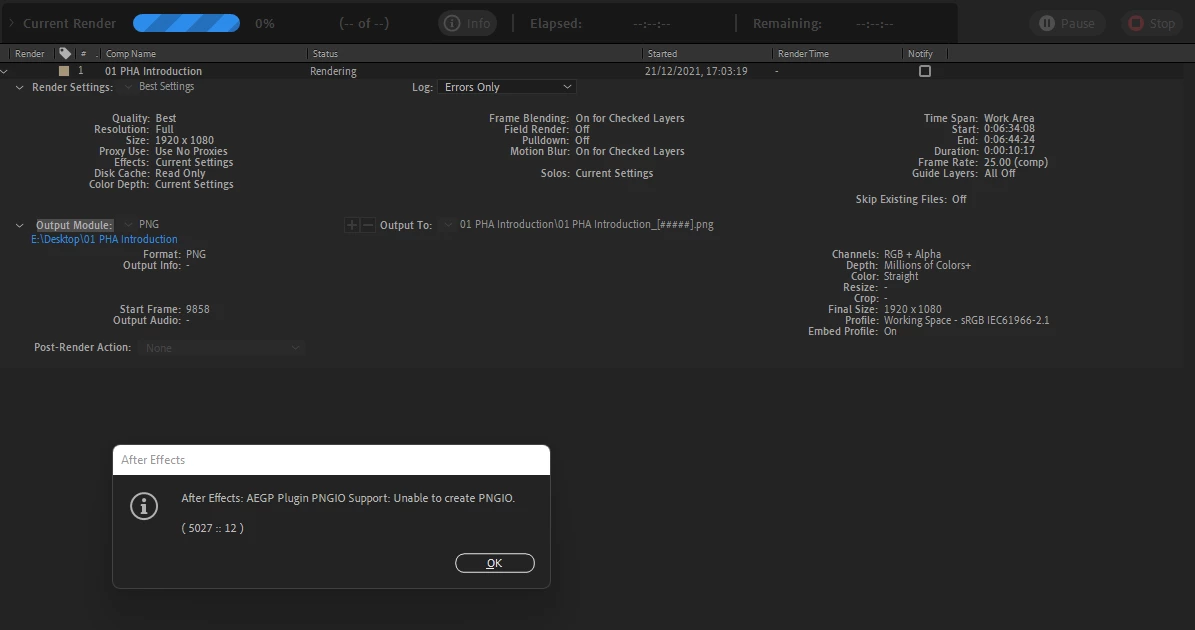
- AEGP Plugin PNGIO Support: unable to create PNGIO
- An unexpeted error occurred while exporting a composition. Error Code: 1
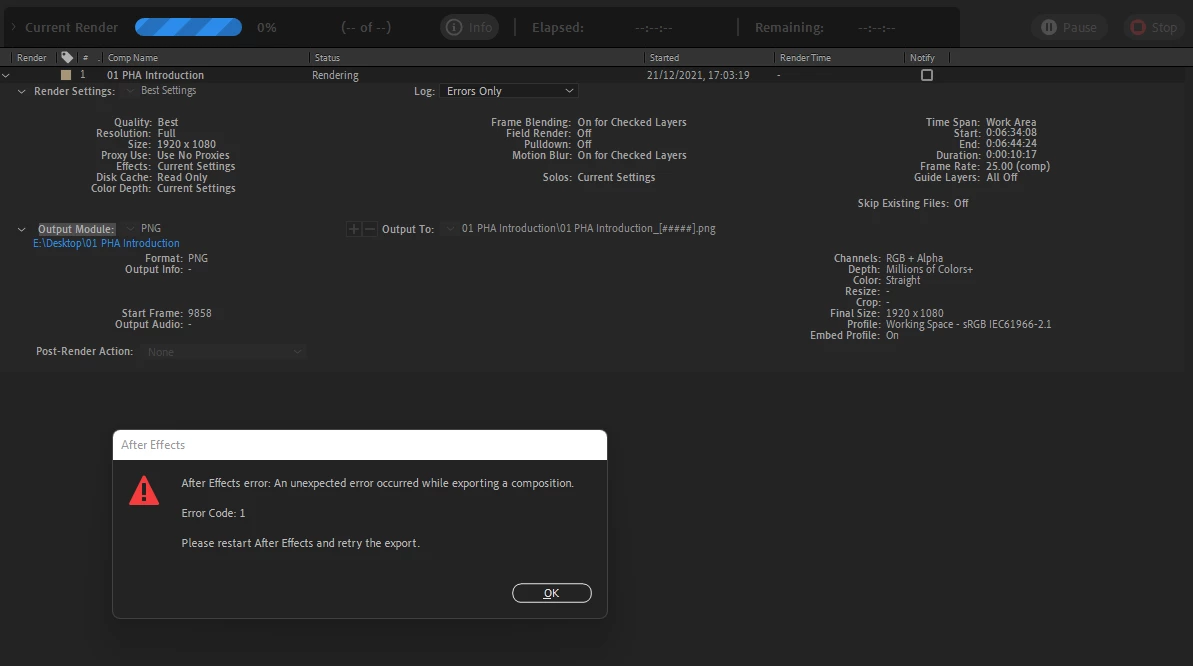
As a result, it exported just one 0-byte png, which is damaged.

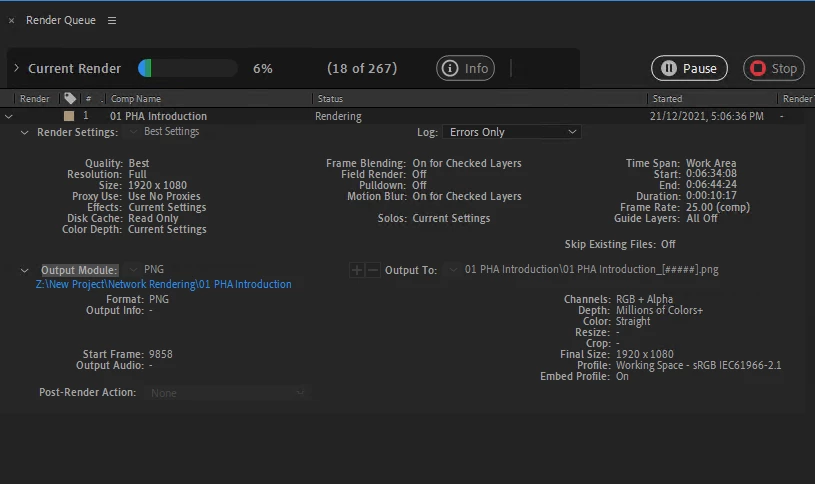
If I open the same project on another machine (again on Windows), it renders without any warning/errors:
Any help?


This topic has been closed for replies.
Correct answer Rameez_Khan

Hi all,


This issue was fixed in After Effects 22.3.


Thanks,

Rameez

15 replies

Rameez_Khan
Rameez_KhanCorrect answer
Braniac
May 19, 2022

Hi all,


This issue was fixed in After Effects 22.3.


Thanks,

Rameez

Participating Frequently
September 8, 2023

Nope Still not fixed even in version 23.5.. the bug is when you try to embed the color profile as a PNG Sequence under color space if you enable Embed color space we get the same error we ve been getting ever since vertsion 22.. this only works if you turn off Embed color space witch makes no sence if you have to work in rec 709 as a final output or else everything becomes washed outwith no color profil.

New Participant
September 21, 2023

This is still not working in version 23.6.

gerrits2943093
New Participant
March 15, 2022

okay guys, I tried that png export again, newest NVidia Studio Driver (511.65) for my dual 2080Ti Win10 Workstation and AE 22.2.1 (Build 3) running. Bug is still persistent, not able to render out PNG sequences.

The workaround of changing the color profile does not work here, I cannot change my profile as this would change my colors. I need to render exactly the same look I had before.

Please, Adobe, fix this issue!


My workaround this time was to render out a PSD sequence instead. I still wonder why, but that worked. Hope that helps somebody that has the issue...

stevebrig
Inspiring
March 15, 2022

Exactly Adobe it's not a workaround if you are working with ACES!!! Fix It!!!!

Rameez_Khan
Braniac
February 16, 2022

Hi all,


I'm really sorry that you're running into this bug!

The After Effects team is aware of it and are working on a fix.


Until the bug is fixed, please follow the workaround shared by basg95488575.

I've marked their post as a correct answer (for now) so that other people visiting the discussion can find it easily. When the bug will be fixed, I'll unmark it as the correct answer.


Thanks,

Rameez

stevebrig
Inspiring
March 8, 2022

Confirmed 22.2.1 still does not address this issue! Just in-case anyone wants to update AE.

Participating Frequently
March 10, 2022

I thought the problem was fixed for me but it is not.  

Participating Frequently
February 14, 2022

An update came through today which has solved the problem for me!  I'm now on 22.2.0 (Build 120).  I hope this solves the problem for everyone!

Inspiring
February 14, 2022

Shouldn't the last version be 22.2.1?

Participating Frequently
February 14, 2022

I just verified the updated version I have.  It says 22.2.0 (Build 120).  

Jlevineah
Known Participant
February 8, 2022

It would be great to get an ETA on a fix for this from Adobe! This issue is a pain in the neck if I want to keep up with current updates.

Inspiring
February 8, 2022

22.2.1 version doesn't fix this issue 😞

stevebrig
Inspiring
February 8, 2022

Errrrrrrrr same here, is PNG technology new?


Cmon Adobe!

New Participant
January 25, 2022

Also having this issue currently. Choosing 'preserve RGB color management' temporarily allows a PNG to render, but won't with 'embed profile' checked.


AE 22.1.1 (Build 74)

Running MacOS Monterrey v. 12.1


Mac (Retina 5K, 27-inch, 2020)

3.8 GHz 8-Core Intel Core i7

128 GB 2667 MHz DDR4

AMD Radeon Pro 5700 XT 16 GB


New Participant
January 24, 2022

This might be relevant. I'm getting these exact errors when using the plugin AEP to Mogrt to batch export comps to mogrt-files. I assume it happens when creating poster images/thumbnails for the templates?

Had this problem with AE 2022 under MacOS Big Sur, still there on version 22.1.1 and MacOS Monterey. Exporting the same comps using the same plugin in AE 2021 works just fine.

MacOS Monterey 12.1 
Retina iMac 5K, 27-inch, 2020

3,8 GHz 8-Core Intel Core i7

64 GB 2667 MHz DDR4

AMD Radeon Pro 5700 XT 16 GB

Jlevineah
Known Participant
January 21, 2022

This is happening for me as well! This only happens to me when I am working in a linerized scene. Never happened before the most recent update. PNG exports will work on unmanaged nonlinear files. Working on windows 10.


I do a lot of 3D comp work where exports need to be in PNG format. Please fix this adobe!!


Participating Frequently
January 21, 2022
I feel your pain. I've downgraded to the previous version until this is
resolved.
Community Manager
January 7, 2022

Hi all,


We're sorry for the trouble. We're here to help. Could you share more details?

Which version of AE are you using?

Please share your system info(OS, RAM, GPU, etc).

Also, your computer may have saved a crash report for the instance. Could you share one with us for analysis? https://community.adobe.com/t5/after-effects-discussions/faq-how-to-find-after-effects-crash-logs-on-your-computer/td-p/10333124


Looking forward to your response.


Regards,

Shivangi

Community Manager
January 10, 2022

Thanks for the details. I can see the all of you are using Windows as OS. Assuming the GPU drivers are updated to the latest version for all of your computers, would you mind giving a try to different export settings?


Shivangi

Participating Frequently
January 10, 2022

I can currently render PSD directly from After Effects.  I have been exporting MP4 successfully from ME.  What export settings would you like us to try?