MarkSmit
Inspiring
September 7, 2023
Answered

Set matte mask acting weird

  • September 7, 2023
  • 2 replies
  • 1922 views

Hi everyone,

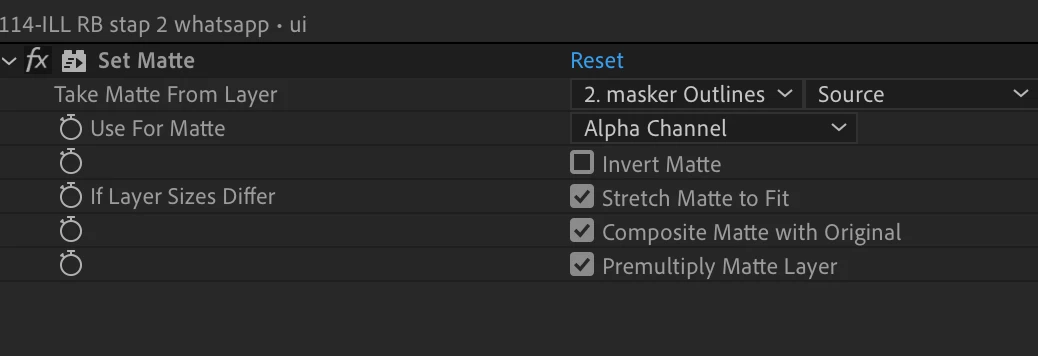
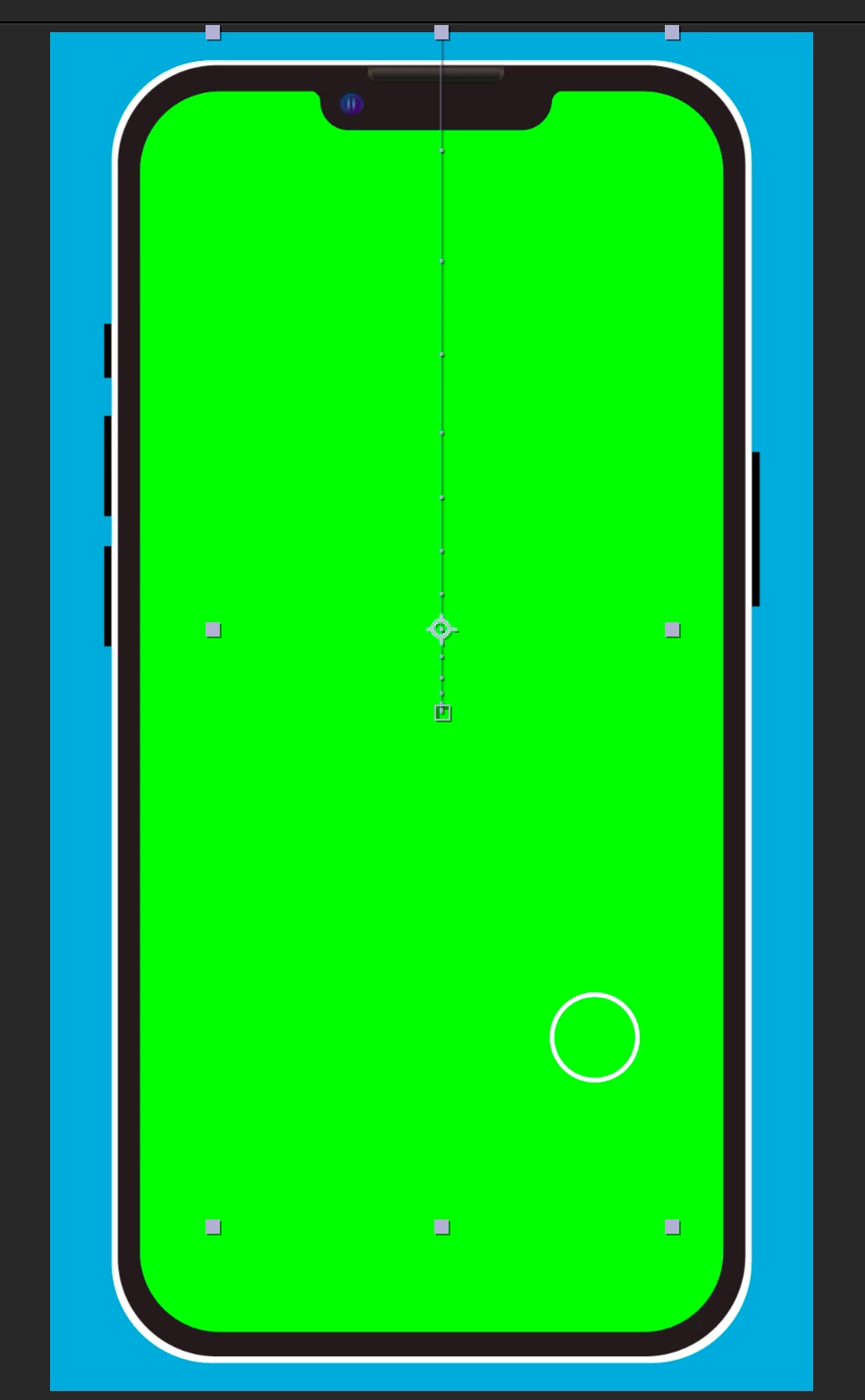
I have a problem with the 'set matte' effect. When I create a shape layer that acts as a mask and I place the 'set mate' effect on the layer I want to have masked, the mask works but it is way smaller then the mask layer. I don't know why this happens sometimes.

Maybe someone knows a fix?

Thanks!

This topic has been closed for replies.
Correct answer Kyle Hamrick

Just to make sure you're aware, as of fall 2022, a single layer can be used as a matte for as many layers as you like, and the matte layer no longer needs to be directly above the layer being matted. 

2 replies

Todd_Morgan
Braniac
September 7, 2023

Why not just use the Track Matte?


Braniac
September 7, 2023

Sometimes, you need both, as I did in this Write On project. 

The intersections layer uses a track matte and Set Matte to animate the drawing of the X.

Here's the tread explaining those images: Re: How to avoid stroke track matte intersections

Mylenium
Braniac
September 7, 2023

Set Matte uses the actual layer size and doesn't honor any scaling. Make sure layer sizes match nad your shape layer is at 100% scale. Do any scaling within the shape group, not on the layer.


Mylenium

MarkSmit
MarkSmitAuthor
Inspiring
September 8, 2023

Hm I made a new mask and didn't scale it, but the problem is still there.