


Shape Layer Disappearing in AE when converting to 3D Layer
Hey Guys and Girls, first time one here, I've spent a few hours looking around online for a guide or anything to help out and I'm a bit lost and don't seem to have found the solution to my problem as of yet! I'm also fairly new to all of this so probably trying to do something well out of my ability at the moment 
The issue:
I vectorize a design (a half curve) in Illustrator
I import design into AE like so:
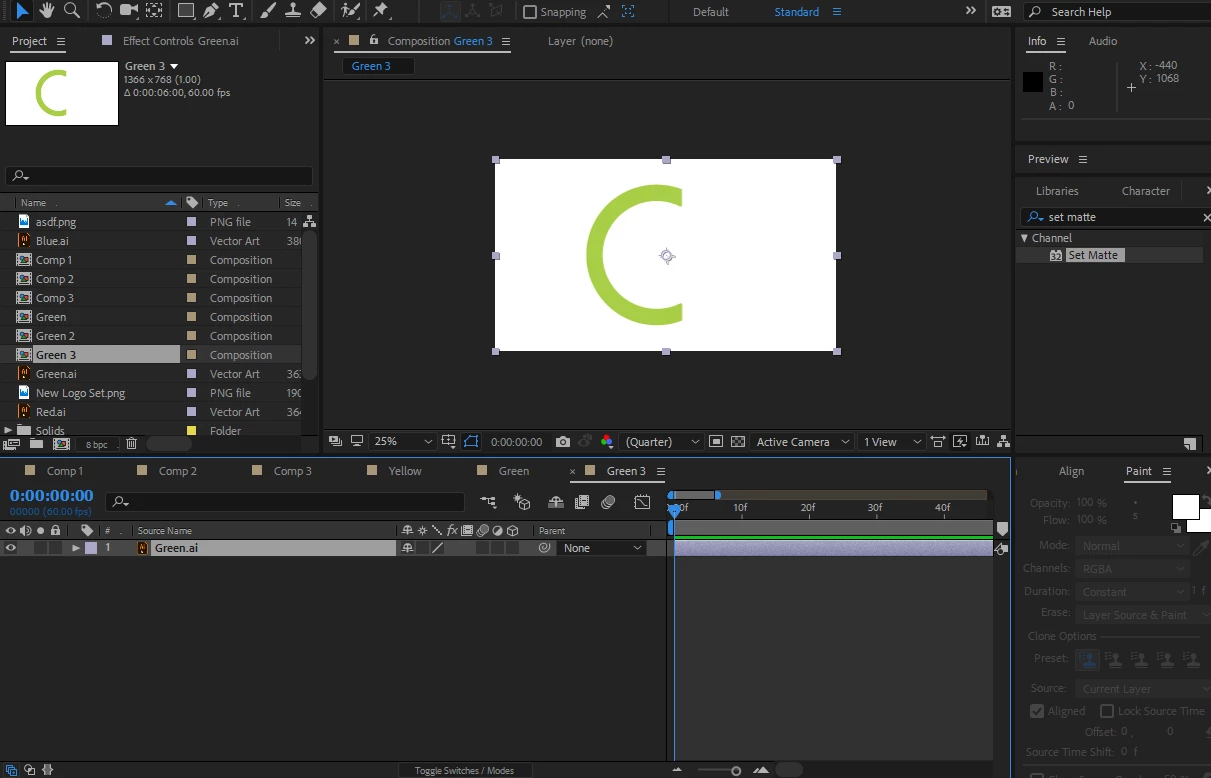
I add design to Composition, and right click on the new layer and click Create Shapes from Vector Layer
After doing this, I set a trim path, adjust it all so it's doing the animation I require and check it's all working ok, which it is:
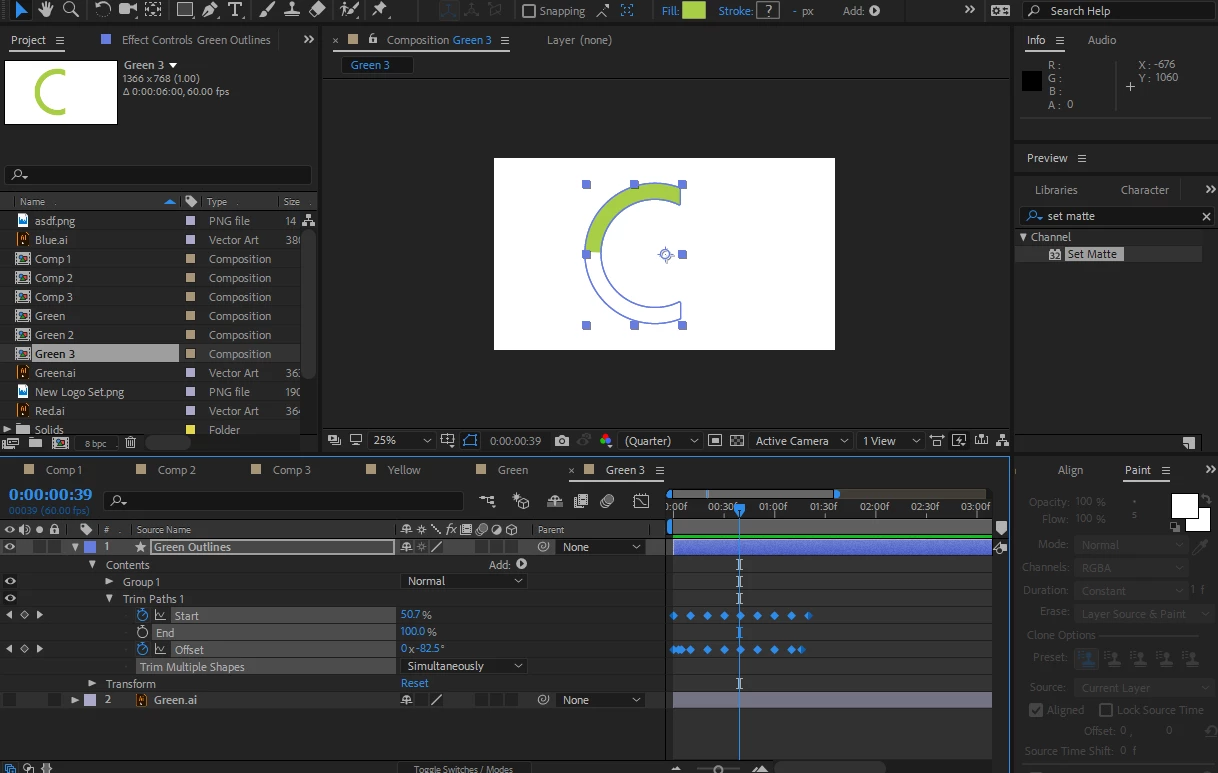
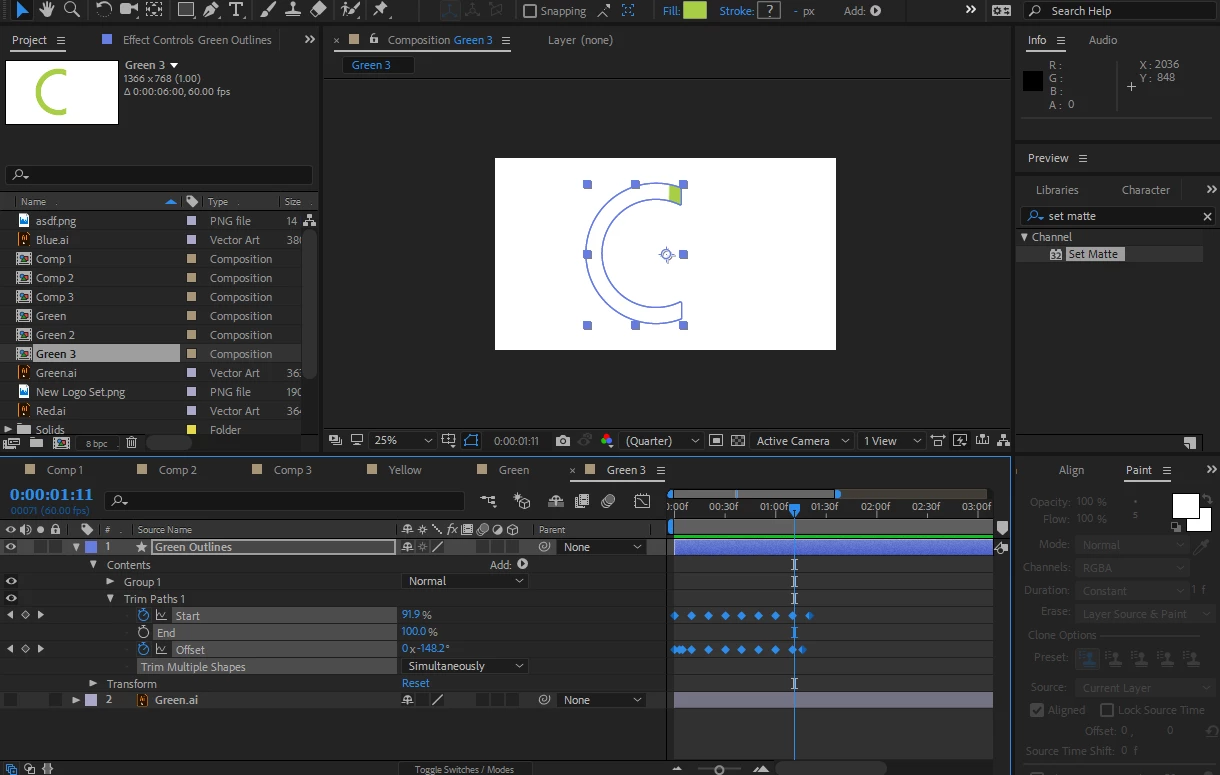
The issue arises when I then right click on it and go to select 3D Layer - the shape disappears all together and I'm left with just blank space.
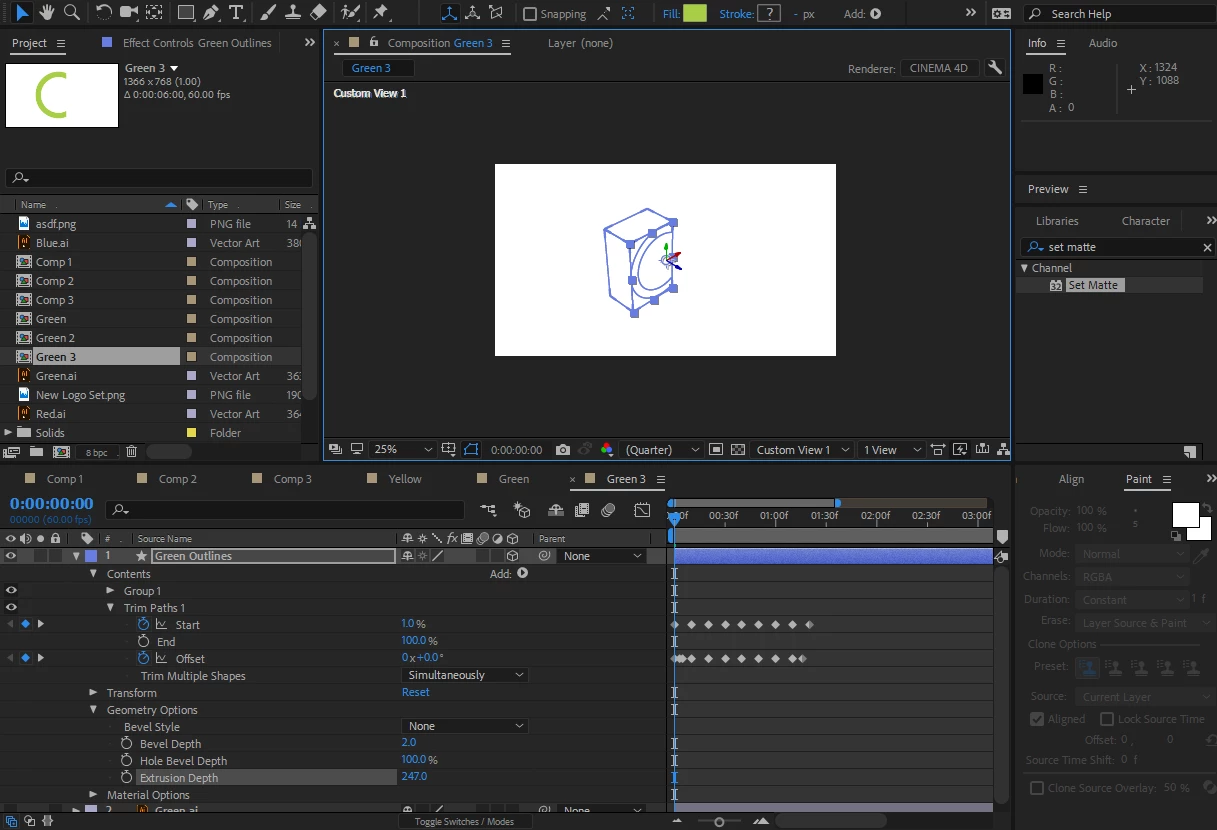
Now, when I delete the trim path the 3D shape appears, and when I undo that action the shape disappears again.
Also, when I go back to 2D (remove the 3d selection from the box beside the layer name) it appears again like this:
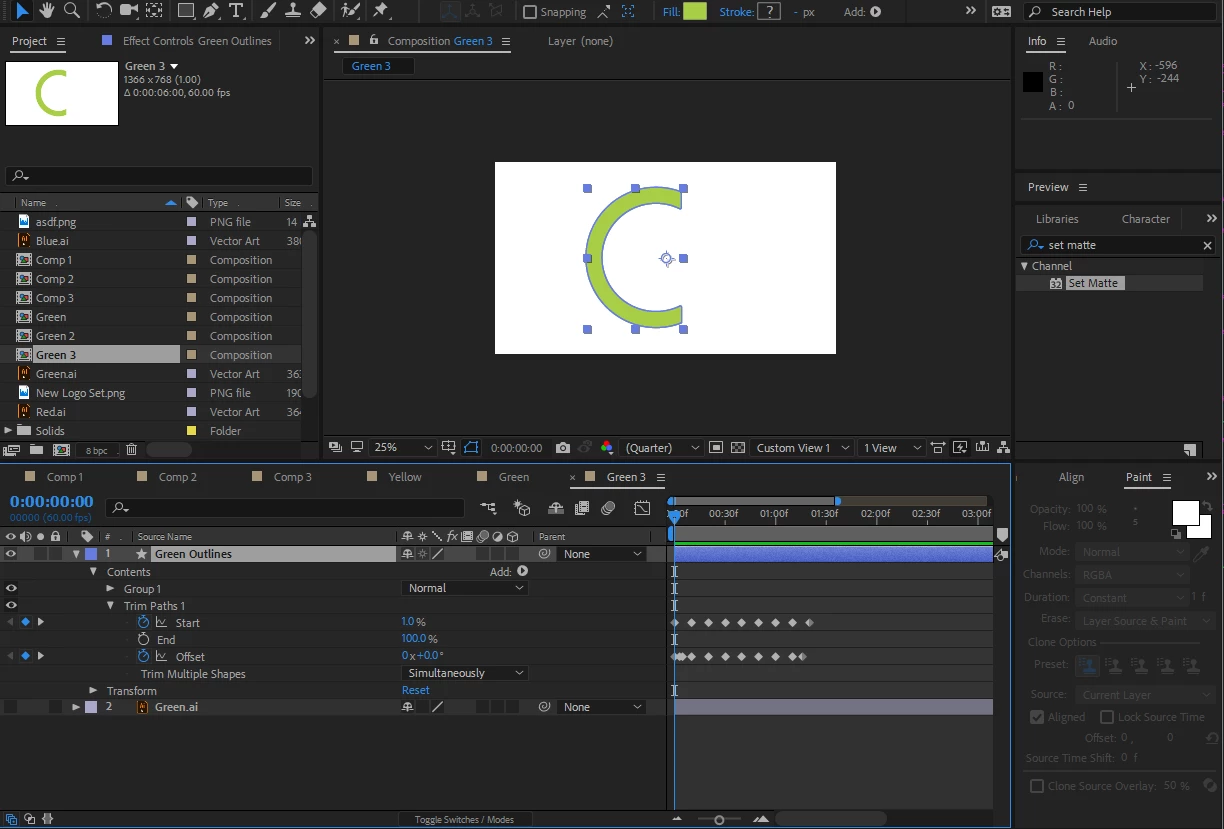
Any help will be so greatly appreciated! Thanks
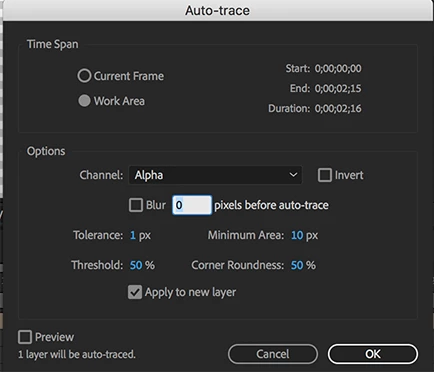
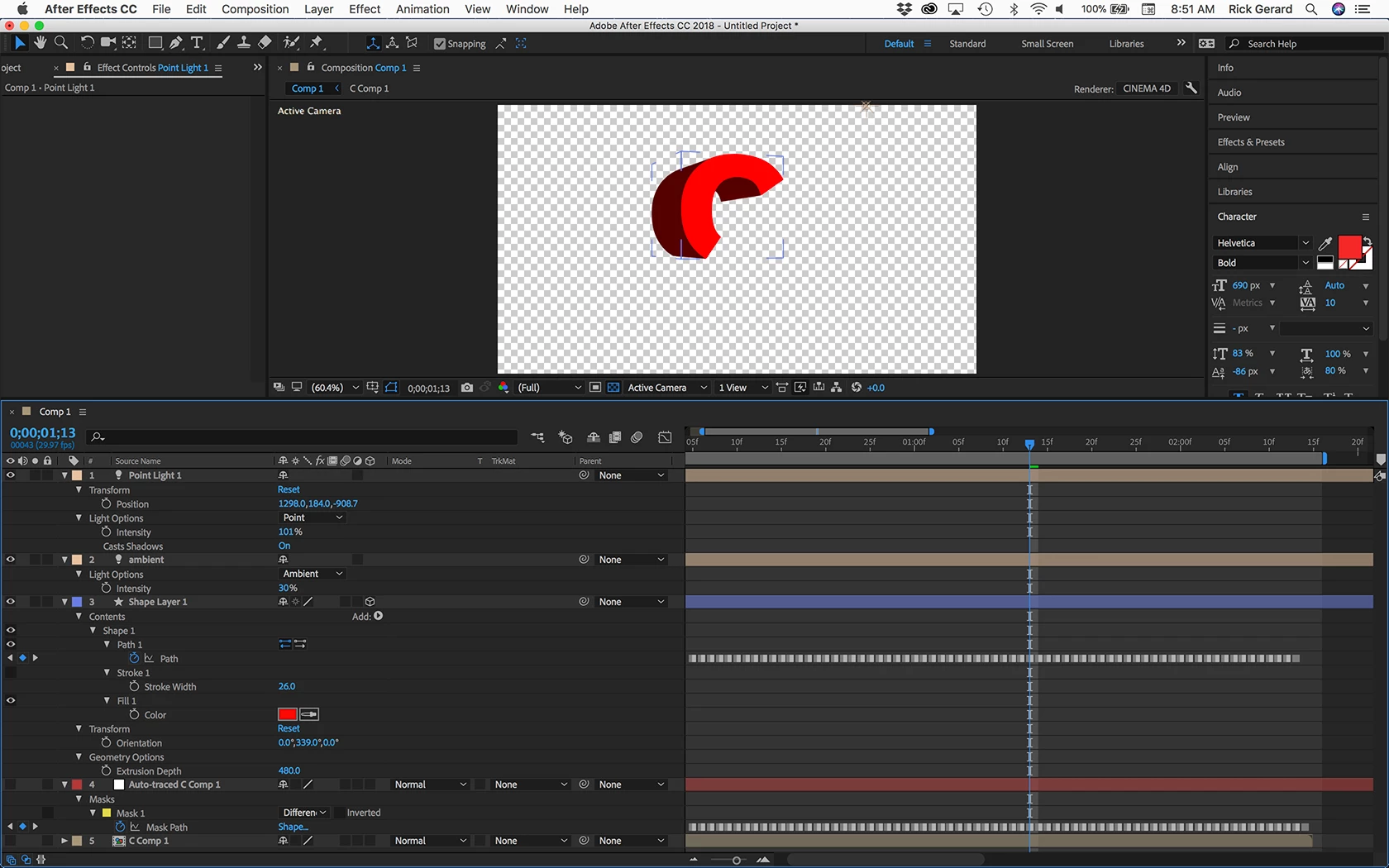
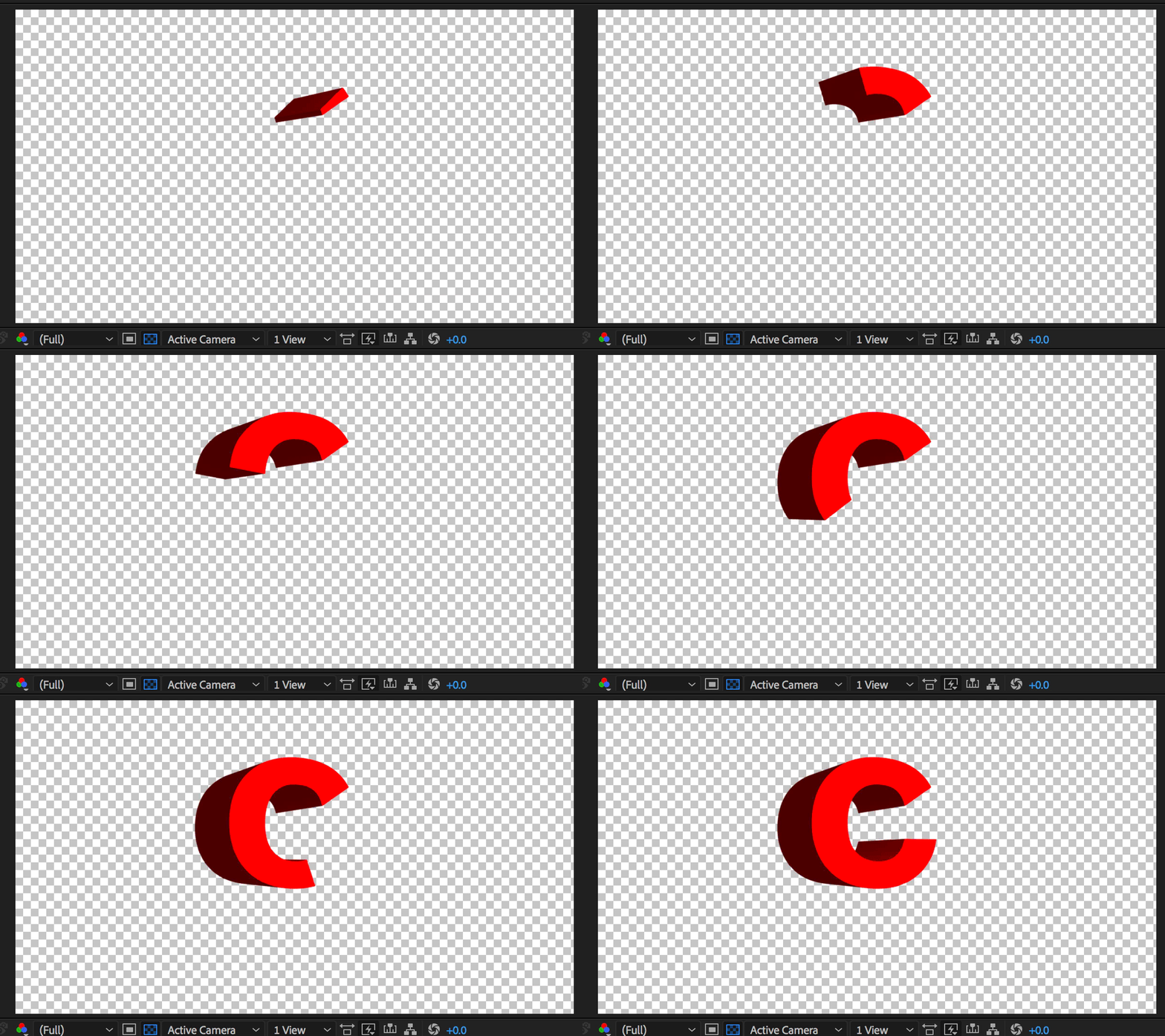
 AdChoices