


Split text with slider?
I'm continuing on a problem that the community helped me solve a couple of weeks ago.
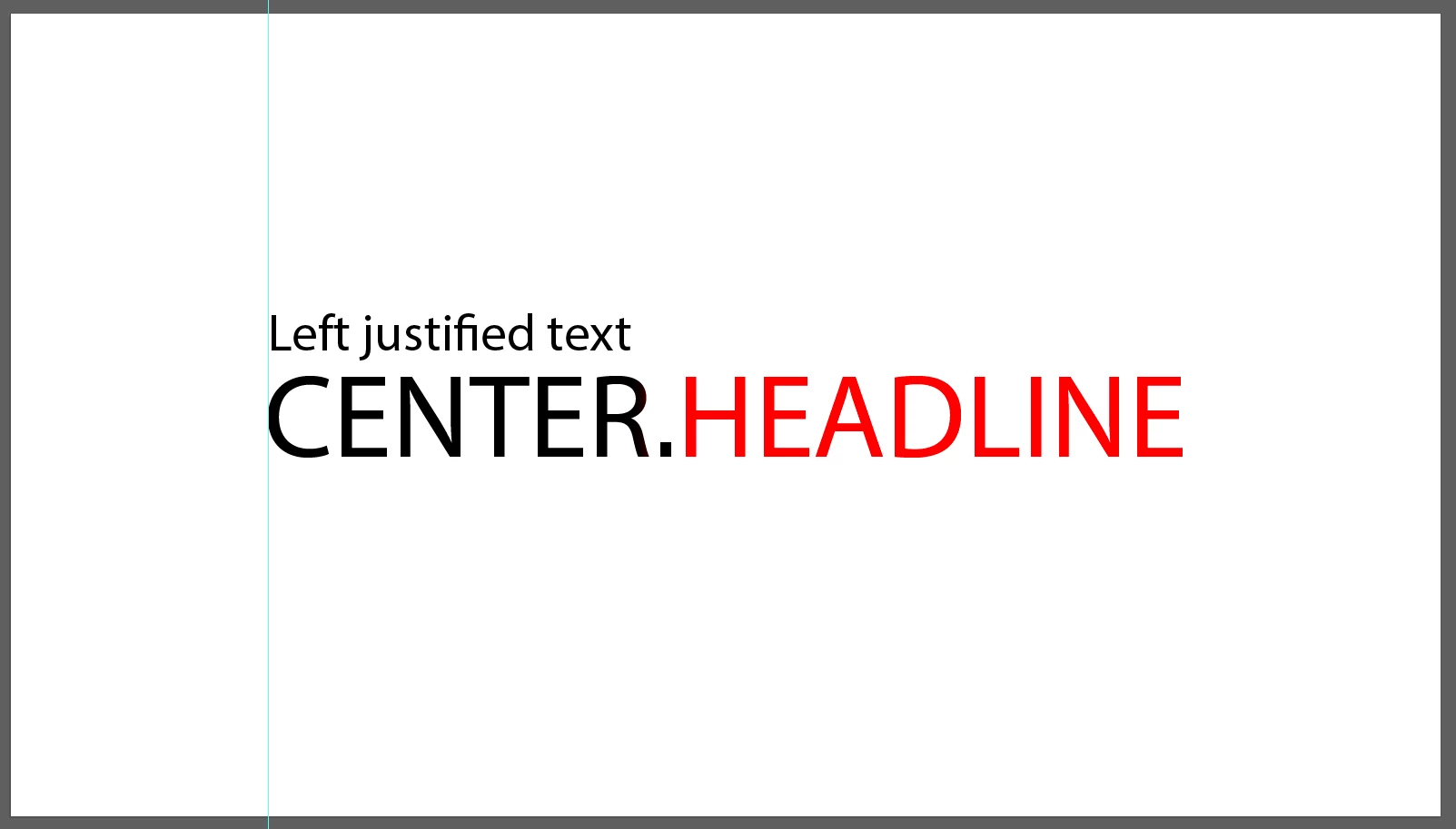
I have a main text layer that is centred ("CENTER.HEADLINE") and a left justified text layer ("Left justified text") that is left justified to the left side of CENTER.HEADLINE and moves dynamically when I change the headline text.
All text is animated.
First the "Left justified text" drops down, then CENTER. drops down and the HEADLINE animates - left to right.
CENTER. is in the clients brand typeface and HEADLINE is the same typeface but in an outlined version.
I've marked it in red to make it more clear.
What i've done is I have a hidden Main text layer that is controlled in the Essential graphics panel and have two text layers - one for CENTER and one for HEADLINE wit the two different typefaces and the I used "split" expression and set it to split at "HEA" since the word that is used instead of HEADLINE in the films are constant and the words that is instead of CENTER always changes.
That worked out fine since we where told the translation was only going to be in subtitles.
But now the client changed their mind and I need to make the MOGRT work in 38 languages.
In a perfect world they separate the two chunks of text with the dot.
But I want to keep as many options open since I'm not certain all languages translates the same way.
Is it possible to link the split expression to a slider? Split at a certain number of characters?
Like in this example: split after character 7 - the dot
The expression I've used is this:
txt = thisComp.layer("Main_text").text.sourceText.split("HEA");
n = 1;
if (txt.length >= n)
txt[n-1]
else
""
 AdChoices