


Strange noise appears when AE converts 16/32-bit project to 8-bit input — how to avoid it?
Hello,
I’m new to After Effects plug-in development.
In my plugin, I need to perform strict RGB value comparisons in an 8-bit environment, so I also want AE to automatically convert input to 8-bit when the project is set to 16-bit or 32-bit color depth.
However, I’ve noticed that when AE automatically converts 16-bit or 32-bit images down to 8-bit for an effect that only supports 8-bit, it introduces subtle noise or dithering artifacts.
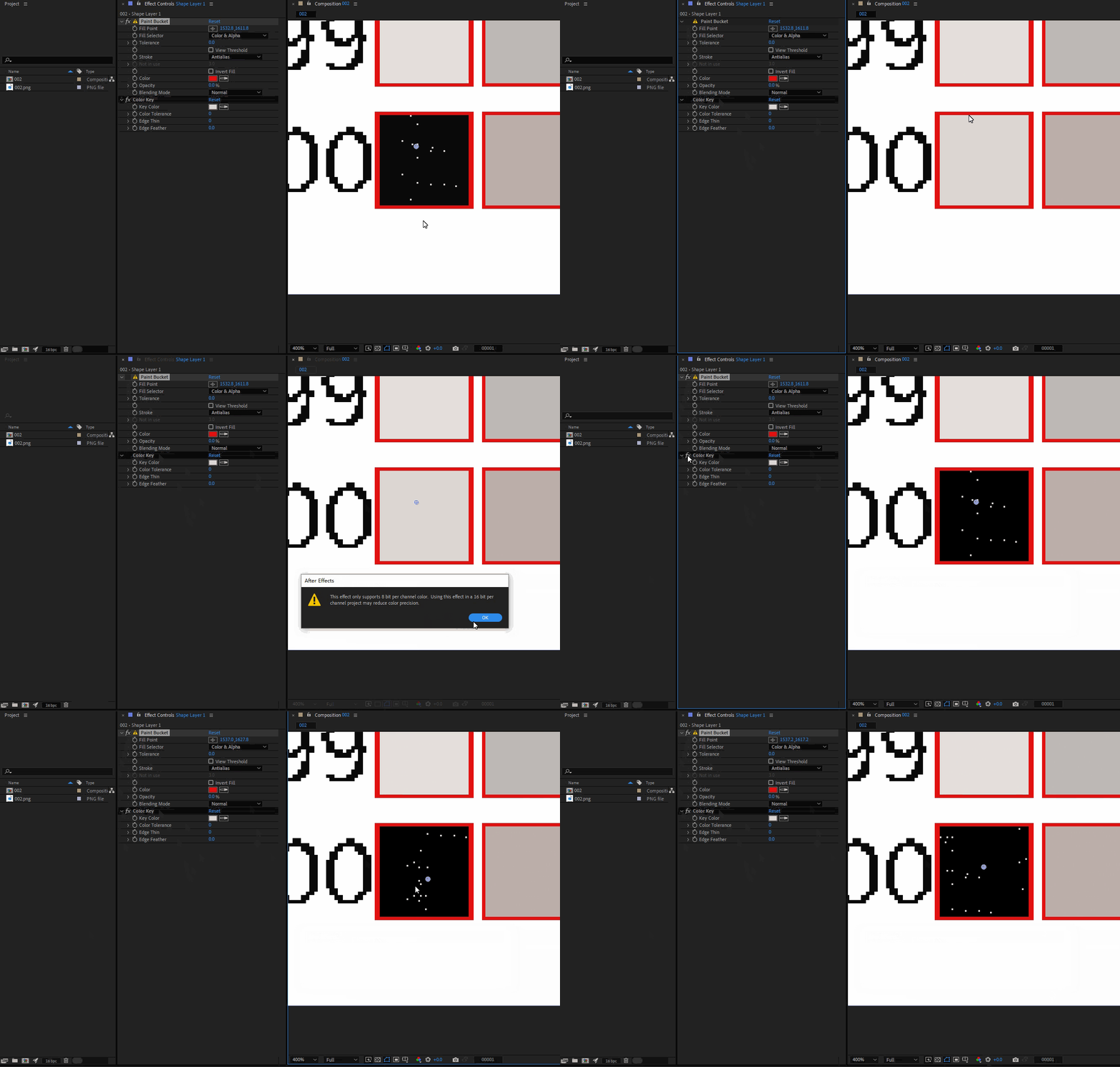
I tested several of AE’s built-in “8-bit only” effects and saw the same issue — the colors contain subtle noise, and sometimes the noise even evolves, like in this GIF.
My plugin needs to calculate and output precise HEX color values, and several internal steps depend on exact 8-bit operations and strict RGB comparisons.
So my question is: is there any way to avoid these noise artifacts during AE’s automatic 16/32-to-8-bit conversion?
 AdChoices