


Inspiring
April 1, 2022
Answered

Trouble With Auto-Sizing Text Box

  • April 1, 2022
  • 1 reply
  • 937 views

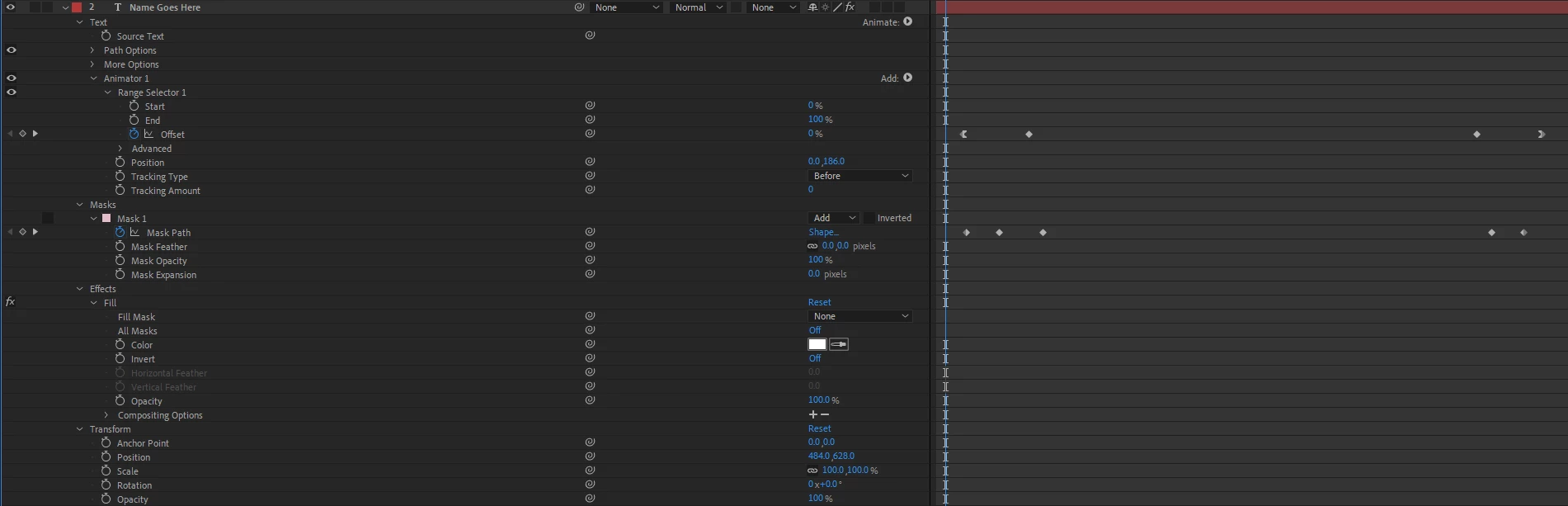
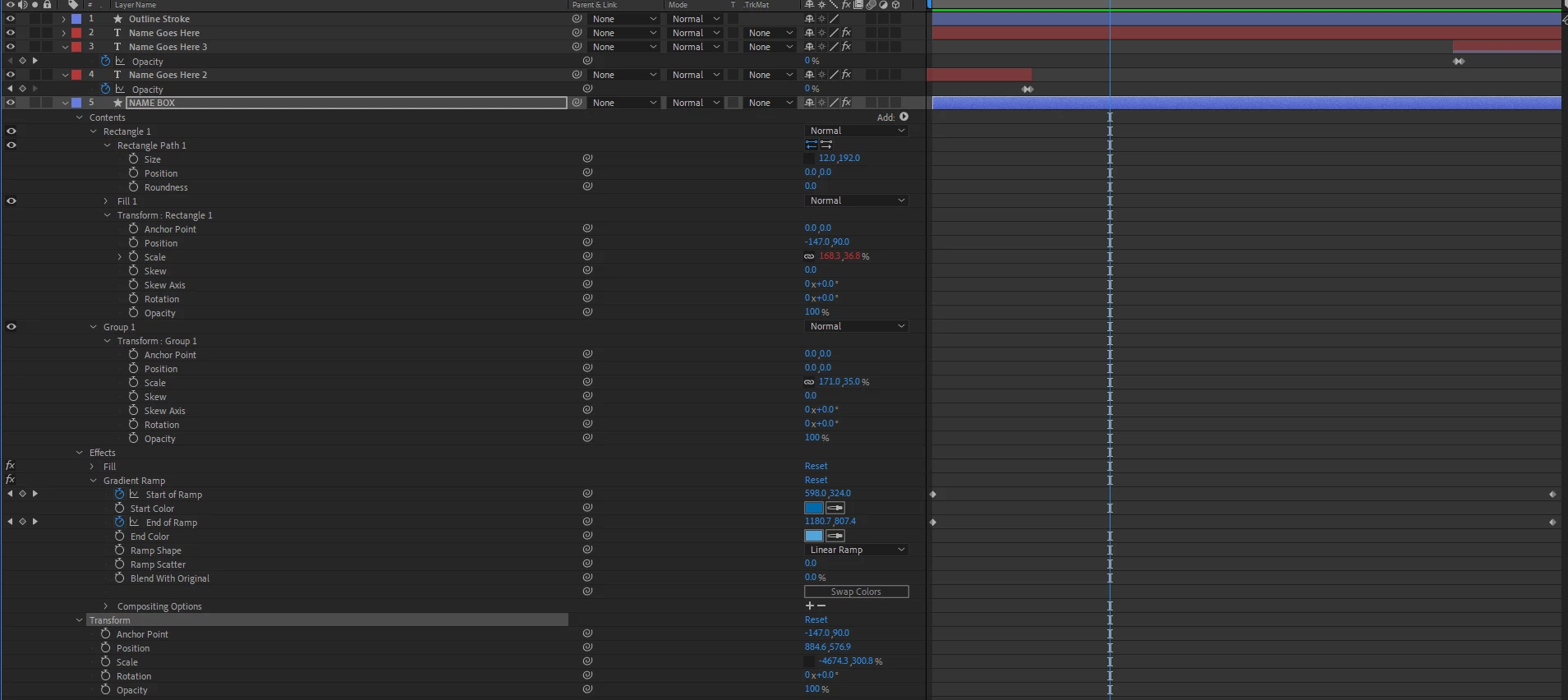
I've used these expressions before with no trouble but clearly something is different this time. I've tried adding it to all the different Scale and Size properties within the Box layer but they all either extend left to right forever or they scale wrong. Either it's growing too fast, or it shrinks as I type. Can anyone spot what is causing this?
  

This topic has been closed for replies.
Correct answer Noah5CDE

It looks like your x scale for the layer is set to -4674.3. Maybe that's the issue?


Yes I think that had something to do with it. I created a new rectangle from scratch and was able to get it to work by changing the value in parenthesis of the expression for sourceRectTime to 2 so it didn't get thrown off by the animation at the beginning. And the new text box doesn't have such an extreme x value. Initially, I tried a new approach which created groups within the layer and I think that got messed up.

1 reply

Noah5CDEAuthor
Inspiring
April 1, 2022

Also, should have maybe added the expressions I used-


s=thisComp.layer("Your Text Title Name Here");


w=s.sourceRectAtTime().width;

h=s.sourceRectAtTime().height;


[w,h]


Also tried -


dname=thisComp.layer("name").sourceRectAtTime(time).width;

Value+[dname,0]

Dan Ebberts
Community Expert
April 1, 2022

Have you tried applying the expression to rectangle path's Size property?

Noah5CDEAuthor
Inspiring
April 1, 2022

Yes. Something is throwing it off. I'm wondering if it has to do with the animation I added.