



Dillon Narcisse
Participant
December 31, 2020
Question

Unable to execute script at line 41

  • December 31, 2020
  • 1 reply
  • 1043 views

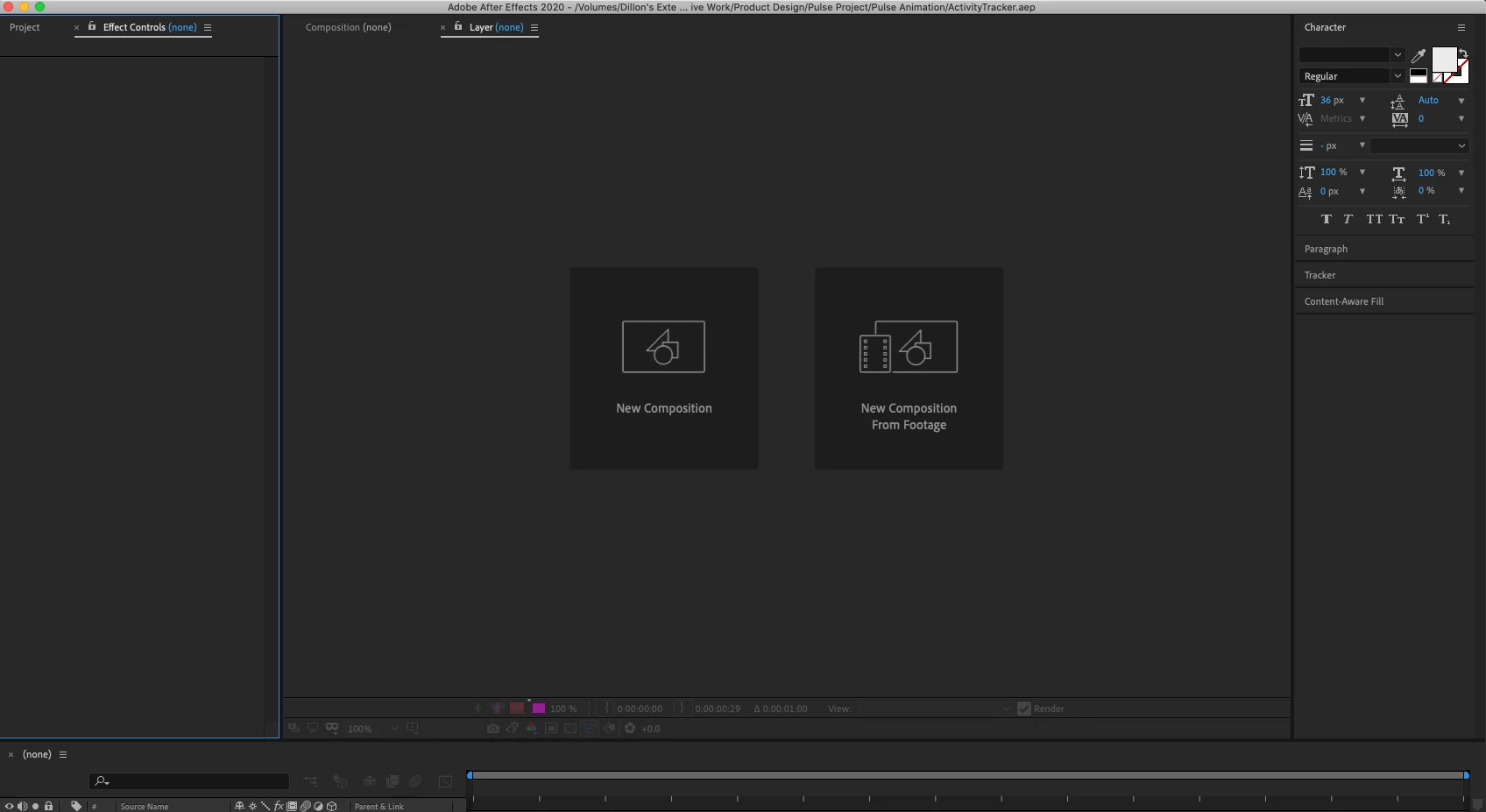
Hello, Adobe Family I ran into an issue today while running a project on After Effects that I don't understand enough to resolve, The issue is that when I go to open up the recent project I was working on in panel that it does not load and when I try to open the project from the "Pop up panel upon startup" It gives me the ettor message "Unable to execute script at line 41" then crash. BTW, I am using a full license from Adobe. No Cracks, if that helps.
This topic has been closed for replies.

1 reply

Community Expert
December 31, 2020

You may have the option to Allow Scripts to Write Files and Access the network turned off in AE Preferences/Scripting & Expressions. Get there by pressing Alt/Option + Ctrl/Cmnd + ; then clicking on the next to the last option on the left.


You may also have a corrupted AEP file. Try importing the AEP instead of opening it. Once imported open the Folder the import creates and find the main comp. Turn on Caps Lock then double click the main comp to open the timeline. If all goes well, turn off Caps Lock and see if the comp is behaving normally. 


Let us know if either of those suggestions work for you.

Dillon Narcisse
Participant
December 31, 2020

I turned it on, and tried importing the file but I am having trouble importing it, it loads and nothing comes up.