



Answered
Unable to select vertext of shape path in multi-layer shape
I am using multiple shapes inside a shape layer, and each shape has a trim path assigned to it. I am trying to move one of the shape path's vertices, but the answer provided here:
Move vertexes of a mask around
doesn't work in this case.
Here is the shape layer set-up:
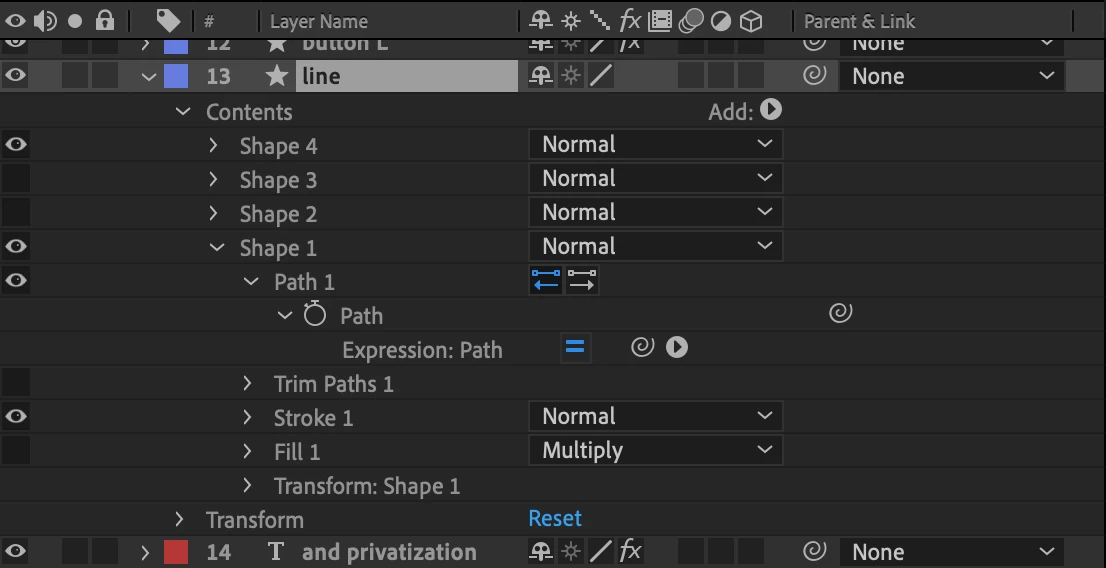
Here is the way it looks in the composition layer with "Path 1" selected in the timeline layer:
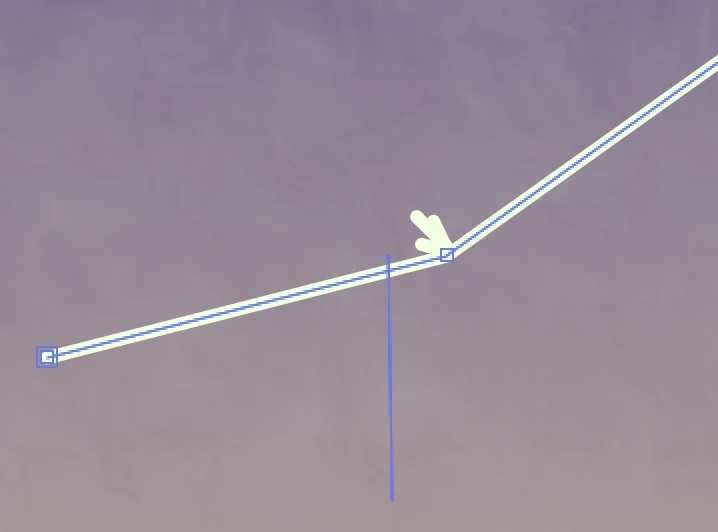
And here is the way it looks when I click the vertex:

The bounding box appears, and all the vertices are selected, but I can only move the shape as a whole and not by individual vertices. It is the same whether I shift-click or just regular click.
Any advice would be much appreciated.
 AdChoices