


Jimmy Papas
Inspiring
February 7, 2018
Answered

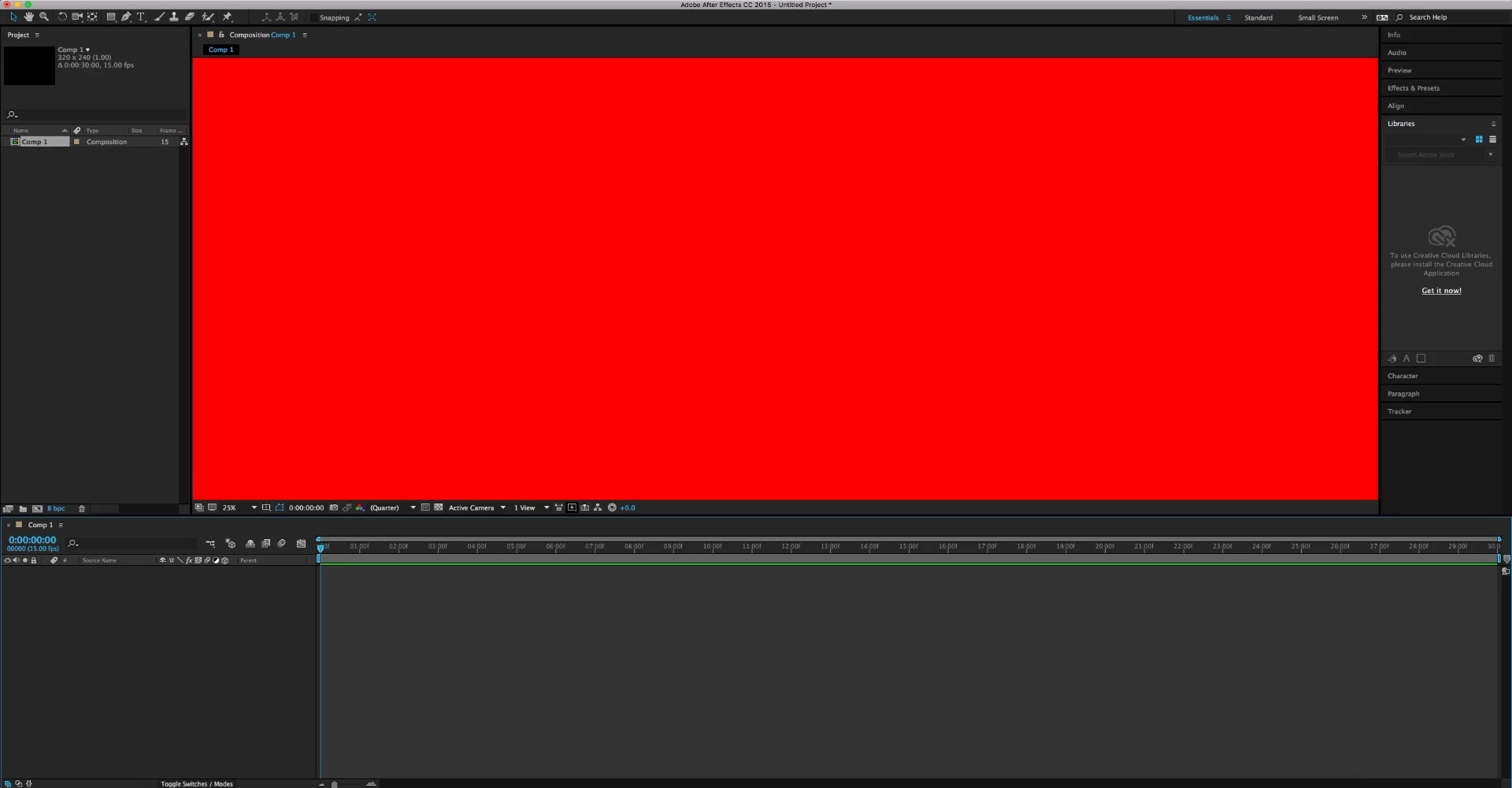
Why do I get a red screen in After Effects CC Mac version in the Composition window whenever I start the program?

  • February 7, 2018
  • 2 replies
  • 4055 views

this is weird. it's like a freeze screen I cannot do anything. What's going on?

I did try to update Quicktime, reinstalling AE, and resetting settings with no luck!
This topic has been closed for replies.
Correct answer Jimmy Papas

Fixed.

It seems that after updating the macOS (OSX) the problem was that Adobe After Effects CC 2015 wasn't compatible with the new OS (High Sierra), so after updating AE to CC 2018, the problem was fixed.

Never update your Mac, it will only create new issues and make it slower.

2 replies

Jimmy Papas
Jimmy PapasAuthorCorrect answer
Inspiring
February 13, 2018

Fixed.

It seems that after updating the macOS (OSX) the problem was that Adobe After Effects CC 2015 wasn't compatible with the new OS (High Sierra), so after updating AE to CC 2018, the problem was fixed.

Never update your Mac, it will only create new issues and make it slower.

Kevin-Monahan
Community Manager
Community Manager
February 14, 2018

Glad to hear it, Jimmy Papas. Thank you for reporting back. Really helps!

Kevin

Kevin Monahan - Sr. Community & Engagement Strategist – Pro Video and Audio
Mylenium
Legend
February 7, 2018

Inadequate hardware acceleration. Check your preferences and your system's graphics settings.

Mylenium

Participant
February 13, 2018

What does this mean? Layman's terms please.