


Why does the shape behind another shape show when fading in via opacity?
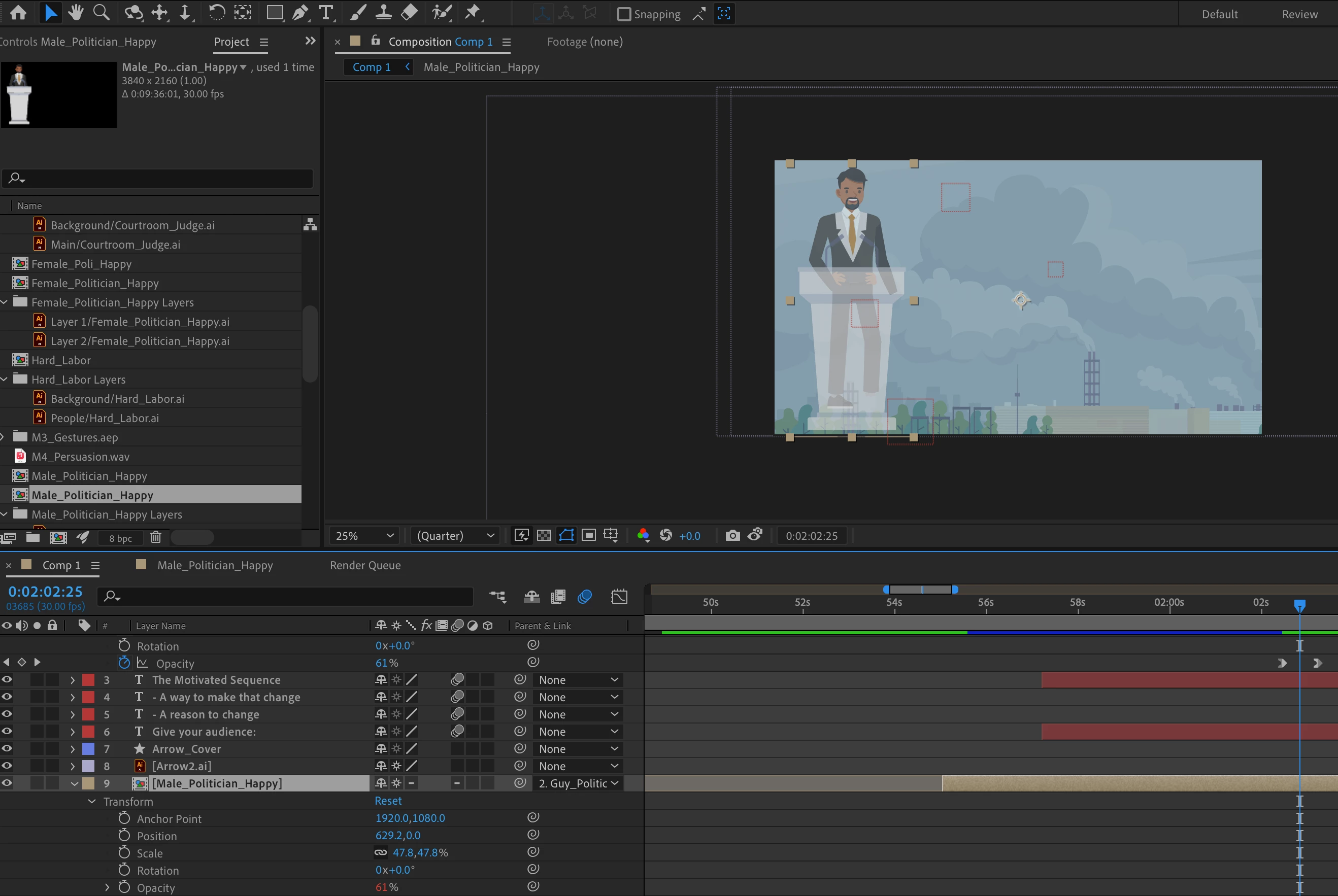
Hi all. So I'm using a lot of vector graphics from Illustrator that have been imported into my timeline in After Effects. I am fading in images by key framing the opacity from 0% to 100%, usually by linking the opactiy keyframes to a single control such as a null object. This normally works fine but when I have two layers that are on top of each other, I can see the layer behind the one in front, if they are rasterized. If they are not rasterized, it works as normal. However, they need to be rasterized because I'm exporting my videos in 4k.
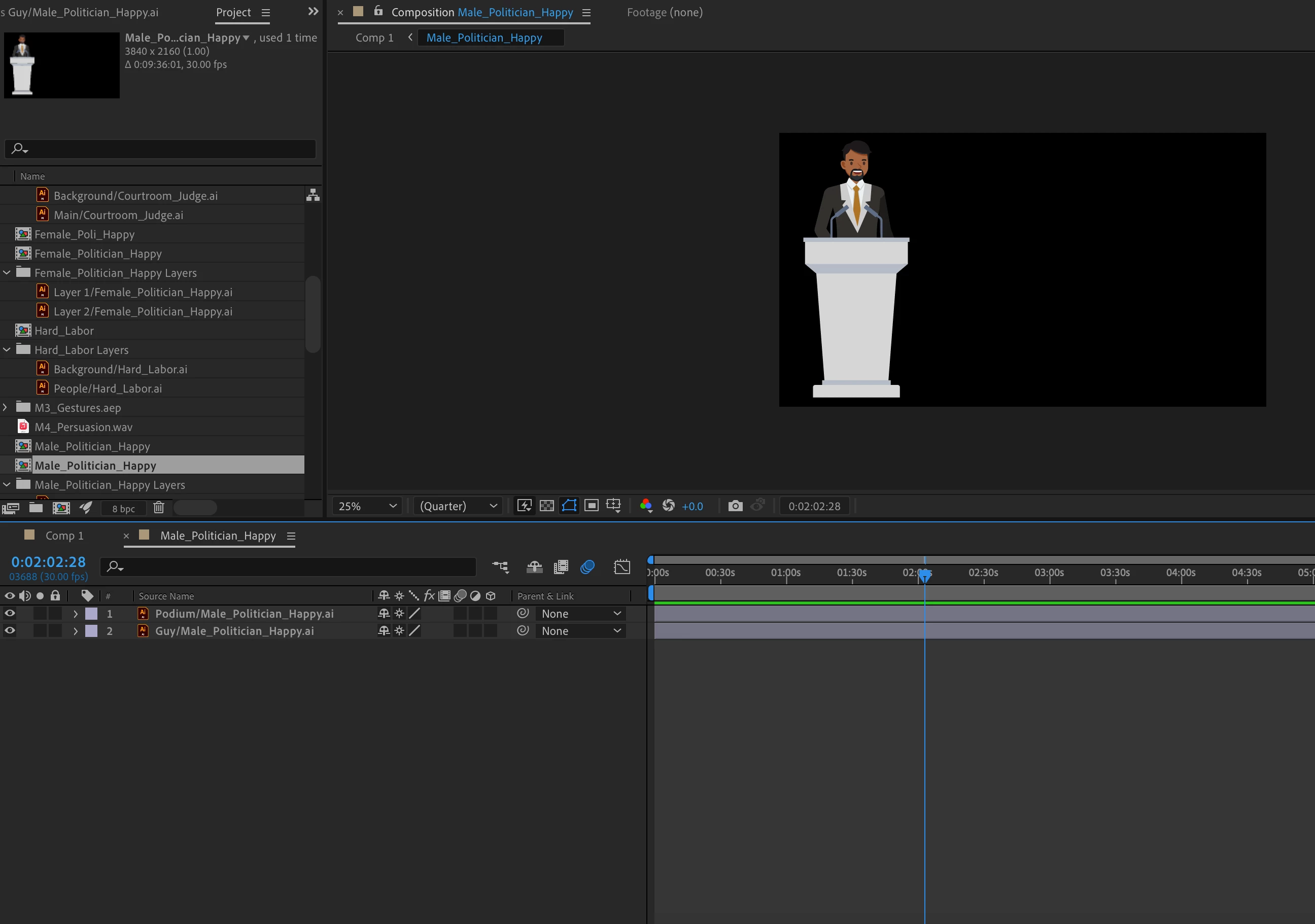
So for example, I have a layer of a podium and a layer of a guy thats behind it. If I put the keyframes at exactly the same place on both layers, while its fading in, I can see the guy behind the podium where he should be covered by the podium the whole time its fading. I have tried to pre-compose the two layers and it works until I rasterize the layers, and then it does the same thing again. I am not a professional in after effects by any means so its possible that there is something that I am missing, but it seems odd that it only does this with rasterized vectors. I have also tried converting into shape layers and it does the same thing.
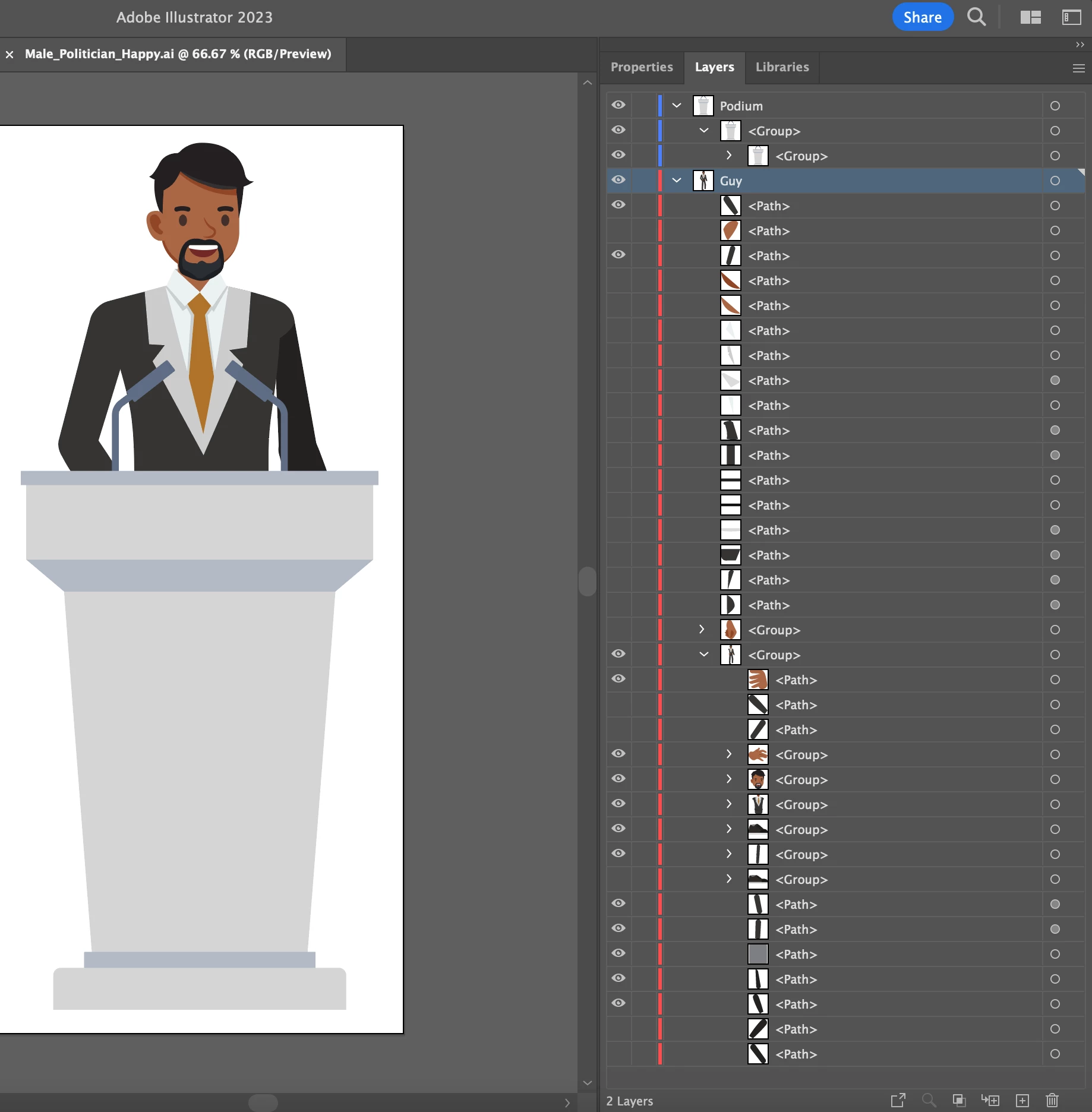
Also, I know the guy is messed up behind the podium, I got him from an Adobe Stock character set, however, thats the point. I shouldn't be able to see anything behind the podium. I attached screenshots as well as an export of the issue. This happens to multiple of my Illustrator files and their fade ins, not just this guy and the podium, but this one is a good example.


 AdChoices