


Answered
Working with .ai vector file's clipping masks
This screenshot below is a project I'm starting (ultra-beginner with AE) using an .ai vector file that contains 4 clipping masks which are the smaller yellow windows circled in red. I'm not finding in AE where I can manipulate these masks directly as in Illustrator. Also, it appears that my vector file has been rasterized.
What I want to do is place silhouettes in the 4 yellow windows using their existing clipping masks, which will transform (animate) from very blurred to sharp silhouettes as the objects approach the windows. I wonder if I have to import the vector file without the windows, then import them seperately and layer them over the building? Thanks for any help.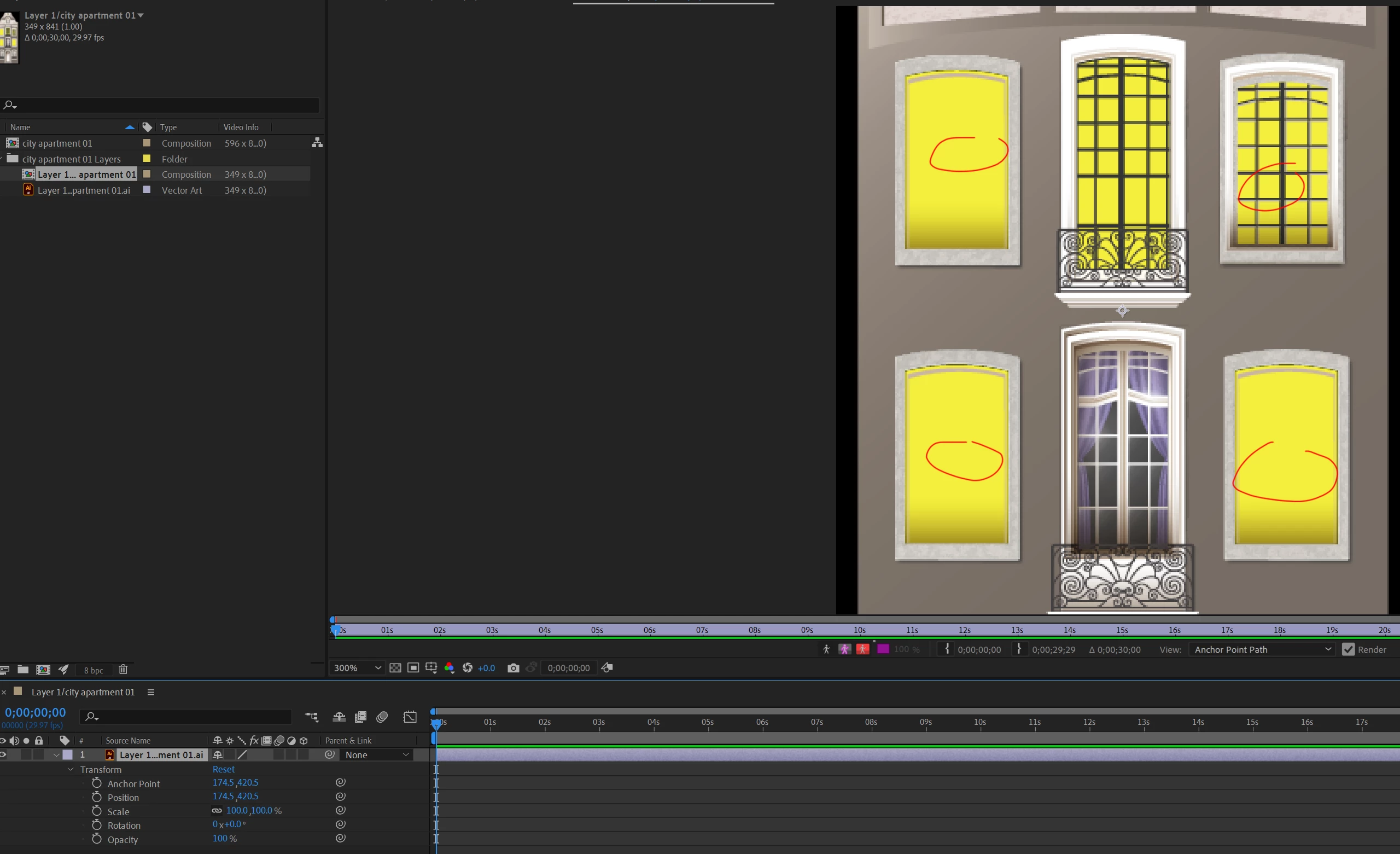
 AdChoices