



Answered
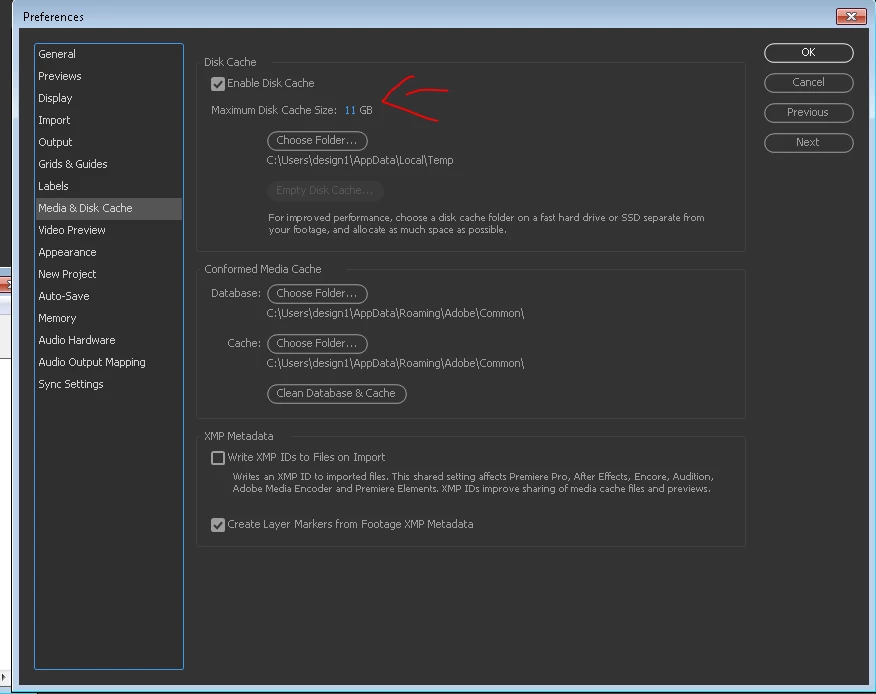
your disk cache folder is on a drive that does not have enough available space...
When I start After Effects, a dialog pops up, stating that my cache folder is on a drive that does not have enough available space to safely store the full amount specified in your preferences...
How do I resolve this?
I have never used the software before, so it's not as though I tampered with the setting...
I used Windows 8.1
PC is a Dell XPS 15 with 16Gb RAM
[Moved from non-technical Forum Lounge to specific Program forum... Mod]
[Here is the list of all Adobe forums... https://forums.adobe.com/welcome]
 AdChoices