


After Effects 16.1.1 Crashes on opening, Adobe says only solution is to create new user!?
When I launch AE CC19, it loads and then pops up with this error and code 205. It was working yesterday on my laptop, no changes that I can think of for this to happen.
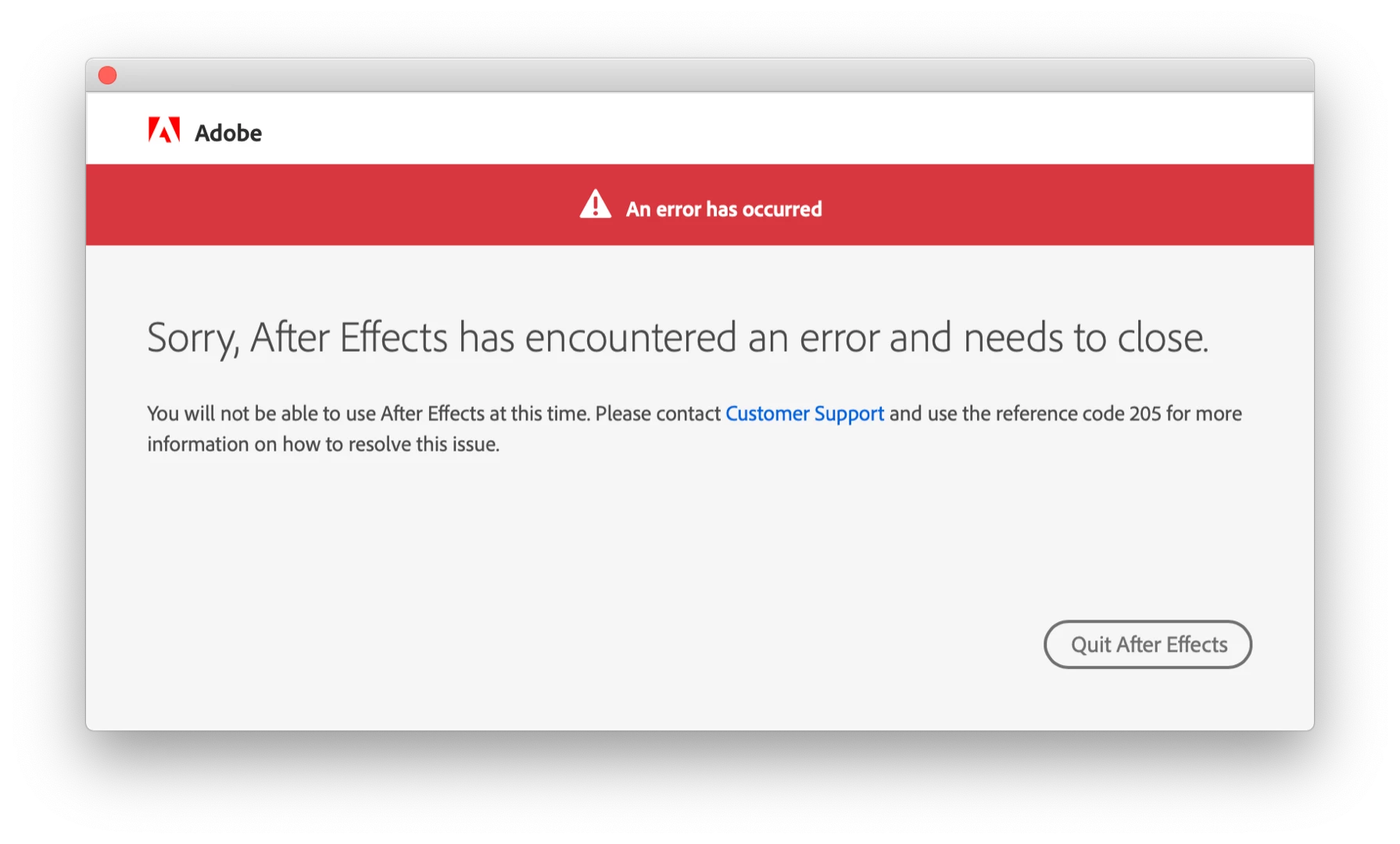
No one from Adobe has been able to help me. We've uninstalled everything, did clean installs, I removed all plugins, Adobe people took control remotely and removed all Adobe files. The only way AE CC19 opens is from a new user account we created. Adobe says "well that's the permissions issue with this user account then. I recommend you to please migrate data on new user account and work with that....I wish we could make it work here, which isn't possible."
It's very unrealistic to tell me to create a brand new user on this machine and use that for AE, it completely breaks all other programs and not to mention my Timemachine backups (which now I realize are at the newest a few months old. Not sure if reverting to one will solve my issues here) Or should I do a new timemachine backup and a clean install of macOS? Help! I'm going insane here and missing client deadlines
macOS 10.14.5, 32GB RAM, Radeon Pro Vega 20 4GB, AE 16.1.1
 AdChoices