



Cannot import .c4d file into project or create a new Maxon C4D file from After Effects
Hi all,
I'm running into an issue this morning where I can't import .c4d files into After Effects. After selecting File > Import, I select the .c4d file and nothing happens. The finder window goes away, but nothing pops up in my Project files. I've also tried clicking and dragging the .c4d file into the project, but no luck with that either.
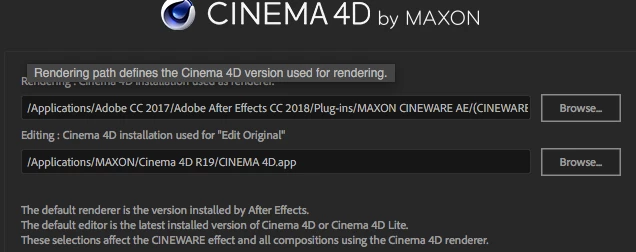
I decided I could try to just create a new .c4d from After Effects, but after selecting File > New > MAXON CINEMA 4D File and entering a file name, nothing happens. The file is created, but Cinema 4D doesn't launch.
I'm on a fresh install of Adobe After Effects CC 2018 15.1.1 (reinstalling didn't help)
CINEMA 4D is R17.055 (Student Version - Restricted License)
OS is High Sierra 10.13.1 on a 2015 rMBP.
Any help would be appreciated. Thank you.
 AdChoices