


Answered
continuously rasterize after effects in after effects not working
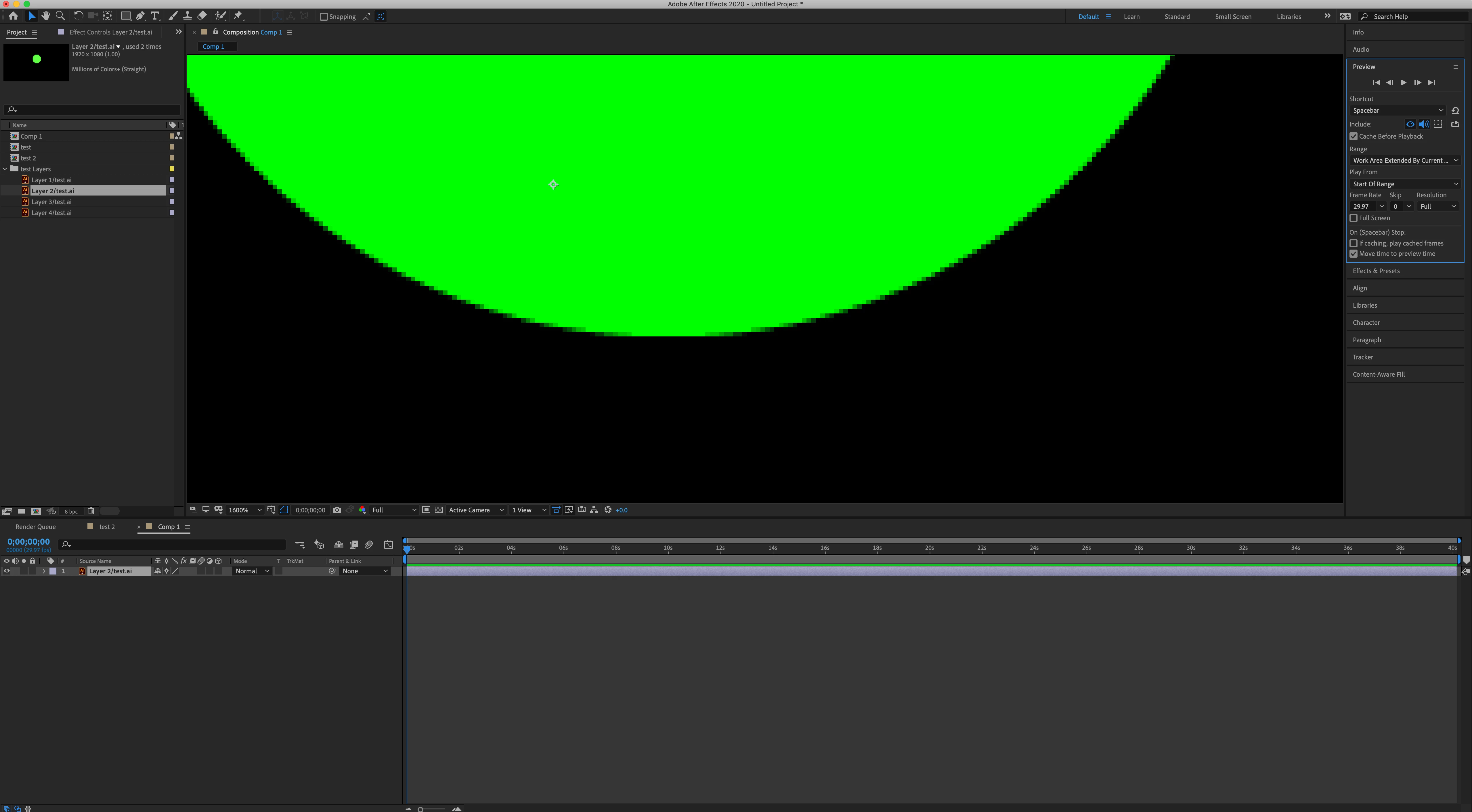
I'm having issues with my illustrations, trying to get them sharp but nothing seems to work. I created an illustrator file and have 4 layers in it. I'm importing to AE, when I zoom close to the edges, they are pixelated, even when continuosly rasterize is on. Full resolution is on, everything is the way I think it needs to be, but nothing works, the circle still remains pixelated. Going crazy here, any help would be greatly appreciated. Thanks!
 AdChoices