Participant
August 1, 2017
Answered

Display acceleration disabled in After Effects

  • August 1, 2017
  • 16 replies
  • 125666 views

I've been using after effects trial version for the past week and I noticed something really annoying...


Whenever I open a file or start a new composition ... on the top right corner it shows "display acceleration disabled" and its driving me crazy. When this is shown the playback or preview is very jittery and slow.

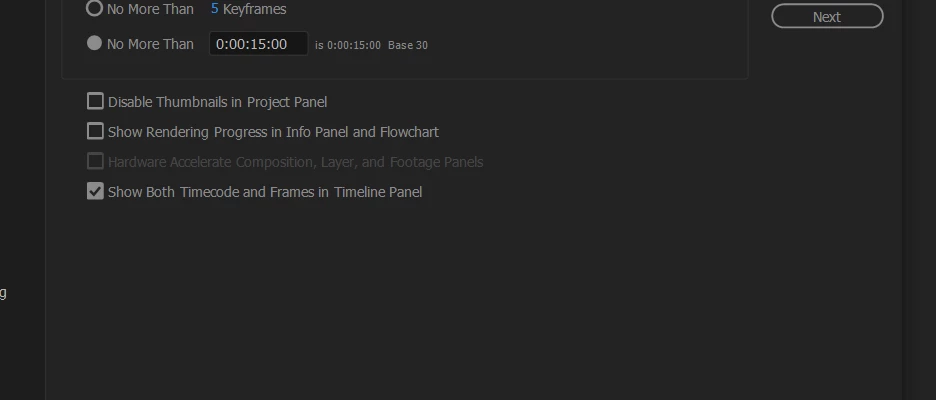
But when I check the  edit > preferences > display option... the "hardware accelerate composition,layers and footage panel" is unchecked and grayed out.

Also when I check my "GPU information" from the preferences > previews .... it shows "Fast draft: not available( incompatible or old graphics driver)" and the OpenGL section is empty.


This is when I dont use any 3D ... just basic shape layers ... nothing else


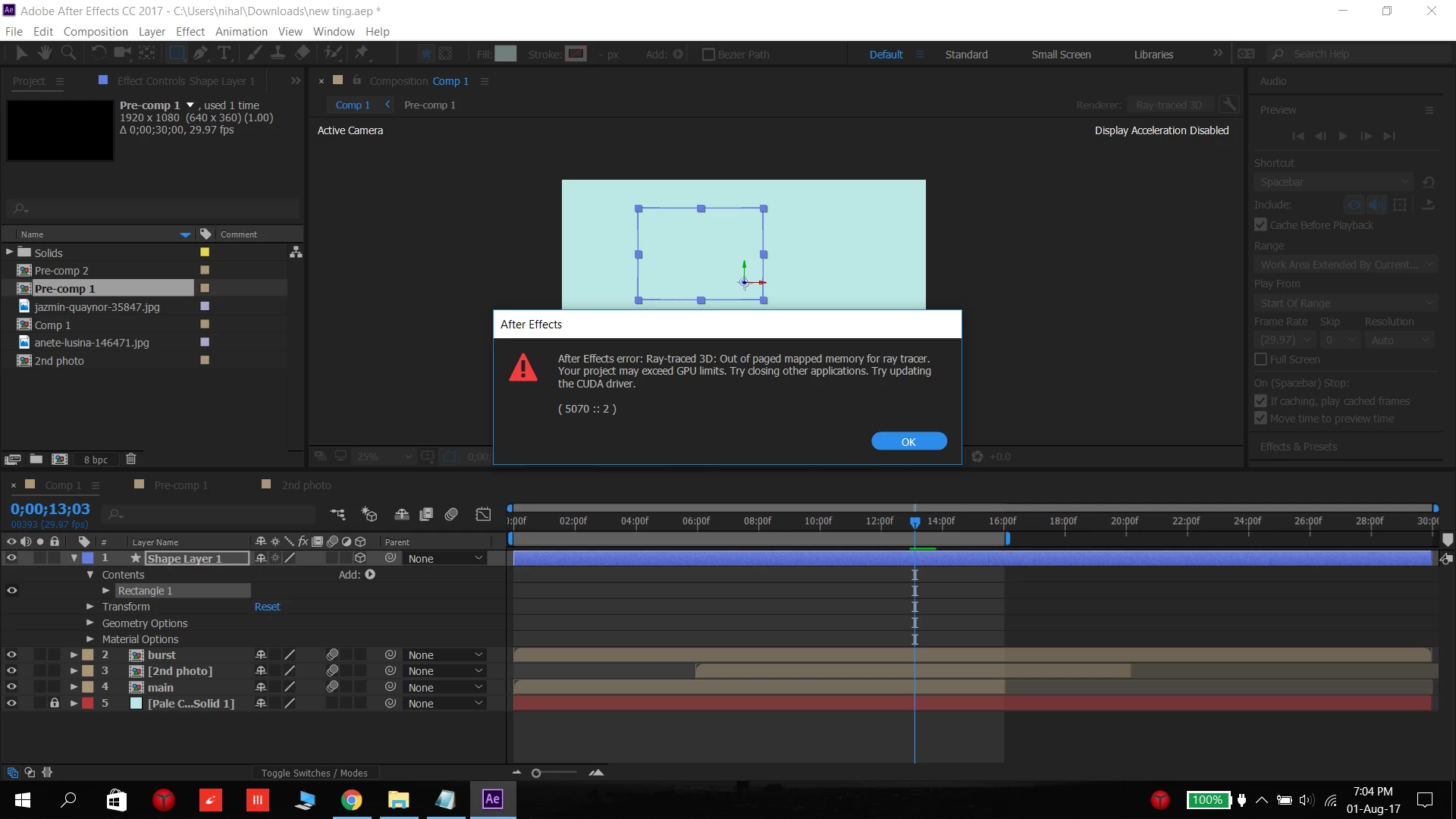
When I turn on the 3D layer then the error message comes ...
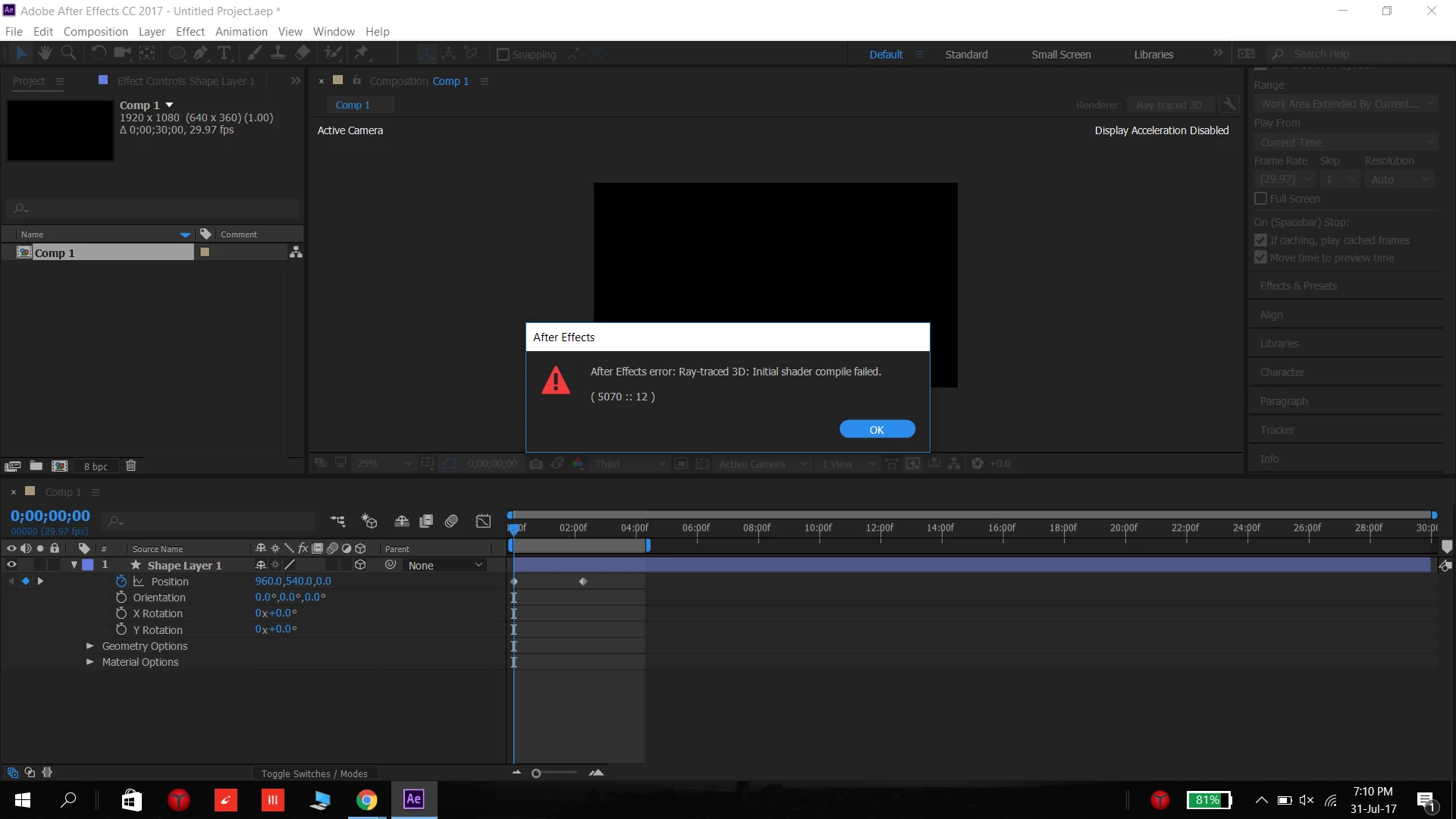


Some times this message comes...


but the thing is that ....Once in a while it works normally and the errors don't show (like this)
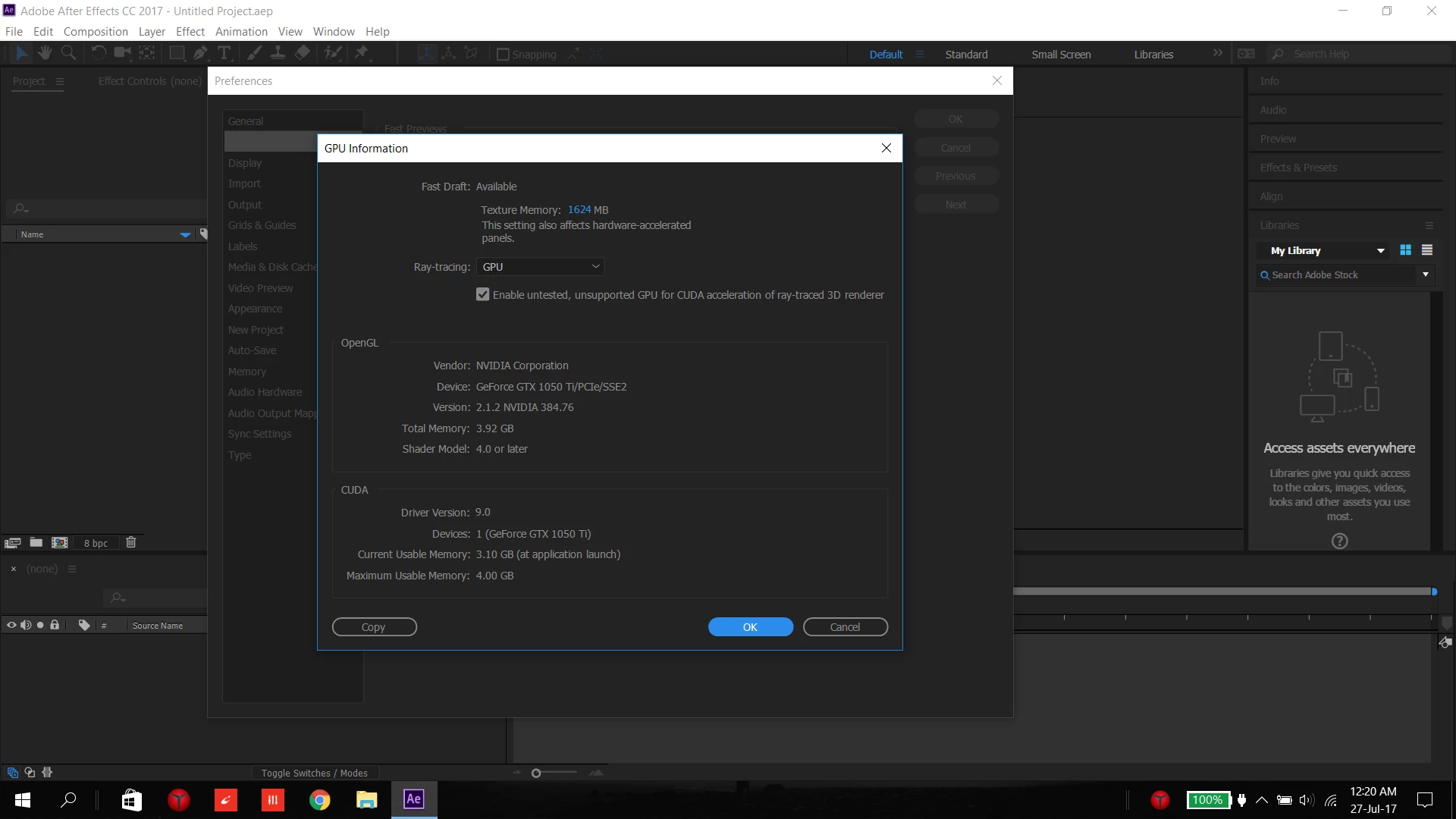


....


As far I know , all the drivers are upto date


I have a :


Lenovo y520 laptop ( 2-3 month old)

Intel HD graphics 630

nvidia GeForce GTX 1050 Ti

Intel Core i7-7700HQ  CPU at 2.8GHz (8 CPUs?)

16GB RAM

Direct X 12

Windows 10
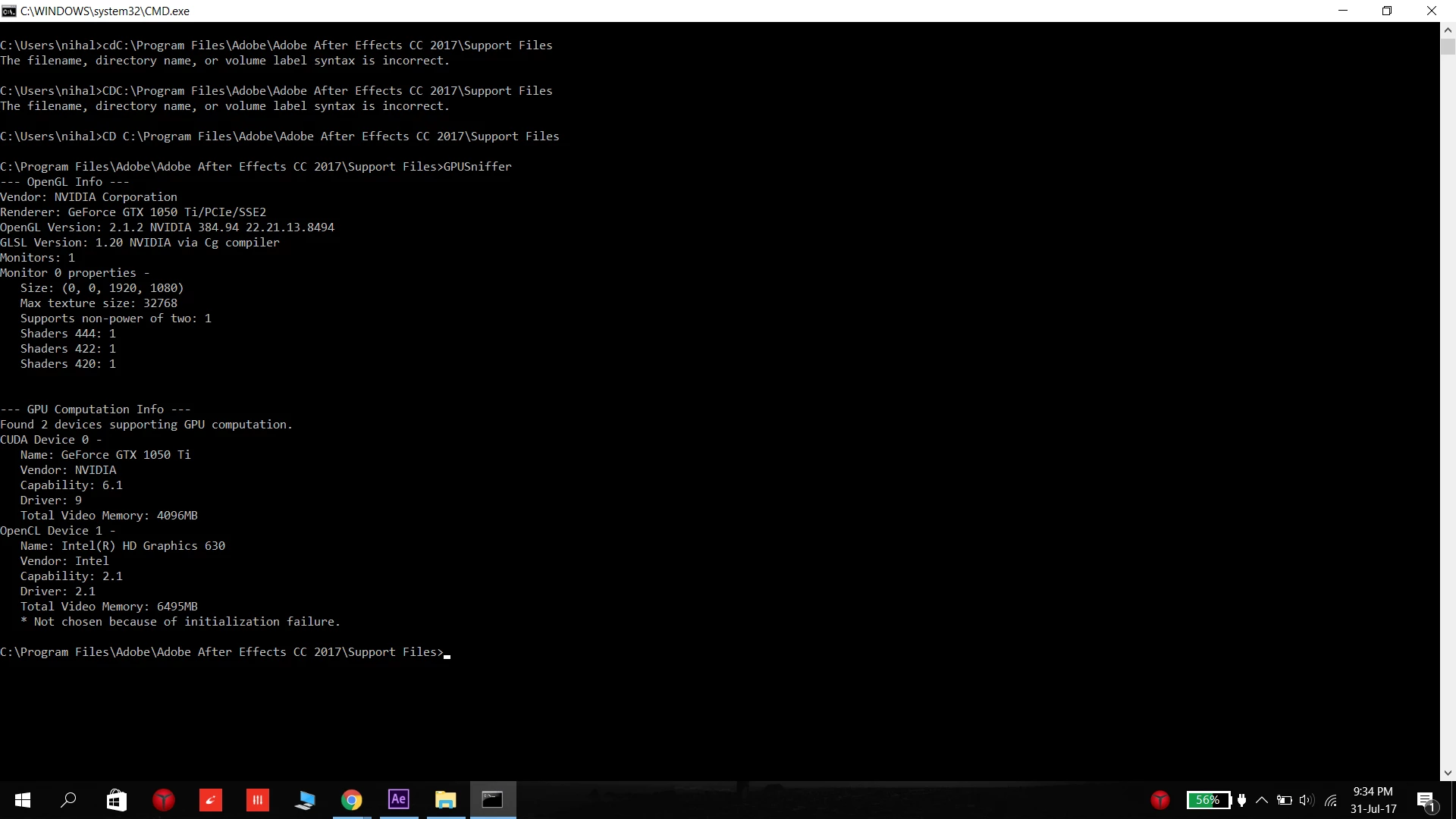


.....


I've been looking online for about a week for the solution online and was unable to find a solution and I cant pinpoint what the problem is due to ....

What should I do ... please tell me a solution anyone ..


-----------------------------------------------------------------------------

PS. I notice this problem more when Chrome is open and less when I re-start the computer  ( I cant tell for sure as its only a week in trial version)


Also simultaneously this message comes in Premiere Pro ... "Adobe premiere pro could not find any capable video playing modules, please update your video display drivers and start again"   and  "This project was last used with mercury playback Engine GPU acceleration (CUDA), which is not available on this system, mercury playback Engine software will be used"


Szalam


NOTE: Title edited by moderator

This topic has been closed for replies.
Correct answer Rameez_Khan

This post contains a curated list of possible solutions on how to fix Display Acceleration Disabled.


Thanks,

Rameez


16 replies

Participant
May 10, 2022
Participant
August 4, 2021

The solution is to update your graphics Card . Check the type of card and download the lastest Drivers e.g from Nvidia website and install.

The issue will be solved. Remember Windows update doesn't update your Graphics Card with the latest drivers hence you have to do it manually.

Participating Frequently
December 29, 2020

12/29/20

I was seeing this again after updating to Nvidia Quadro driver 460. I reverted back to 457 and it went away. I will see if I can post this to something on the Nvidia site too.

Mile*Barbeito
Participant
September 24, 2020

I have the same problem and it seems that it is due to the NVIDIA video card, why the adobe programs still do not adapt to this type of card?

Rameez_Khan
Legend
September 24, 2020

Hi Mile*Barbeito,


It's more complicated than that 🙂

All modern GPUs with more than 1GB vRAM are supported. However, most of the issues are caused due to GPU drivers.


Best,

Rameez

Participant
July 31, 2020

Hello everyone. I had the same problem I have an alienware R14 Nvidia graphic card GeForce GTX 1080. I hope this works for you as well. 


1) I searched in Google for: Nvidia driver update.

2) I downloaded the automatic driver update that they have in the website. 

3) went through the installation of the updated Nvidia driver 

4) opened After effects and Done. AE should read your graphic card NOW.


Problem:GRAPHIC CARD DRIVER IS NOT UPDATED. 

Rameez_Khan
Rameez_KhanCorrect answer
Legend
June 15, 2020

This post contains a curated list of possible solutions on how to fix Display Acceleration Disabled.


Thanks,

Rameez


Participating Frequently
December 4, 2019

Yes, this answer and CHECK MARKING all displays listed, the restarting AE, SOLVED it for me. Thanks MUCH Jaendashe!

Participant
December 6, 2019

what exactly do you mean by check marking all displays listed? having this problem rn and i've tried everything

Participating Frequently
February 6, 2020

I experienced the same issue. Resolution was a bit of a head scratcher. I had to have GeForce Experience installed and updated. 


  1. I updated my Nvidia driver for my GeForce GTX 1080 Ti.
  2. In After Effects, I encountered issue "Display Acceleration Disabled." 
  3. Tried restarting multiple times, but issue still present. Also, I was unable to select "Mercury GPU Acceleration." The option was locked on Software Only. Another issue: After Effects was still running even though the app was closed (Task Manager showed it as active and was not able to fully stop the task). 
  4. Read this post https://community.adobe.com/t5/after-effects/display-acceleration-disabled-on-win-10/td-p/9011749?page=2 
  5. I downloaded GeForce Experience, installed. I modified some of the settings not needed in GeForce Experience (turning off in-game overlays and such). 
  6. I restarted my PC. Launched AE and playback was smooth. Display Acceleration was working properly. Also, clicking on the rocket ship icon, I could enable Mercury GPU Acceleration. 
  7. All good so far. 
RaulAviña
Participant
December 1, 2018

Actualizando    Microsoft DirectX® de esta pagina Download DirectX End-User Runtime Web Installer from Official Microsoft Download Center  a los mas actuales.
A lo mejor asi se arregle

QuietWhiff
Participant
October 30, 2018

Here you have the settings that solve most problems with older or weaker Nvidia cards, they also help with overall performance.

Unfortunately in polish, but its quite easy to figure out what is what based on location of the setting.

(These are Nvidia Control Panel settings, you can open it by pressing RightMouseButton on desktop, and then choosing Nvidia Control Panel)

Cristian Pasciani
Participant
October 30, 2019

That worked for me!
In my case I have 2x GTX 2080 and the issue came up when I swap them up to down because of space/ventilation matters.
In the AE preferences of Nvidia control panel I just changed the OpenGL render GPU from Automatic (the default value) to manual choose one the cards. That solved the problem!


Thanks a lot! Thumbs up!

Participating Frequently
June 12, 2018

"Out of memory 23:40" error now. As above I have 32gb ram and my comp has one h.264 and one Photoshop file. This is crazy can't work like this!

Participant
July 2, 2019

I know this an old thread but did you fix this issue? Got the same problem, a few simple adjustments or just a couple of PSD’s in there, Then boom, warnings and then crashes.

Win10

GTX 1070

Intel i7 8970k

32gb ram

Participant
July 2, 2019

Hey,

yea I guess I do not have that problem much nowadays,

I believe that problem was caused due to Incompatibility between the (then) newer graphics card and windows

But it got fixed suddenly when some windows update came. (supposedly)

I had done a lot of other things in the meanwhile too, like reset the PC and delete cache files, and reinstall the program... but like I said I saw an immediate result I believe After the Software Update..

Different people may have different factors for the problems, but just try out a few things and If it doesn't work, take it to the retailer to get your device replaced.

Hope my advice helps, and cheers to fixing ur problem ASAP