I would approach this kind of project using an animated fractal noise layer to generate random color values, then sample the colors under an array of shape layers and tie the fill stroke opacity to the color sample and the fill opacity to the stroke opacity with expressions. This project took me about 5 minutes to setup:
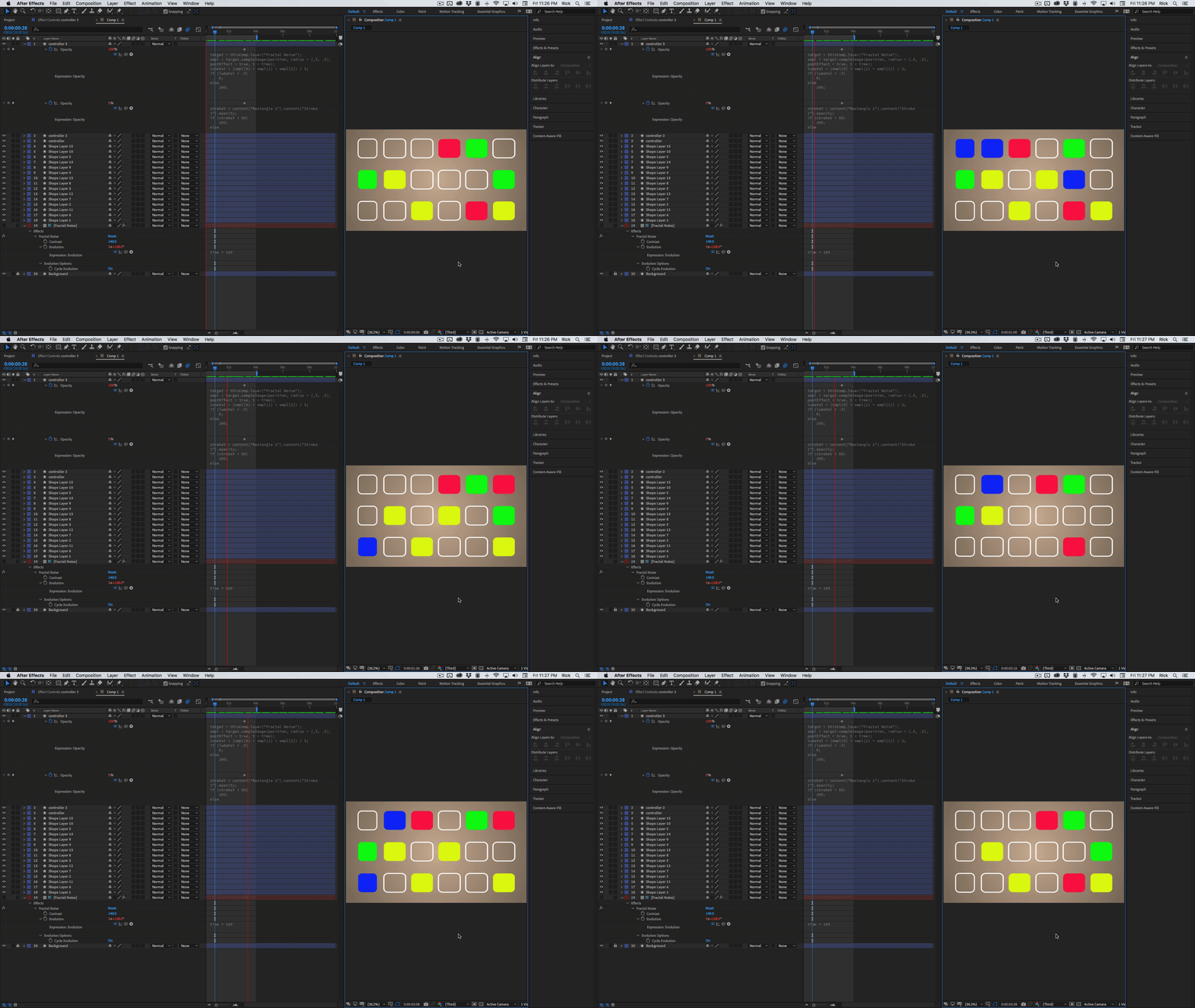
Here are the expressions:
// Stroke Opacity
target = thisComp.layer("Fractal Noise");
smpl = target.sampleImage(position, radius = [.5, .5], postEffect = true, t = time);
lumaVal = (smpl[0] + smpl[1] + smpl[2]) / 3;
if (lumaVal < .5)
	0;
else
	100;

// Fill Opacity
strokeV = content("Rectangle 1").content("Stroke 1").opacity;
if (strokeV < 50)
	100;
else
	0;
The only changes I made to fractal noise were to increase the contrast to 140, multiply time by 180 so every 2 seconds I got a full revolution of evolution and set loop evolution to on. The speed of the evolution changes the speed of the opacity changes.
I think this approach is going to be easier than using a layer marker value at time then randomize the switching. If you really want to use random number generators you'll have to do a lot more than set random(5, 10) because that would generate a new value between 5 and 10 every frame.
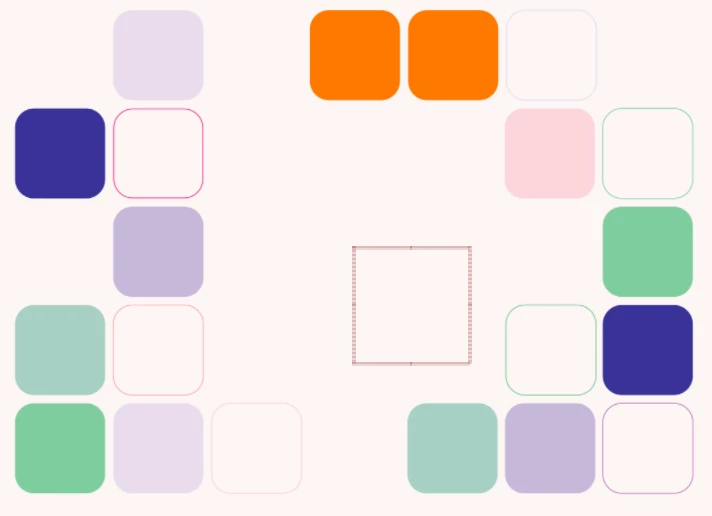
Overlaying an animated gradient on the Fractal Noise layer would allow you to have all the rectangles be on and then have them start animating as you animate the gradient overlay. There are lots of possibilities. Here's a project file for you to play with.



 AdChoices