

Participant
February 19, 2021
Answered

initializing required components problem
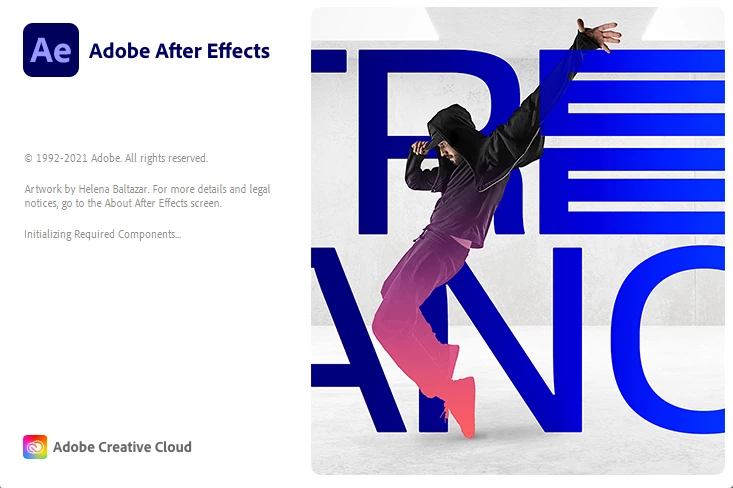
  • February 19, 2021
  • 3 replies
  • 626 views

This topic has been closed for replies.
Correct answer ucmj22

I was having the same issue running on windows 10. I found another post that suggested running in Windows 8 compatability mode. Its worked with no issues since!

just find the AfterFX.exe file (likely at, "C:\Program Files\Adobe\Adobe After Effects 2021\Support Files\AfterFX.exe") then right click the file, > Properties > "Compatability" Tab and check the box next to "Run this progam in compatability mode for:" and select Windows 8. 

I have no idea why or how this works, but it fixed my issues opening After Effects, Audition and Illustrator. Hope this helps someone else!

3 replies

ucmj22
ucmj22Correct answer
Inspiring
March 29, 2021

I was having the same issue running on windows 10. I found another post that suggested running in Windows 8 compatability mode. Its worked with no issues since!

just find the AfterFX.exe file (likely at, "C:\Program Files\Adobe\Adobe After Effects 2021\Support Files\AfterFX.exe") then right click the file, > Properties > "Compatability" Tab and check the box next to "Run this progam in compatability mode for:" and select Windows 8. 

I have no idea why or how this works, but it fixed my issues opening After Effects, Audition and Illustrator. Hope this helps someone else!

Mylenium
Legend
February 19, 2021

Sorry, but just throwing a screenshot at us is useless if you don't provide the necessary essentials like actual system information. You have to do better and give us something to work with.


Mylenium
