


Answered
Any way to force displaying thumbnails at full resolution?
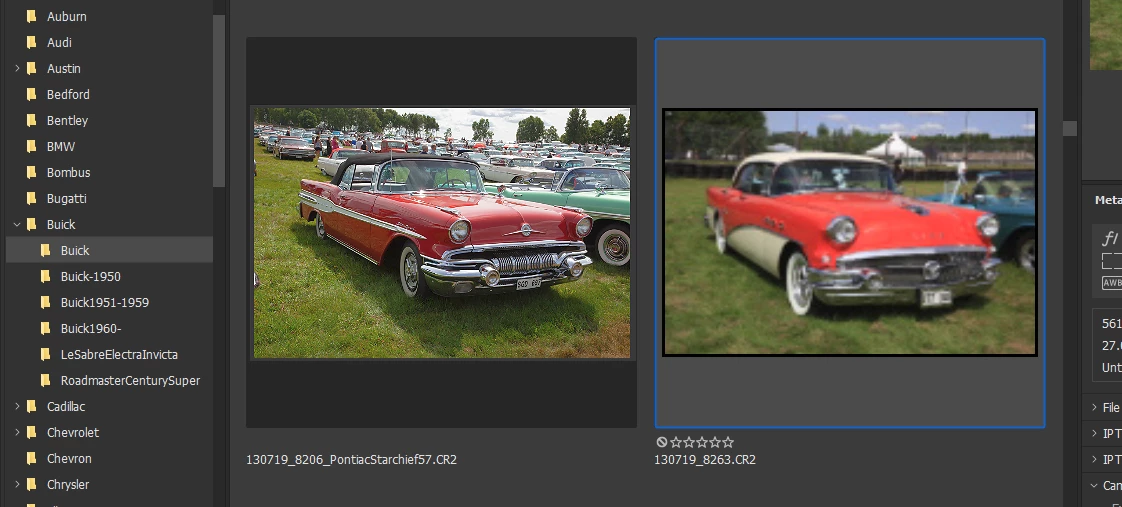
When a thumbnail is displayed it at first shows a blurry (progressiv) jpg version with a black frame.
Seconds later it shows the full resolution jpg (the image to the left).
For me sometimes Bridge stick on the blurred version for some images.
Closing and opening that folder does not change it.
(As it is now I have to open the CR2 image in CameraRaw in order to see details).
Is there any way to force Bridge to display the full resolution picture (with no frame)?
 AdChoices