

New Participant
April 14, 2021
Answered

BR cannot search properly

  • April 14, 2021
  • 2 replies
  • 306 views

MAC:11.2.3 (20D91)

BR:11.0.1.109

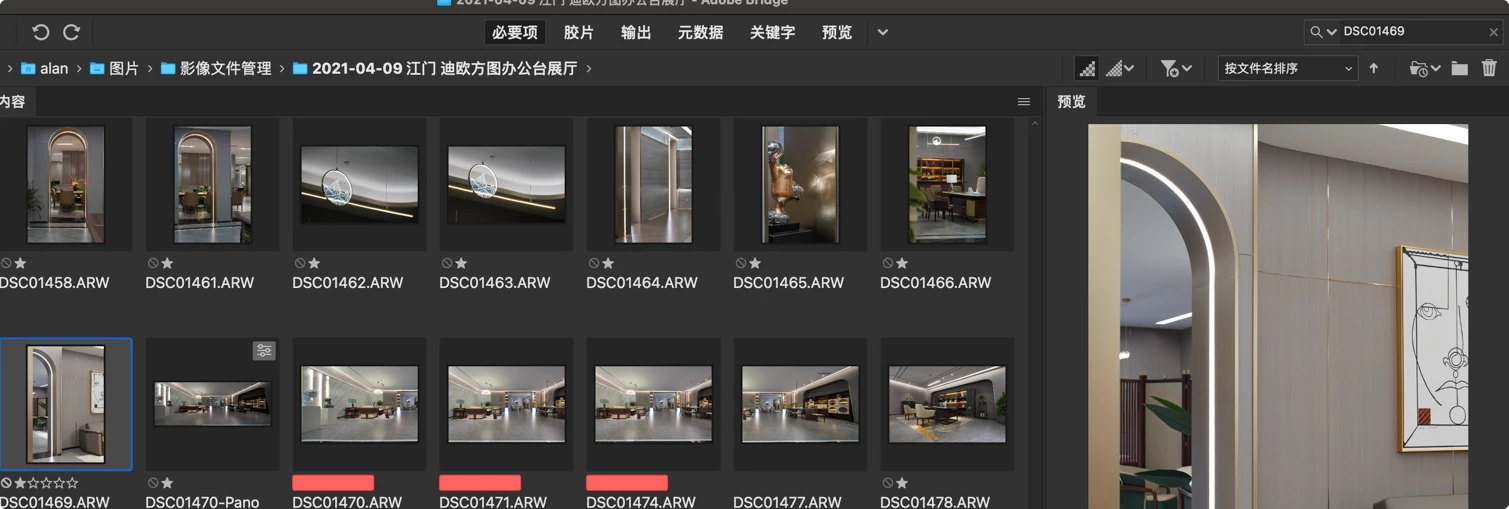
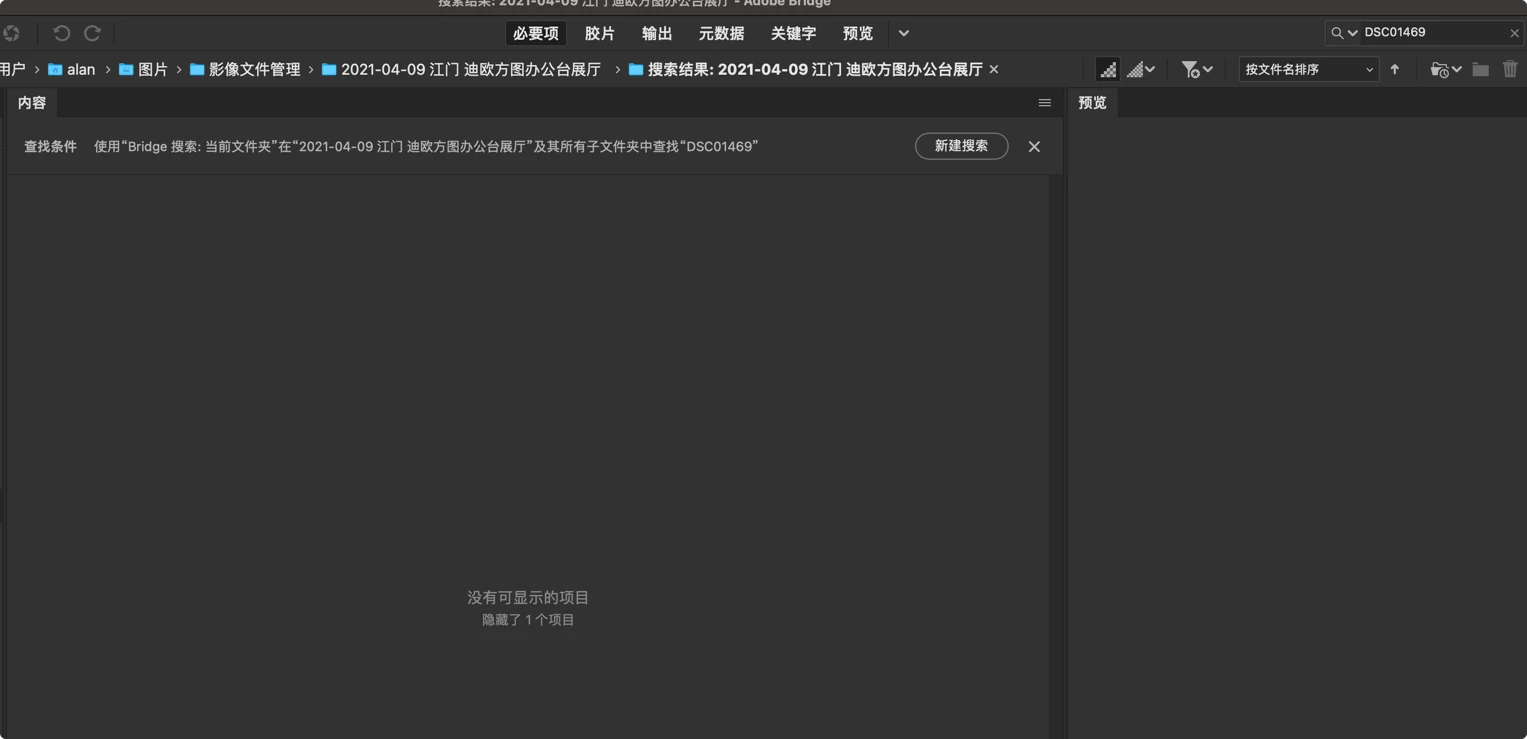
The exception encountered:Many times I enter the correct file name, but the software never shows the location of the target file. You want to be able to display and jump properly
  

This topic has been closed for replies.
Correct answer Lumigraphics

Bridge has to build its cache before search works. You'll find many posts on this topic.

2 replies

Conrad_C
Adobe Expert
April 14, 2021

By default the Bridge search field might be set to using its own search engine on the current folder only. You can change both of those.


If you click to open the Bridge search field menu, you can switch it to use your Mac’s Spotlight search on the entire computer, instead. Then it will see many more files compared to the Bridge Search: Current Folder setting.


If you choose Advanced Search from that menu, or you choose Edit > Find, then there are other ways to get a better search scope using the Find feature in Bridge:

  • Use the Look In menu to set a wide search scope. 
  • Select Include All Subfolders if you want that. 
  • Select Include Non-Indexed Files if you want Bridge to search in images that have not yet been viewed in Bridge (not yet cached).


New Participant
May 4, 2021

thanks

LumigraphicsCorrect answer
Brainiac
April 14, 2021

Bridge has to build its cache before search works. You'll find many posts on this topic.

New Participant
May 4, 2021

Thanks sir
