


Bridge doesnt recognize new Photoshop Version
Hi everyone,
I have a problem with bridge, if I try to open a .tif file I get the following warning popup:
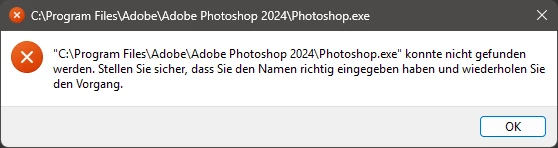
In English: C:\.........\Photoshop 2024\Photoshop.exe could not be found. Please make sure you have entered the name correctly and try again.
I have updated Photoshop to the newer version (Photoshop 2025), why Bridge does not automatically change to the new version? All the other time I updated Photoshop Bridge did get instantly the new version as the standard app,
Here are my config in Bridge:
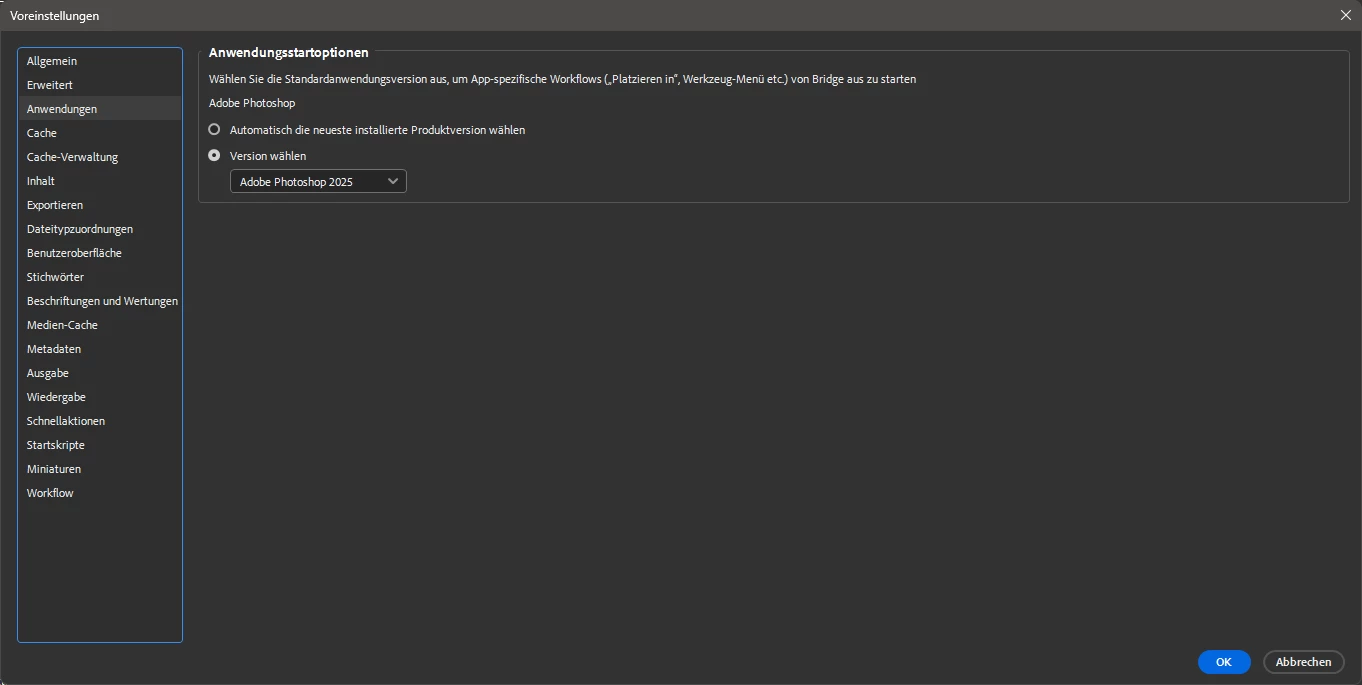
Standard was set to Automatically select the newer installed version, I tried setting it up manually to Photoshop 2025, but it didn't work,
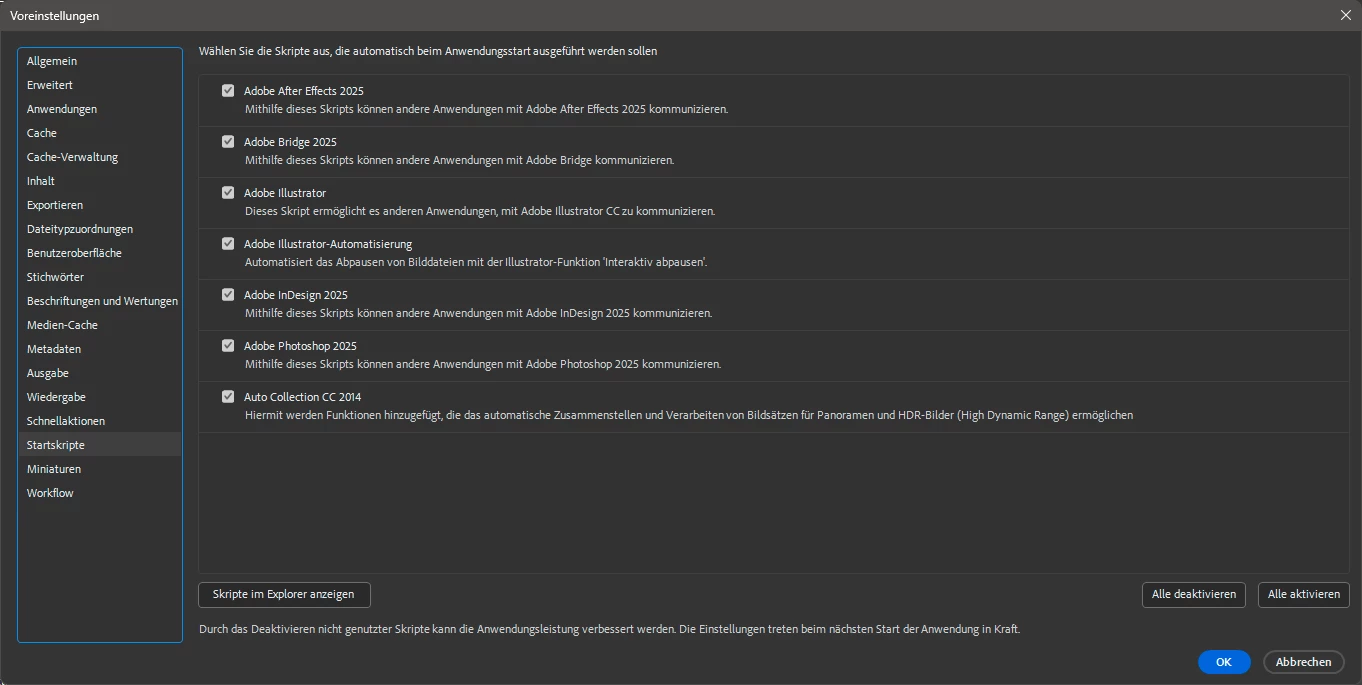
If I set up manually to open all .tif files with Photoshop 2025 it works, but I dont want to do it for all the file extension that I would eventually want to open with Photoshop.
It is a Windows problem? A Bridge bug? Did someone else experienced the same thing, or am I alone with this?
 AdChoices