

Answered
bridge metadata
How to add words in the description field on multiple selected photos without deleting previously inserted parts

How to add words in the description field on multiple selected photos without deleting previously inserted parts
Here is an example of 3 files, each with different, unique Description metadata.
When all 3 files are selected, the Metadata Panel indicates "(Multiple values)" in the Description field.
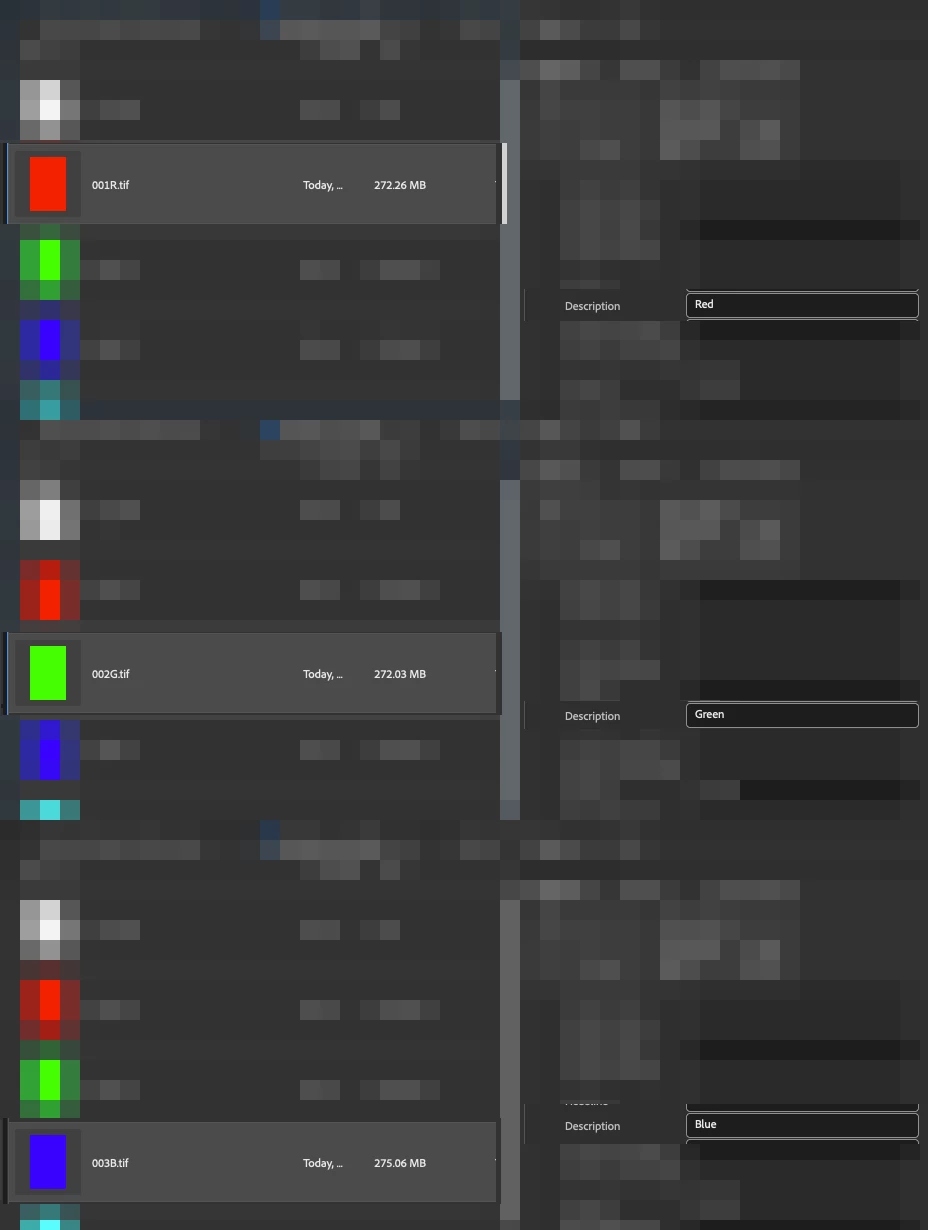
Now, in this example, I wish to add a common extra description to the 3 multiple selected files:
Before:
Red
Green
Blue
After:
Red_NEW TEXT
Green_NEW TEXT
Blue_NEW TEXT
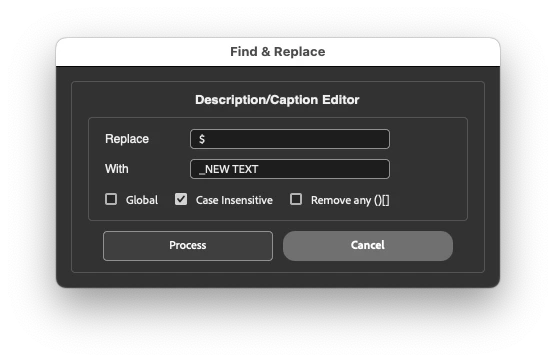
In the screenshot above, I have used a regular expression to find the end of the current text, which is the $ (Dollar symbol, Shift + 4)
The common text replacement is _NEW TEXT
Here is a screenshot of the final result:
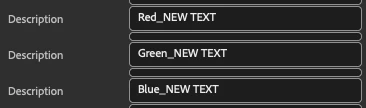
Where _NEW TEXT has been added to the end of all 3 selected files, retaining their original unique description and adding the new common description.
To add a common text entry at the start of the existing text, one would use the ^ (Caret symbol, Shift + 6) instead of the dollar sign.
Already have an account? Login
Enter your E-mail address. We'll send you an e-mail with instructions to reset your password.
 AdChoices