


Bridge Smart Collections do not display all the items
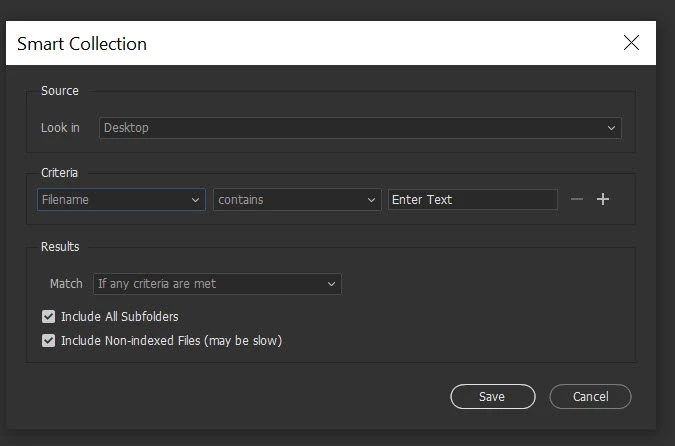
Smart Collections in Bridge don't work. I have about 50,000 files in different folders/years, all files have been keyworded and haven't been moved, I have created different smart collections for the main keywords, but when I do the search it doesn't display all the items, a lot are missing.. An example: I have about 3,000 files with the keyword "textures" in different folders, but Bridge Smart Collections is showing only 979, the sourse is the main folder, the criteria selected are "keywords/equals/textures" - "if any criteria are met" checked - "include all subfolders". Only if I go to the subfolder where I know the missing images are and then back to the Smart Collection, they will show.
Instead, I've tried the Smart Collections in Lightroom Classic and they work, shows all...
But I'd rather continue working with Bridge as I'am more used to this.
Can anyone help? What I'm doing wrong? Anything I'm missing?
Thanks a lot.
 AdChoices