Known Participant
December 20, 2017
Answered

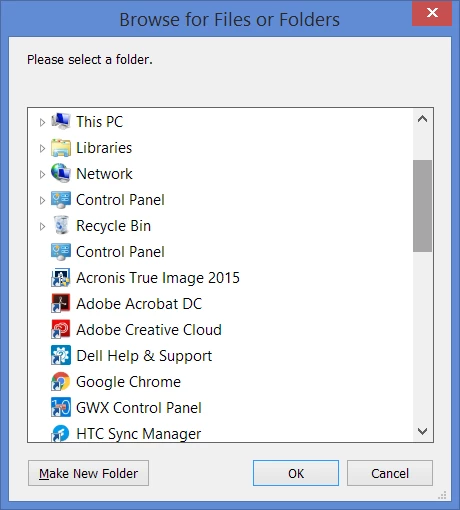
Paste path in "Browse for Files or Folders"

  • December 20, 2017
  • 1 reply
  • 1455 views

When moving or copying a file to another folder in Bridge, I always have to browse through a tedious number of folders to get to the right one.

I really could do with an option to paste in a path. This seems like something which is really basic.

Am I missing something?
This topic has been closed for replies.
Correct answer Stephen Marsh

This recent post might help:

Paste a path into Bridge... why not possible???

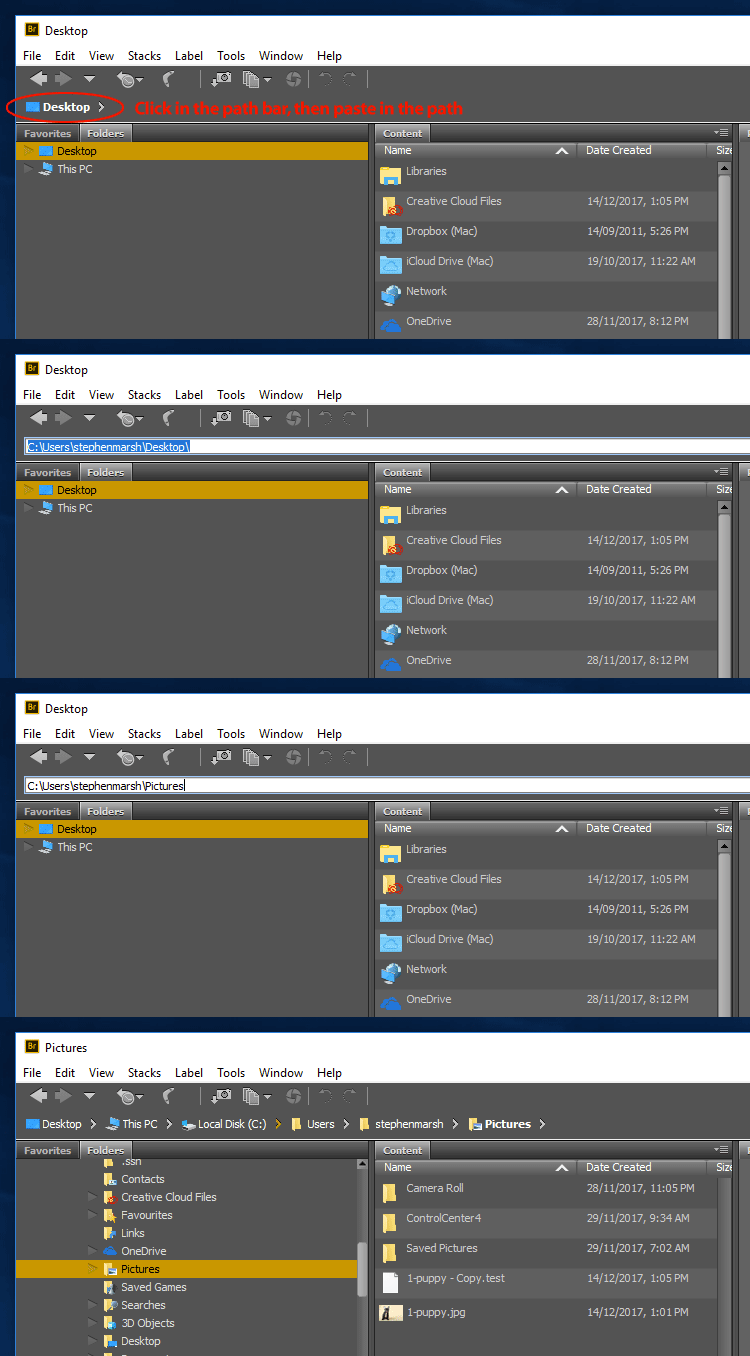
Window menu > Path Bar.

Click in the blank area to the right of the icons in the Path Bar, now you can paste in a valid path into the revealed text area. Here is a GIF animation:

P.S. Also make use of the “Favorites” tab to store shortcuts to your commonly used folders.

1 reply

Stephen Marsh
Community Expert
Stephen MarshCommunity ExpertCorrect answer
Community Expert
December 20, 2017

This recent post might help:

Paste a path into Bridge... why not possible???

Window menu > Path Bar.

Click in the blank area to the right of the icons in the Path Bar, now you can paste in a valid path into the revealed text area. Here is a GIF animation:

P.S. Also make use of the “Favorites” tab to store shortcuts to your commonly used folders.

RuthKAuthor
Known Participant
December 21, 2017

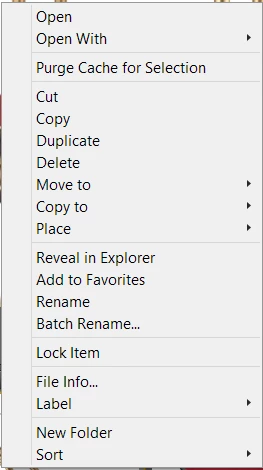
Thank you  - I know about that text area but it's the right click on a file > move file (or copy) which is where I want to paste a path.