


V14 Please change Content Tab with Scrollwheel behaviour
Hi Team,
I am familiar with changing Tabs by simply hovering and spinning the Scrollwheel. This may be useful for some people. The way you hooked this up, however, leads to highly irritating context changes.
Do the following:
- Open a few Content Tabs. Use visually similar items everywhere (here fashion images)
- Position your mouse cursor towards the top of one content tab and browse
- Move your mouse cursor up slightly and keep scrolling
- Your're now scrolling Content Tabs and have likely landed somewhere entirely different
One can consider a few things given: When browsing content one will not always know where exactly the mouse cursor is, your mind is busy with other things. Folders of professional users will very often show similar content. Swapping tabs is very subtle – you will likely not even spot it in the attached gif.
Please team, turn this switch Tabs by only hovering off by default! There are good reasons why changing tabs in web-browsers doesn't work like that. If you want to keep this functionality, you could map it to some rather obscure key-combination by default e.g. Ctrl+Shift / Alt +Scrollwheel.
Those who really want the current behaviour could remove the Hotkeys.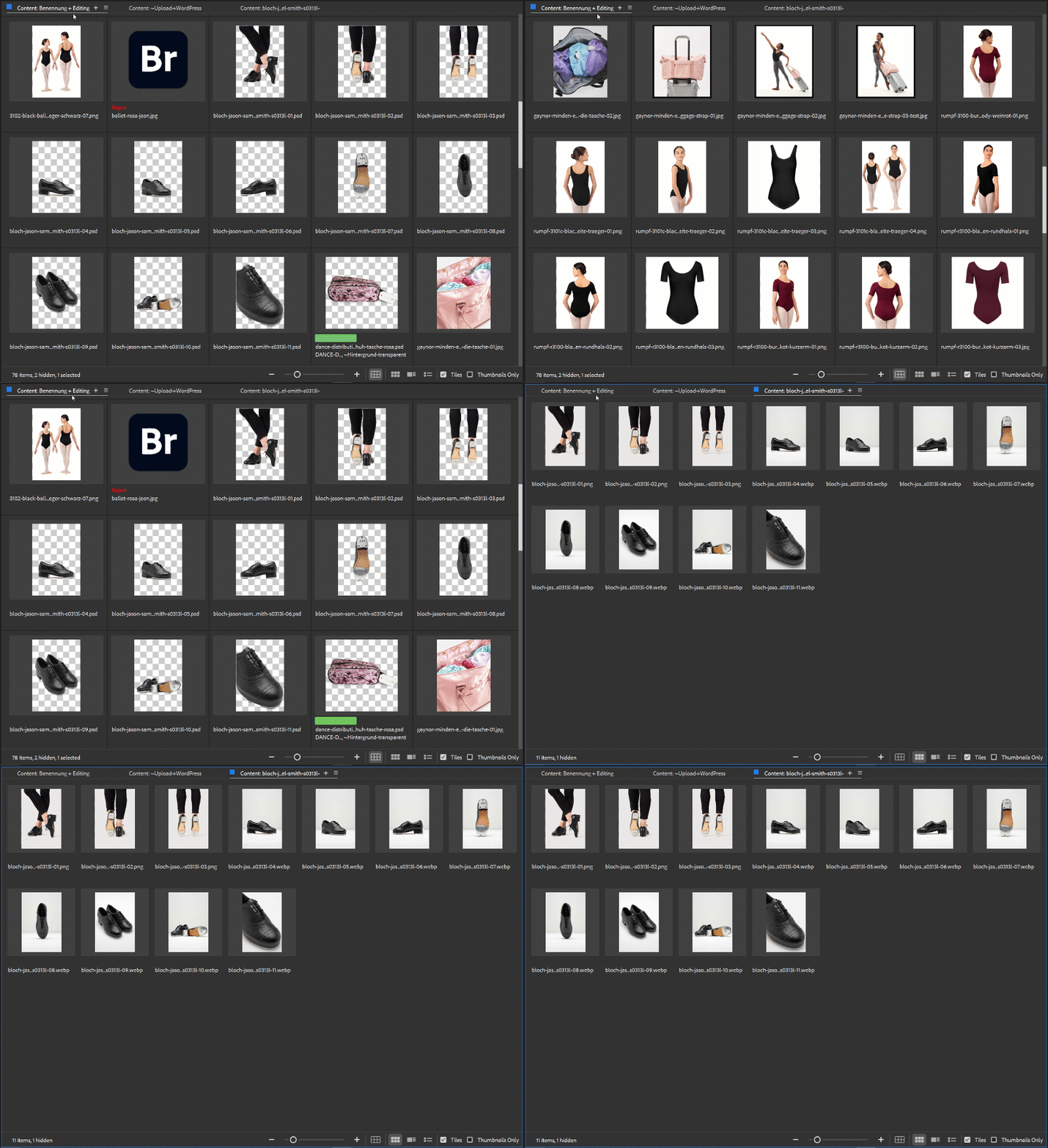
👀 @Swati Agarwal
 AdChoices