chstefan
Known Participant
October 15, 2018
Answered

Issue with Shared Actions (not disappearing when advancing/requires two clicks)

  • October 15, 2018
  • 1 reply
  • 1569 views

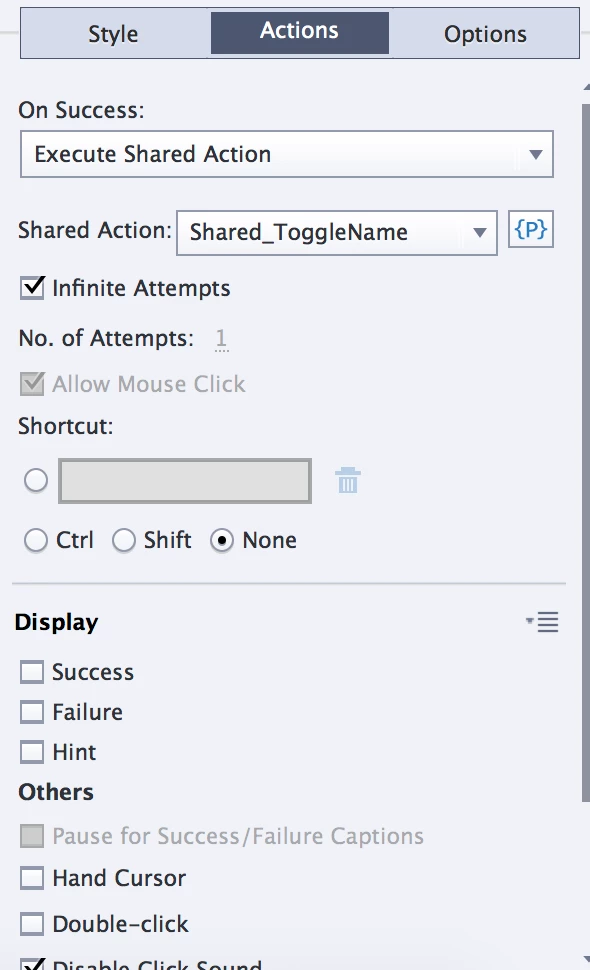
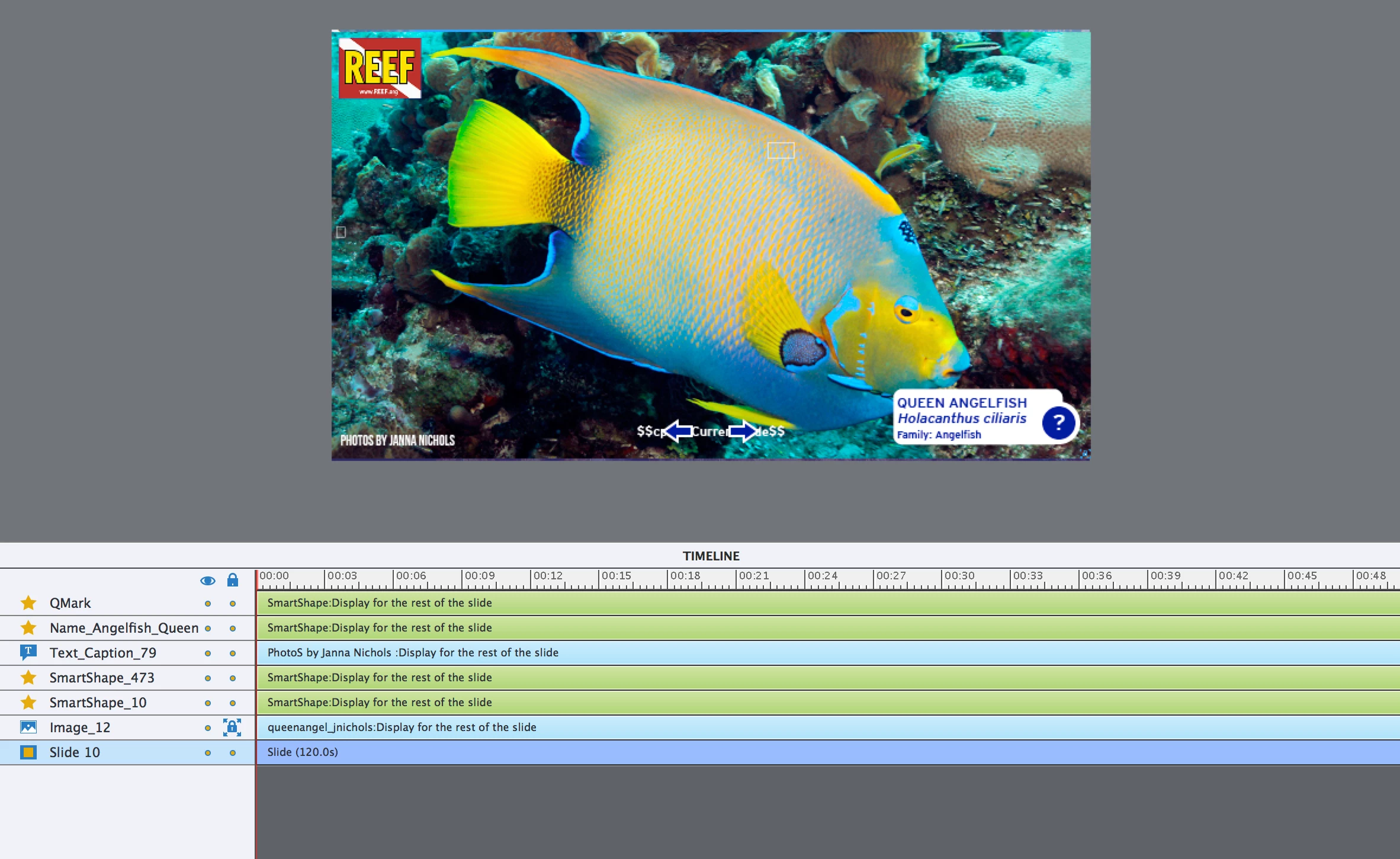
Hi everyone! First time poster here. I’m creating a curriculum for a client that wanted it created with Captivate. It’s a fish ID course, so each slide is a fish image. There’s a question mark at the bottom that, when clicked, opens the fish name. I made it a shared action so that when the user advances to the next slide, it is supposed to disappear.

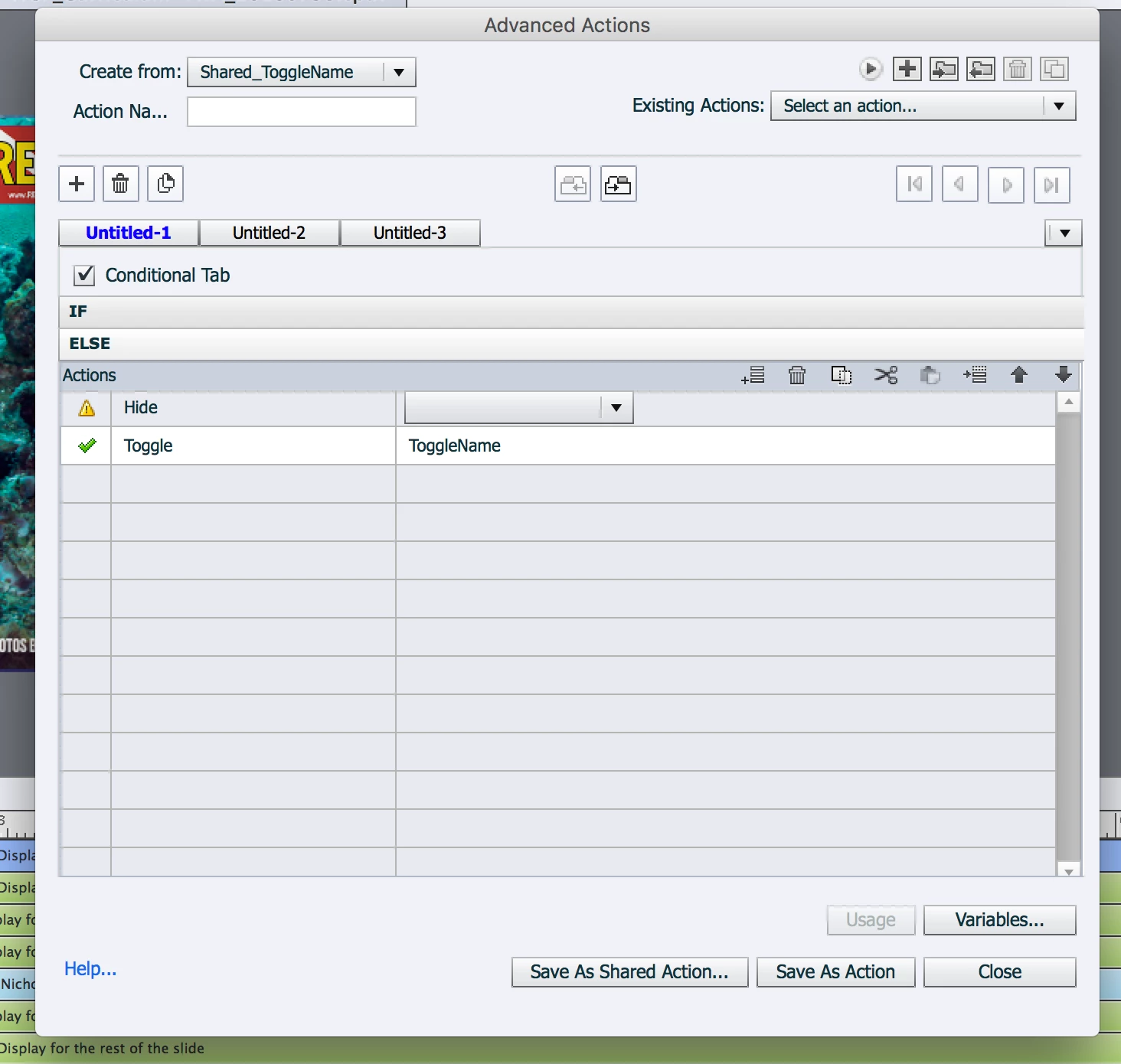
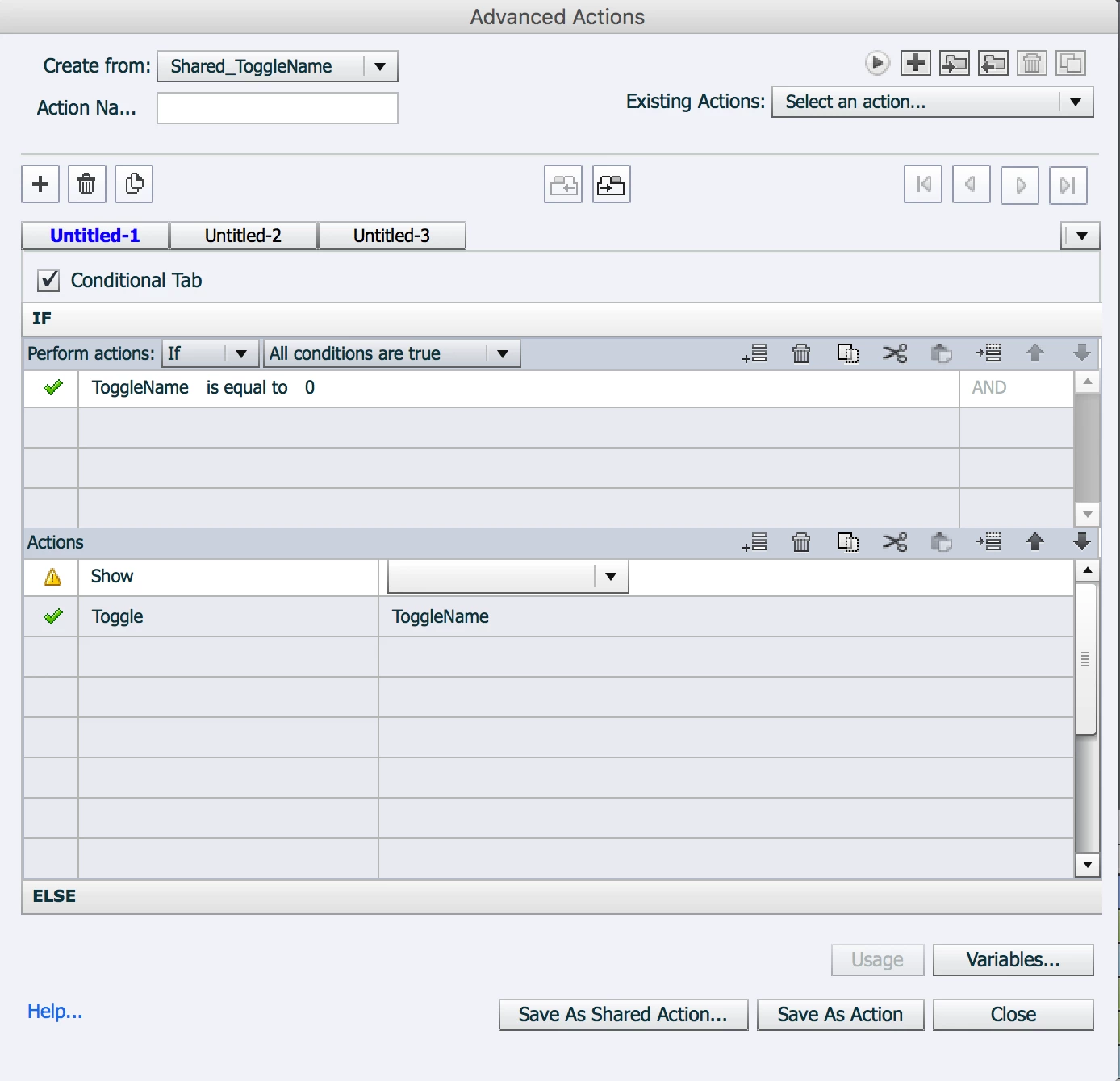
It worked fine for one export, but now the actions apparently no longer work. Additionally, it requires two clicks to trigger the pop-up. I got these buttons working over two months ago at this point, and since it was my first time working with advanced actions, I can’t remember for the life of me what I did.  In the one screenshot of the Advanced Actions box, you’ll see that one setting is left blank. I don’t remember why that’s like that but it’s the same in the archived version of the project where the actions work correctly.

If anyone can advise, I’m happy to share a link to the project. It’s a massive file; every slide is an image so it’s 776.2 MB (even when saved as 150 dpi at 1280 x 720). I’ve included some screenshots that might be relevant. Looking forward to some answers!
    This topic has been closed for replies.
    Correct answer Lilybiri

    Hi Lilybiri,

    Would you be able to clarify a little bit more about what you mean? I'm also happy to share a truncated version of the project with you or RodWard​ if either of you are willing to try to unpack what's going on here. I have the slide set to hide the fish name on enter. Would it be better to change the on-enter action to be resetting the variable to 0?

    Figuring out this glitch is the last thing I need to do before the curriculum is done so I'm eager to get this figured out. This curriculum is going to be a template for 12 others so I need to figure this out before I begin replicating it across the board.

    Best,

    Christina


    I meant to use the On Enter action of the slide to reset the situation as it was the first time.

    It is perfectly possible to use the Toggle command instead of the Assign command in the conditional action as I explained in the blog post you mentioned before.  But if you want the image to be invisible when the slide is revisited you have to use two commands in the On Enter action of the slide:

       Hide image

       Assign v_visib with 0

    In this situation, with that standard action, you cannot use the Toggle command but need to use the Assign command for the variable.

    You only have to use this On Enter action if you want that reset. If the image may remain visible,  the variable was toggled to 1 there is no need to do this.

    1 reply

    RodWard
    Community Expert
    October 15, 2018

    Why is each slide over 48 seconds long? There does not appear to be audio on the slide so it's not really necessary for such a long timeline.  Unless there is some compelling reason for such lengthy timelines, I recommend you make each slide just 3 or 5 seconds in length.  It will be easier to debug what is happening.

    I think part of your problem might be connected to toggling that variable Togglename.  Set up a text caption timed for Rest of Project and insert the variable so that it displays the variable's current value on all sildes.  Then see if the values match what you expected.

    If users are supposed to click one of the Next or Back buttons to move to each slide, it would probably be better to have those buttons execute a Shared Action that first hides the text object on that slide and then jumps back or next.  That way you would not need to be toggling any variables.

    chstefan
    chstefanAuthor
    Known Participant
    October 15, 2018

    Thanks so much for the quick reply. In terms of the lengthy slides, that was one of the recommendations I found for getting around Captivate's automatic slide advancements. If you know of a better way, I'm all ears!

    The toggle is actually because I need the question mark to both reveal and hide the name (per the client's request). So the question mark needs to both reveal and hide the name, but if the user advances to the next slide without clearing the name, the name needs to disappear when they advance. How would you recommend structuring those different actions? 

    chstefan
    chstefanAuthor
    Known Participant
    December 7, 2018

    OK.  That's more like what we need to know.

    Normally these tracking variables would be set with a default value that is appropriate for the Hide or Show status of the object when the project is open.  So if you wanted the variable to be 0 when the object is hidden and 1 when the object is visible, but the object should be hidden at the start, then the default value of the variable would be set to 0, and be changed to 1 whenever the object is shown and vice versa.

    Although the toggle action is very useful, I think you will find that for your specific requirement you might need to accomplish the toggling of the object using a Conditional Action that first checks the current value of the tracking variable so that it knows which action (HIDE or SHOW) it needs to take.  This also means that instead of using the Toggle action to change the variable, it's a little safer to explicitly set the value to whatever it should be based on the visibility of the object.

    The idea is that the variable must always correctly reflect the current visibility of the object.


    Hi Rod,

    Apologies for the long radio silence. I've been investigating the variable issue and cleaning up the file overall. I have two things happening: 1, I've executed a shared action to allow the q mark in the bottom right to act as a toggle. I also have the slide set to hide the name ID on enter.

    When I do the 5-slide preview, the Name-ID is hidden and the variable reads at 1. When I select the q mark to execute the shared action that is revealing the name-ID, the variable reads at 0. If I advance to the next slide, the variable still shows as 0, even though the next slide's name-ID is still hidden. This is when I need to double-click: The first click on the q mark sets the variable to 1 again. The second click sets it to 0 and the name-ID appears.

    If I understand your previous response correctly, the variable doesn't necessarily reflect the visibility of the object? They can be operating independently of one another, so the variable can be "tricked" into being at the variable that should show the name-ID, but the name-ID hasn't actually been triggered?