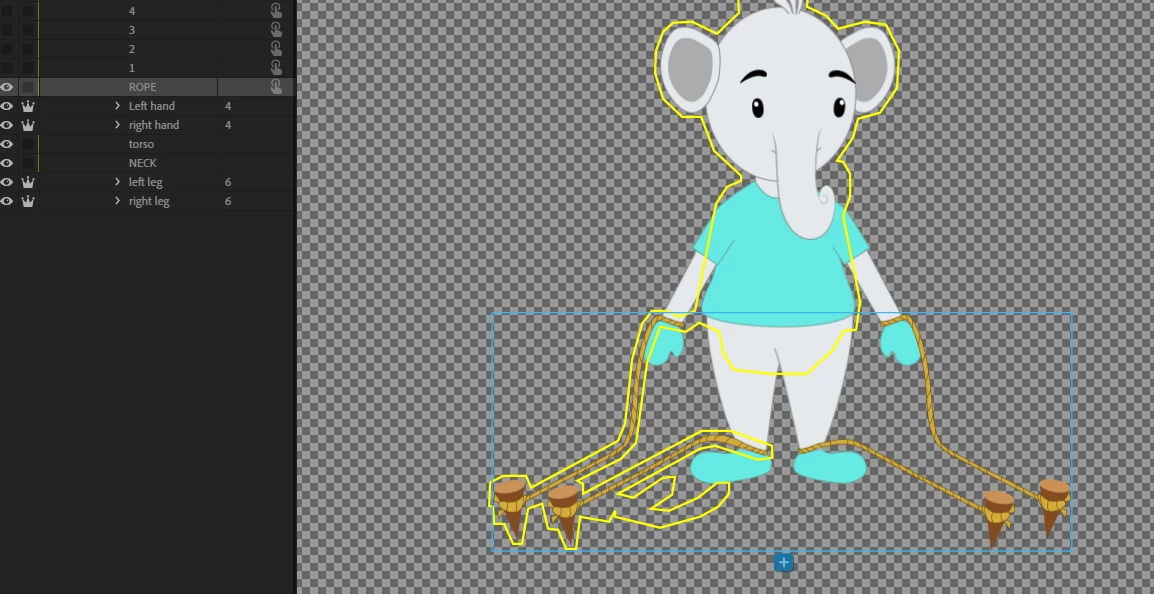
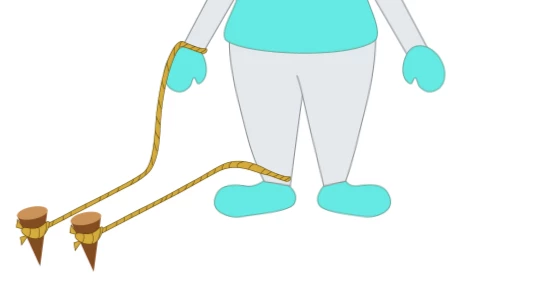
Two possibilities - the first is you accidentally drew the rope in the wrong layer in the original artwork file (I have done that many times blush). The other one however is CH looks for contiguous regions. The rope on the right is not connected to the rest of the body, so may have got left out of the mesh. To fix, one way is to add another layer and group it with the current rope layer. In that layer draw a rectangle or similar that overlaps with the different areas. Then hid the layer. CH will consider it present when working out the contiguous region, so will include both ropes. It just needs to overlap the ropes and the main body by a little bit - don't make it too big.



 AdChoices