Inspiring
December 7, 2022
Answered

HELP! My Character Animator Project Crashed and won't reopen

  • December 7, 2022
  • 3 replies
  • 1800 views

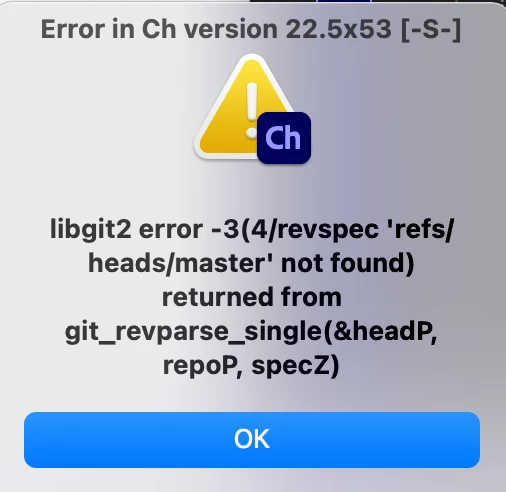
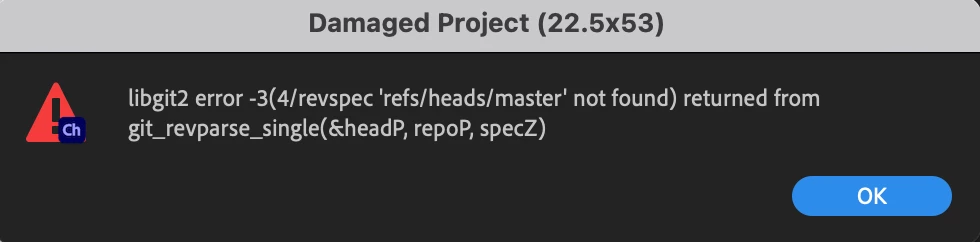
So I ran out of disk space while exporting a puppet and it caused Character animator to crash. Now it geve this error and won't reopen. I spent three days on it. Is there anyway to recover it? Are there any previous versions that I can recover? 
 

Correct answer reverie555

dtull-adobe was able to fix it. It was mostly a matter of renaming the damaged projectdata.rope file in the repo.noindex folder. Once it was named back to projectdata.rope it opened fine. Also in the future. If you are exporting and run out of disk space and crash. Besure to free up your disk space before opening character animator back up. 

3 replies

Erica Schisler
Inspiring
December 7, 2022

We're looking for someone directly on the Character Animator team to help. We'll get back to you as soon as we find the right person. 

reverie555AuthorCorrect answer
Inspiring
December 8, 2022

dtull-adobe was able to fix it. It was mostly a matter of renaming the damaged projectdata.rope file in the repo.noindex folder. Once it was named back to projectdata.rope it opened fine. Also in the future. If you are exporting and run out of disk space and crash. Besure to free up your disk space before opening character animator back up. 

Erica Schisler
Inspiring
December 8, 2022

So glad it got worked out! Thank you so much for posting the resolution. 

Inspiring
December 7, 2022

Welp. Went to customer support and after two hours, they were just like "Oh well,  it's damaged" WHY IS THERE NO AUTOSAVE IF THIS TYPE OF THING CAN HAPPEN?  Is there anyone from the Character Animator team that understands the file structures, that could help me retrieve this?? 

Community Manager
December 7, 2022

I work on the Character Animator team and might be able to help (you can find my name if you search around). If you can send me a link to a zip file with just the "Ch Data\repo.noindex" subfolder of the project, I can inspect it and see why it didn't automatically repair itself (and probably fix it up if that's possible in this situation -- it often is, at least with the new file format)

Projects created with more recent versions of the software should be in a file format called rope which is far harder to corrupt and I've even used small disk images to test the out of disk space issue in particular and it was able to auto repair when space was freed, but I've also seen operating systems do really ugly things to their file systems when they run out of disk space, so maybe it got thrown off by that...


Dan Tull


Inspiring
December 7, 2022

I just messaged you a link! 

TheOriginalGC
Community Expert
December 7, 2022

The first thing to try is to hold down the "alt" key while starting to do a fresh start without loading the previous project.

Inspiring
December 7, 2022

That didn't work. Once the character animator is opened without a project opened, and I choose to open to that project. It gives the same error. 

TheOriginalGC
Community Expert
December 7, 2022

Maybe someone with technical expertise can offer assistance in recovering the project. Otherwise, you would have to import the original file into a new project, which sounds like you're trying to avoid.