


New Participant
April 23, 2017
Answered

How do i open a puppet file in Photoshop?

  • April 23, 2017
  • 2 replies
  • 13996 views

Hey there..... My name is Devil Dude and im a growing youtuber who wants start streaming with Adobe Character Animator. I made myself a puppet seeing

oksamurai's tutorial. Then i saw that Dave had uploaded Tips and Tricks for Character Animator for March 2017, in that video he shows us that red monster had

been rebuilt and i saw that he had a new mouth i really liked , so i tried to download that Red Monster but when i downloaded it , i got in a puppet format. i tried to open it in Photoshop so i can drag that mouth and put it on my character but when i opened it in Photoshop it says the same thing .................
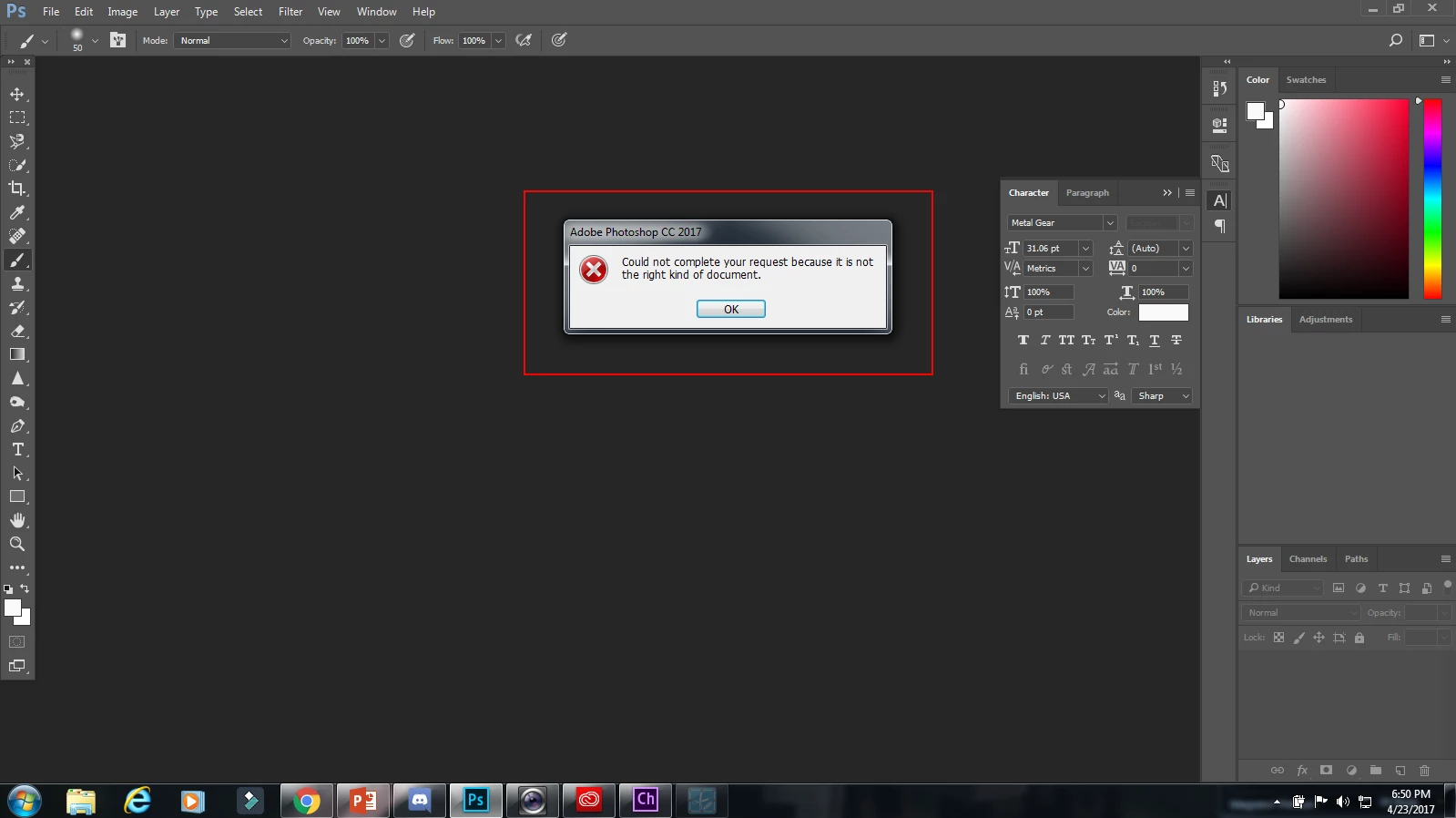
Plz help me out by telling me how to open the file in Photoshop

This topic has been closed for replies.
Correct answer KJerryK

First import the *.puppet file into Character Animator. Then select it in the project panel and look over to the far right in the properties panel to see the Ps file you want. The *.puppet is just a rigging file that refers to the actual Ps file.

2 replies

New Participant
August 7, 2024

Im having the exact issue and I don't know how to resolve it. I downloaded free puppets from chrome online but now I want to edit them to create their side poses but don't know why I'm unable to edit them in ps

TheOriginalGC
Community Expert
August 8, 2024

Import the *.puppet file into Character Animator, then select it and right click on it to select "Edit Original." That should open up the program the puppet art was created in.

KJerryK
KJerryKCorrect answer
Brainiac
April 23, 2017

First import the *.puppet file into Character Animator. Then select it in the project panel and look over to the far right in the properties panel to see the Ps file you want. The *.puppet is just a rigging file that refers to the actual Ps file.

New Participant
April 25, 2017

Thanks man!!!!!!!!