

New Participant
July 13, 2021
Question

How to keep body from floating
  • July 13, 2021
  • 1 reply
  • 2331 views


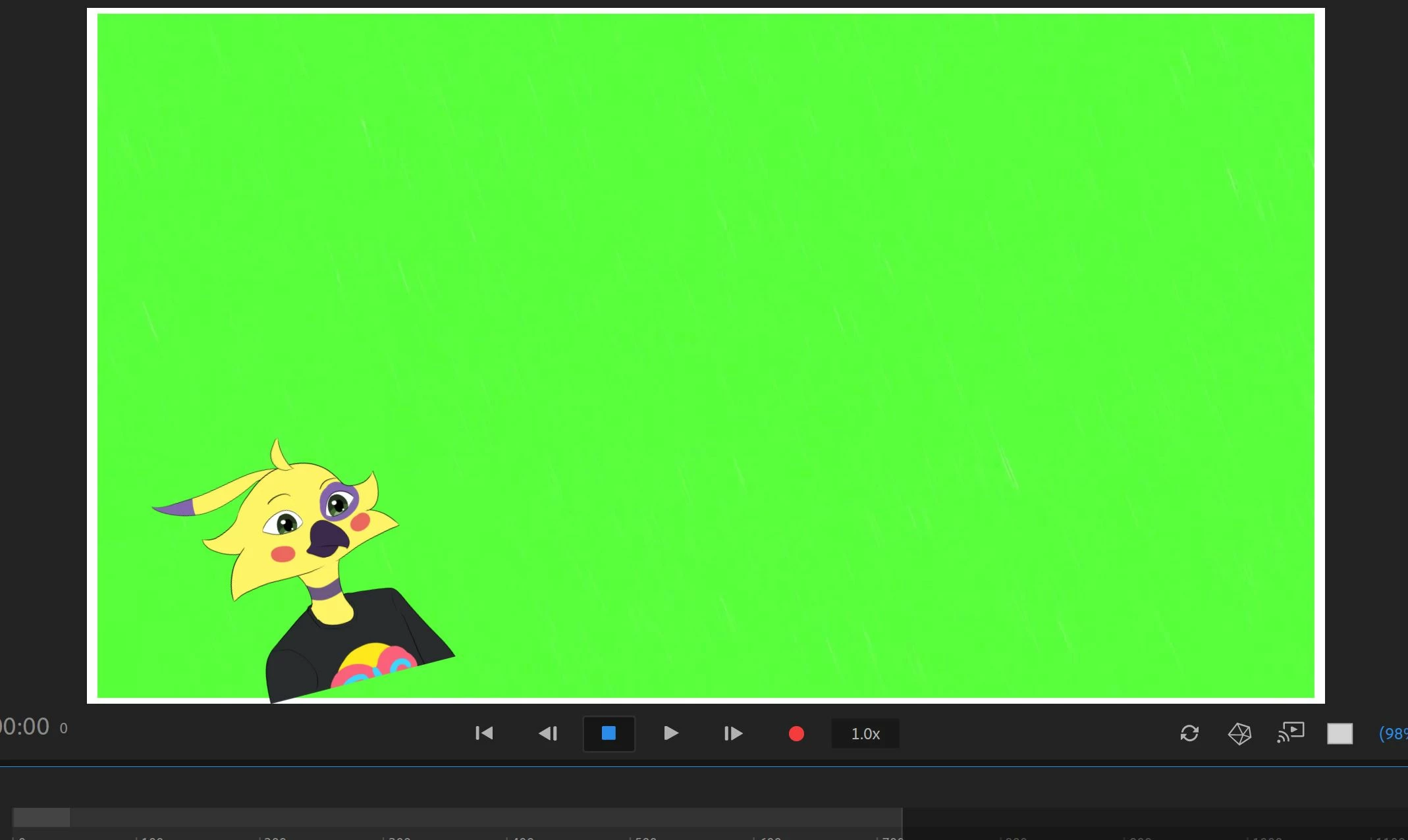
I'm new to character animate and made a puppet but the puppet doesn't stay put. Whenever I move the puppet follows my tracking and starts to float so im wondering how to keep the puppet in one place.

This topic has been closed for replies.

1 reply

Community Expert
July 28, 2021

hey there,


yes the puppet moves along with you and your camera. To lock it in place, just go into Rig mode, select the main character at the top level. And then use the Pin Tool at the bottom and just pin your characters feet down to keep it in place, or in your case you can add a few pins across the button of the characters shirt. You can also go to Record mode, select your characters in the scene.... and then if you toggle open the  Transform behavior, you can scrub the x, y position and scale to place your character how you want it to be.


Hope this helps.


best,

mark

headTrix, Inc. | Adobe Certified Training & Consulting
Inspiring
February 16, 2023

Thank you for your answer, but the Fixed pins did not work for me. The video is 95 seconds long. For the first 92 seconds the puppet totally stays on the ground. During the last 3 seconds, it floats. (With Fixed pins added.)

First 92 seconds:

Last 3 seconds:

I tried using keyframes, starting just before where the floating happens and set the ground level  to -20 for Position Y, then ending the video with the second keyframe tag at -18 to try to force it to go down a bit if anything. No luck, it still floats up. 

Any ideas would be appreciated.

(And by the way, the Fixed pins in Rig mode are not enabled on the top level layer, nor are they on the Puppet layer. They are not enabled until you select the Frontal or Left Quarter layer (or whatever view you have).

Inspiring
February 16, 2023

Okay, I tried Keyframes again, fiddling with Position Y on both ends, and it drifts a little bit but the result is acceptable.