


New Participant
March 15, 2021
Answered

how to make two characters hold hands using magnets

  • March 15, 2021
  • 1 reply
  • 737 views

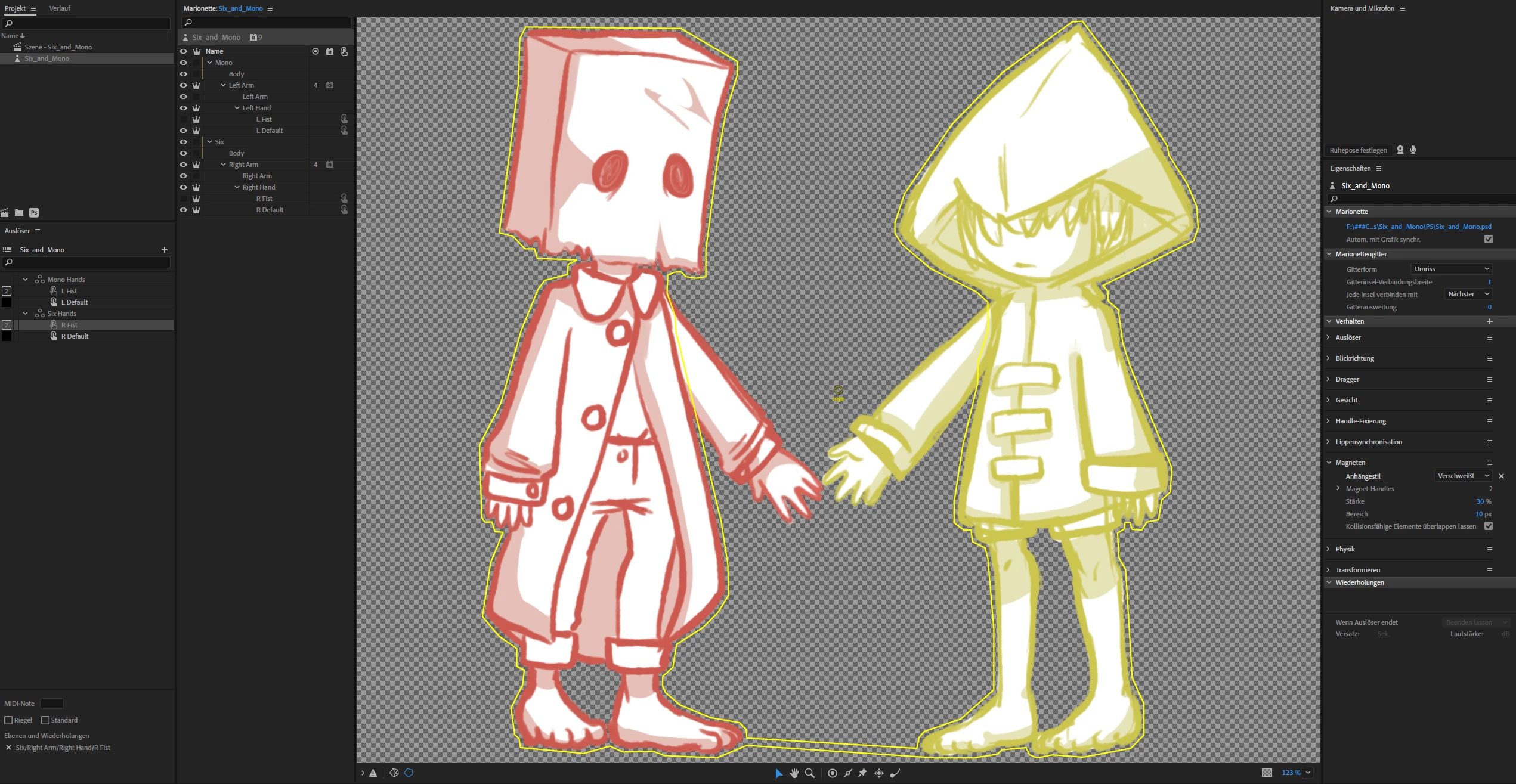
Hi community! I'm fairly new with Character Animator and just started looking into the magnets property. For a test puppet I drew two characters in one puppet file and want to make them hold hands with the magnet tool. I still haven't figured out a way to make this happen tho, since as soon as I give them the dynamic property, the hands just fall out of the screen.

Can anyone help me out?


This topic has been closed for replies.
Correct answer oksamurai

Unfortunately magnets are not that great for this yet - as we say in https://youtu.be/ivt3zQ0zni0?t=246 - using magnets for two characters holding hands doesn't work well (yet). I think you might be better off making two separate puppets and mimic their arm behaviors using dragger instead. They won't stick like magnets, but you should have full control over where they are. This is something we hope to make better in the future!

1 reply

oksamurai
Community Manager
oksamuraiCommunity ManagerCorrect answer
Community Manager
March 16, 2021

Unfortunately magnets are not that great for this yet - as we say in https://youtu.be/ivt3zQ0zni0?t=246 - using magnets for two characters holding hands doesn't work well (yet). I think you might be better off making two separate puppets and mimic their arm behaviors using dragger instead. They won't stick like magnets, but you should have full control over where they are. This is something we hope to make better in the future!

New Participant
March 17, 2021

Hi! Thank you so much for the reply! I must've missed that part of the video somehow, my bad! I've been watching your videos to learn how to use Character Animator so I just wanted to thank you for all the effort you're putting into these, they've helped me a lot.