

Answered
Invalid Surface Image
Today 2 of my characters stopped working in their scenes. When building new scenes they come up with the same error.
INVALID SURFACE IMAGE
Any advice on getting these up and running again.
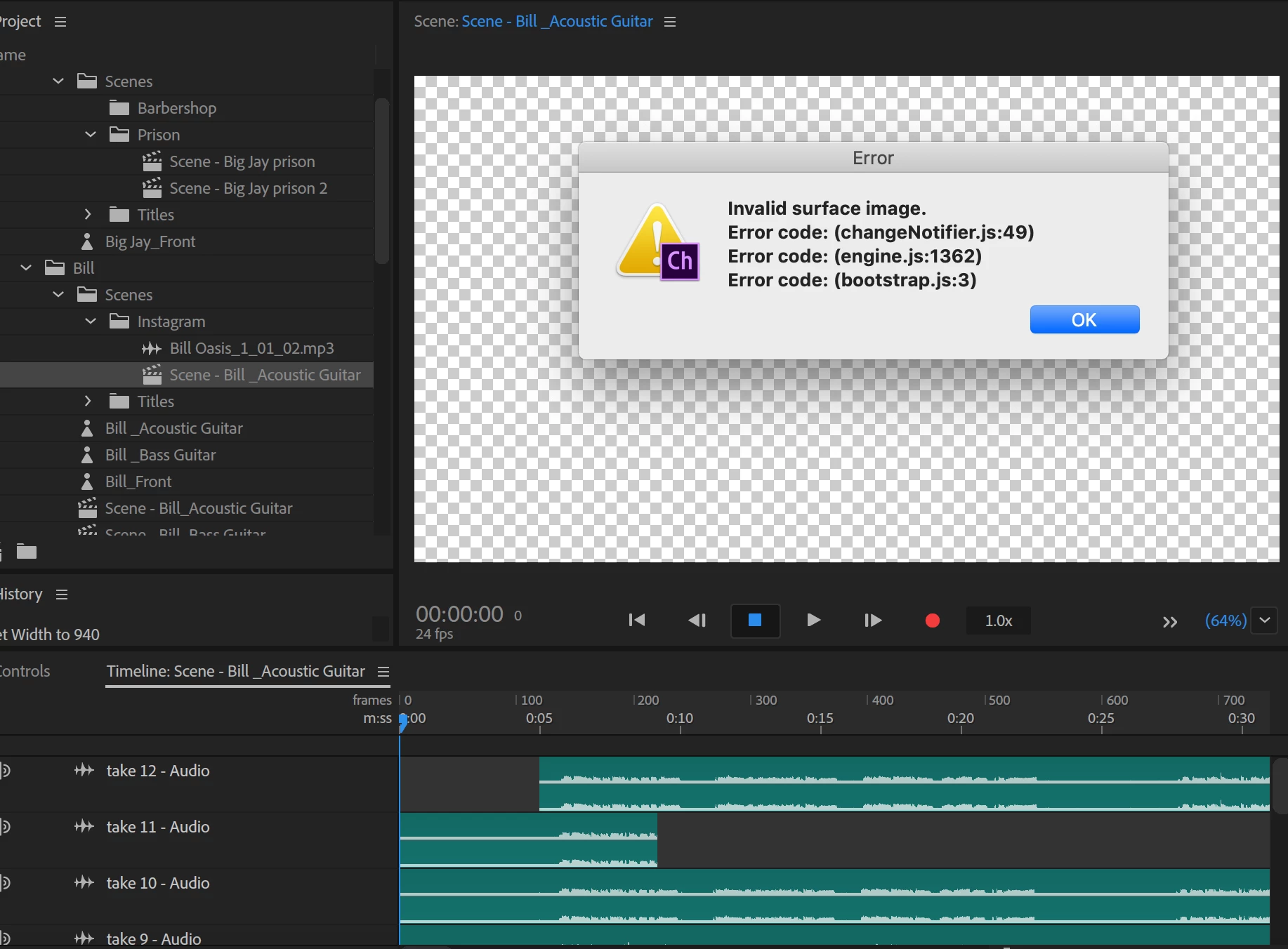

Today 2 of my characters stopped working in their scenes. When building new scenes they come up with the same error.
INVALID SURFACE IMAGE
Any advice on getting these up and running again.
Have you tried the scene refresh button? then try with ALT pressed as well. The two arrows in a circle at bottom of scene panel (might need to click the >> icon to reveal in your screenshot). Otherwise mention Dan Tull in this thread. He might recognize the error message,
Already have an account? Login
Enter your E-mail address. We'll send you an e-mail with instructions to reset your password.
 AdChoices