
Answered
Need to Edit Auto Lip Sync to Avoid No-Speech Movements
I'm very new to Adobe Character Animator - I've only had it a few days - and I'm using one of the ready-made characters (Mark), for a scene I'm planning to introduce a series of tutorial videos.
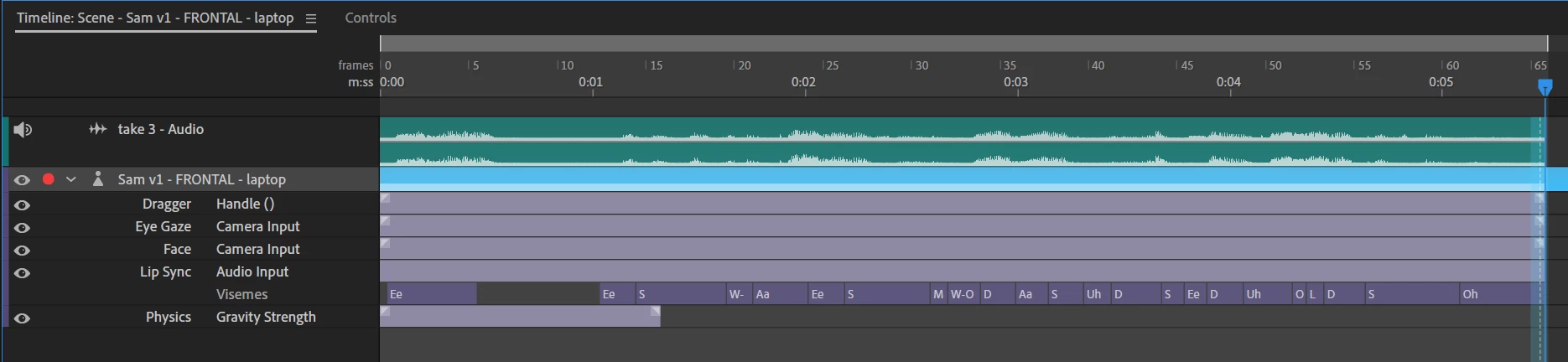
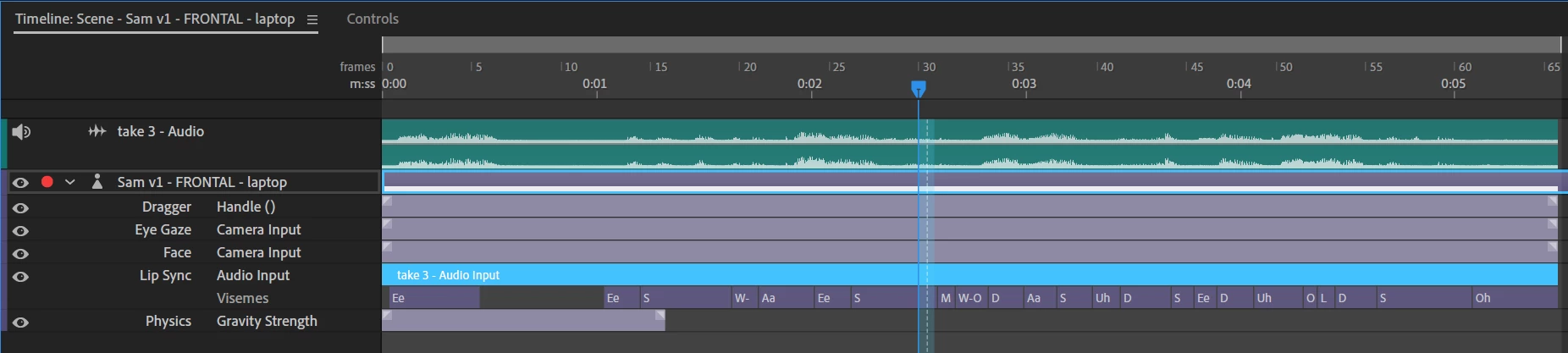
I've pre-recorded the VO, with a backing tracking, in Audition, and imported it into CH. I've set the Timeline to 'Compute Lip sync Take from Audio', and that has worked well, when there is speech.
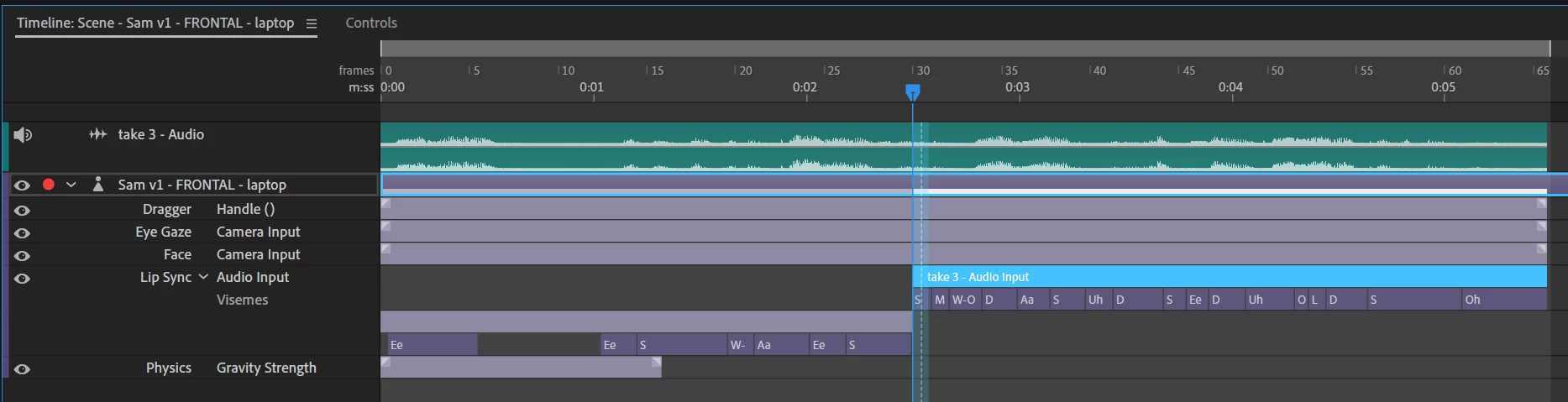
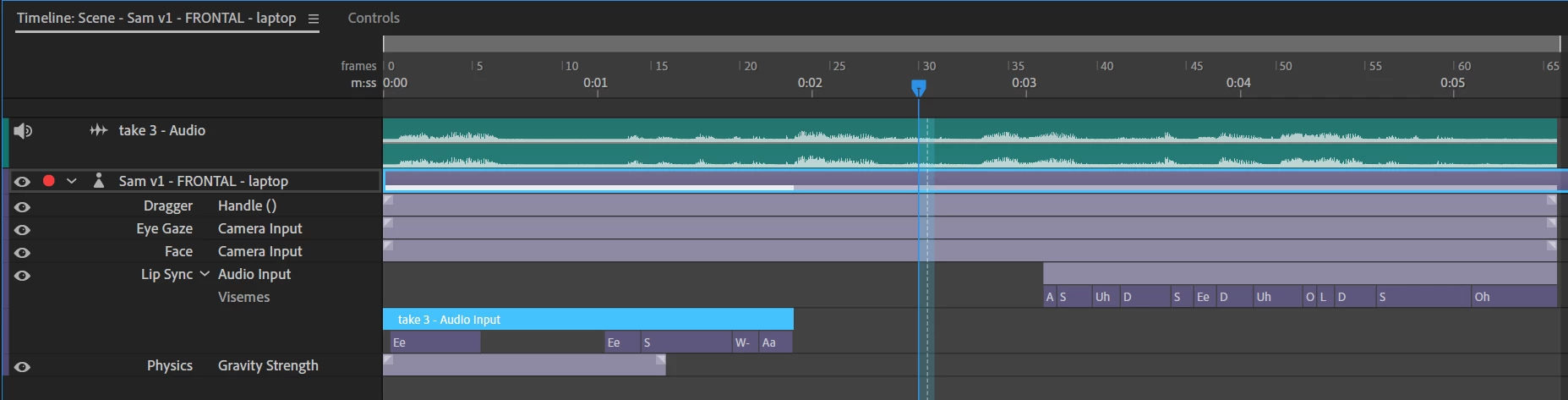
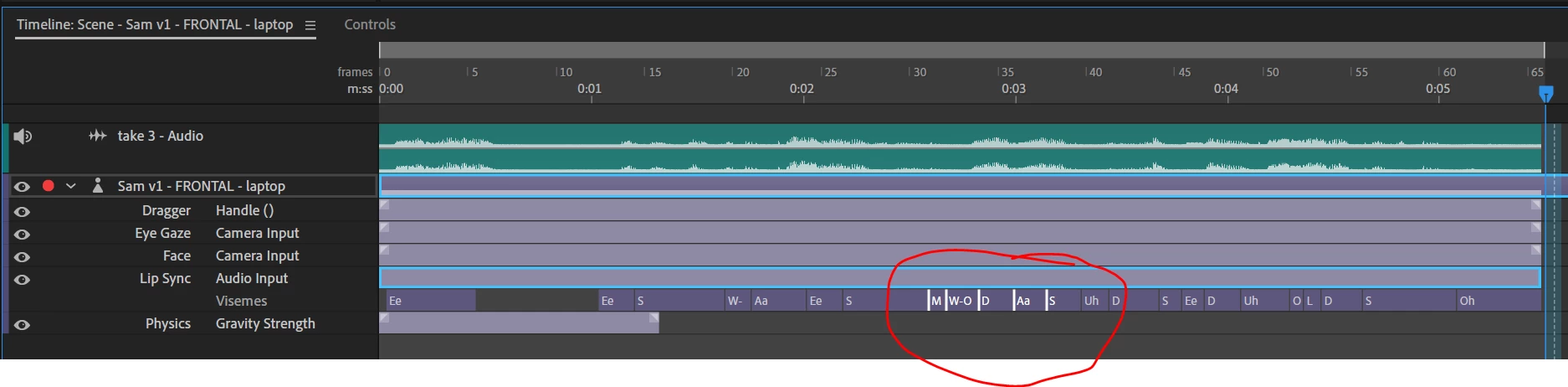
But, there are times when there is no speech only backing tracking, and the mouth moves. Also, there is another short VO, which is intended to be 'voices off', and so no lip sync is required.
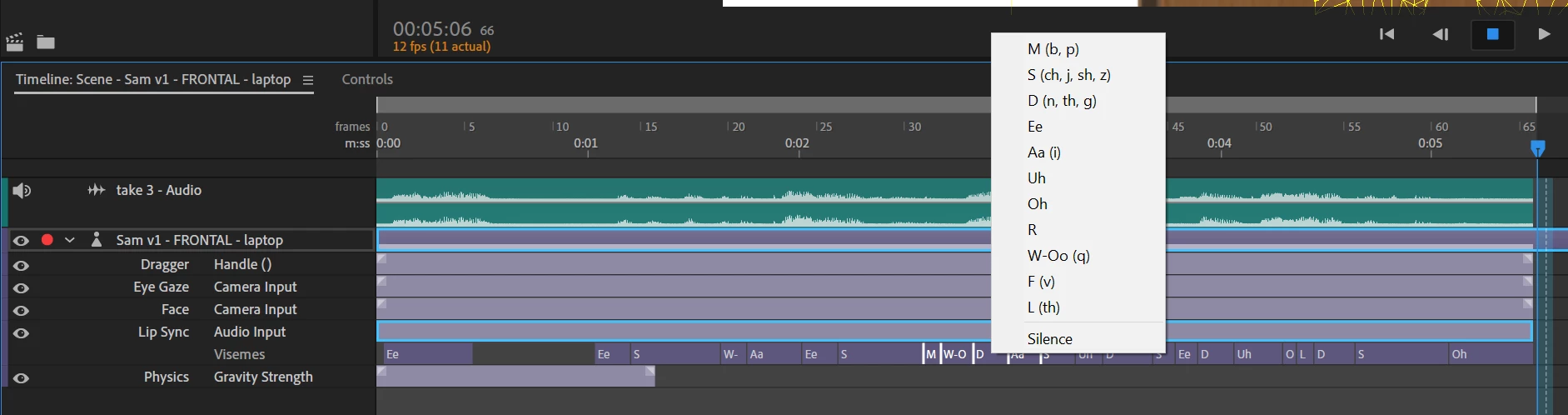
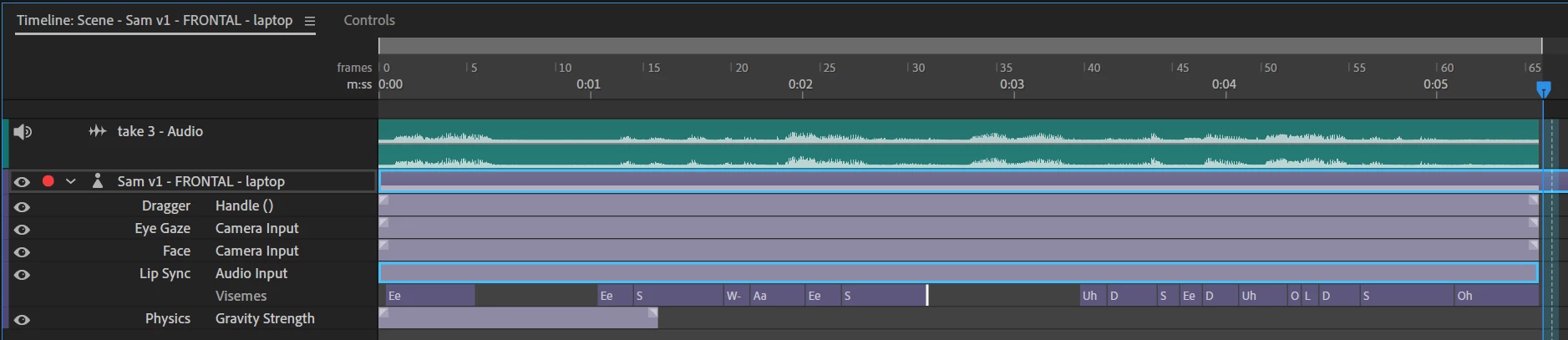
Can anyone advise me on how to edit the tracks so that the mouth does not move when I need it to be closed, please?
Thanks for any suggestions.
 AdChoices