New Participant
February 8, 2018
Answered

New Puppet - Mouth shapes not working

  • February 8, 2018
  • 2 replies
  • 1647 views

Hi everyone,

I'm trying to create my first custom puppet, and I can't seem to get the mouth shapes to respond.  Can anyone guide me in the right direction?  I've uploaded a PSD of my character layout here:

Main Puppet-Small Export.psd - Google Drive

Any help would be greatly appreciated - I've followed the tutorials on youtube, but can't seem to figure this one out.

Thanks in advance!
    This topic has been closed for replies.
    Correct answer alank99101739

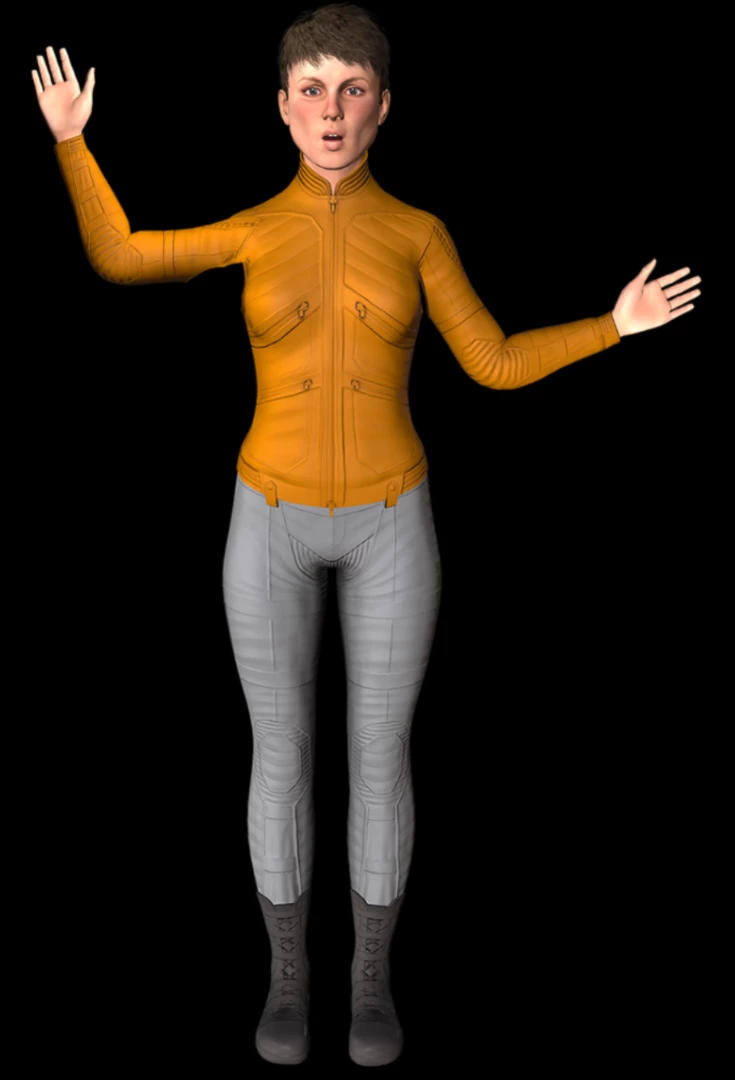
    Cool! I made one adjustment and it worked perfectly for me. I just imported the PSD file, recorded some audio with lipsync on, and it worked.

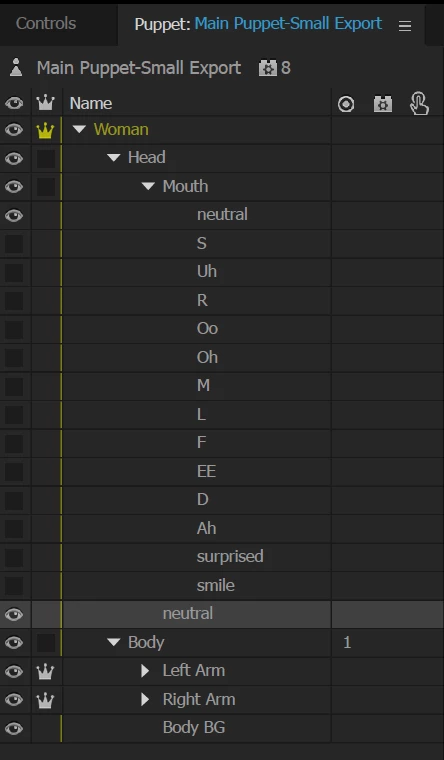
    The change I made was because the different mouth positions are only the bottom part of the head. "Neutral" included the top of the head. So I copied "Neutral" to just below the mouth so all the mouth positions layer on top of the complete head. Then it worked perfectly for me.  Oh, and remember that it picks *one* of the children of the "Mouth" group to display, so I typically hide all the layers except neutral.

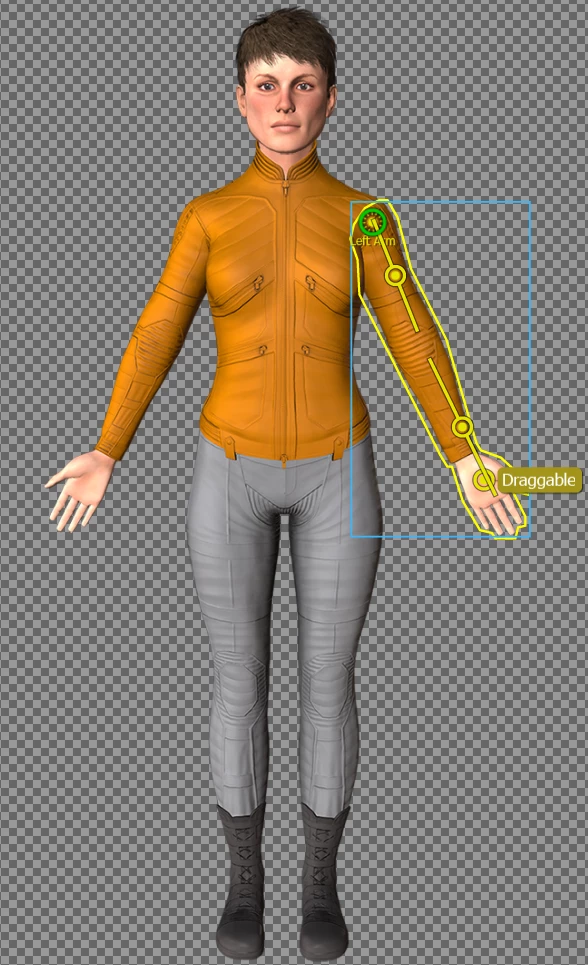
    I then added bones and draggers for the arms, and away it went!

    2 replies

    New Participant
    February 8, 2018

    Awesome!  Thanks so much for taking the time!  I'm back in business! 

    alank99101739
    alank99101739Correct answer
    Brainiac
    February 8, 2018

    Cool! I made one adjustment and it worked perfectly for me. I just imported the PSD file, recorded some audio with lipsync on, and it worked.

    The change I made was because the different mouth positions are only the bottom part of the head. "Neutral" included the top of the head. So I copied "Neutral" to just below the mouth so all the mouth positions layer on top of the complete head. Then it worked perfectly for me.  Oh, and remember that it picks *one* of the children of the "Mouth" group to display, so I typically hide all the layers except neutral.

    I then added bones and draggers for the arms, and away it went!

    alank99101739
    Brainiac
    February 8, 2018

    In case useful, here is why my timeline looked like.

    If you don't have the "Lip Sync" group appearing when you record, you may need to arm the Lip Sync property. That is what turns the audio into lip positions.