New Participant
April 28, 2017
Question

parts of puppet disappear when adding cycle layers to element

  • April 28, 2017
  • 1 reply
  • 1132 views

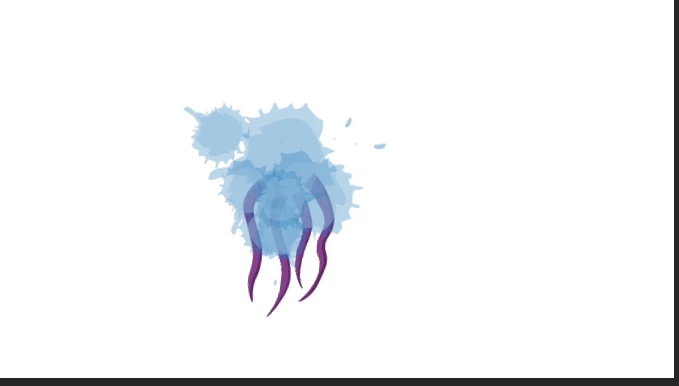
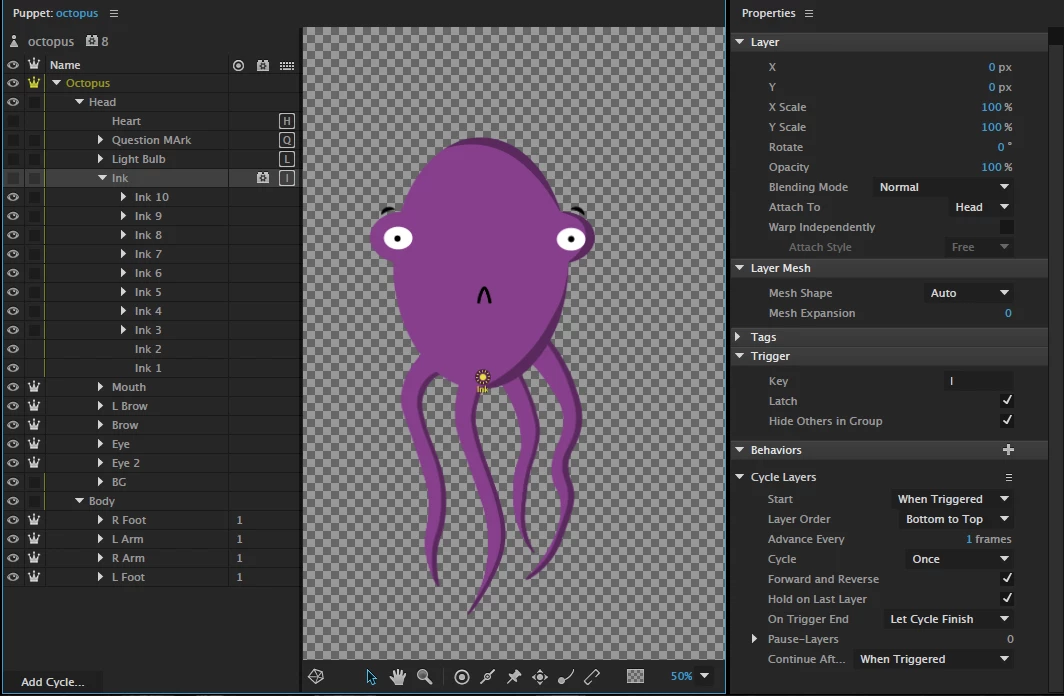
So I created this octopus puppet and I wanted it to spurt out ink when triggered by a key. It consists of 10 layers so I added the cycle layers in Character Animator but when I trigger it the head disappears. What can be done to avoid this? I want both the puppet and the ink to be seen.
    This topic has been closed for replies.

    1 reply

    oksamurai
    Community Manager
    Community Manager
    April 28, 2017

    Just uncheck "Hide others in group." The only time you want to do that is if it's in a folder of other stuff you do want to hide, like several different hand positions.

    cartoonfix
    Participating Frequently
    November 25, 2020

    Hello. I have ran into a bit of an issue with my puppet. For this puppet I'm doing animation poses by only using cycle layers- not draggers. Then assigning triggers to the layer. It works expect when the character is in idol the arms disappear as seend in the screenshot. Not sure if there is a solution. Is it possible to do this?

    Thank you! Huge fan! 


    alank99101739
    Brainiac
    November 25, 2020

    I am guessing you have the following set up (based on screen capture).

    - You have 3 layers in the cycle (arms at side, arms half way, arms crossed)

    - You have the cycle reverse when the trigger is released


    If this is correct, I suggest the following change:

    - Create a group that holds the the first of the 3 layers and a cycle layers group

    - The cycle layers group only has two layers now, (arms half way & arms crossed)

    - Put a swapset on the top group where the "arms-at-side" is the default for the swapset

    - Put the trigger on the cycle layers


    The idea is hitting the trigger switches from the default arms-at-side image and starts playing the cycle layers for the non-arms-at-side images.


    The other thing I wonder if possible is to use the cycle layers pasue capability somehow. You can mark a cycle layer as "stop on this layer". If the cycle repeated automatically you hit a trigger to let it play the next few frames. In this case I think you would put 4 in the squence: arms-at-side (with pause), arms-half-way, arms-crossed (with pause), arms-half-way. Each trigger would make the cycle keep going until the next pause layer. But this would not work with different sets of arms - the swap set you can add multiple different positions (arms up in air etc) with the arms-at side being the default pose you return to.