


Chasing Pyre
Participant
June 1, 2017
Answered

Sizing in Photoshop and Character Animator

  • June 1, 2017
  • 1 reply
  • 2995 views

So I've been trying out the new walk behavior and every time the character legs bend in a weird way. So I wrote out step by step what to do in the video tutorial to see what I was doing wrong and I finally figured it out. When I first go to record a character it is always too big so I use the scale under transform to make it fit. That's what is making my characters walk funny. If I don't scale they walk normally. So my question is what size in photoshop should I be making my characters. I'm currently using 1800 x 2700. Or is there a way to make the scene on character animator bigger so I don't have to scale down the character.
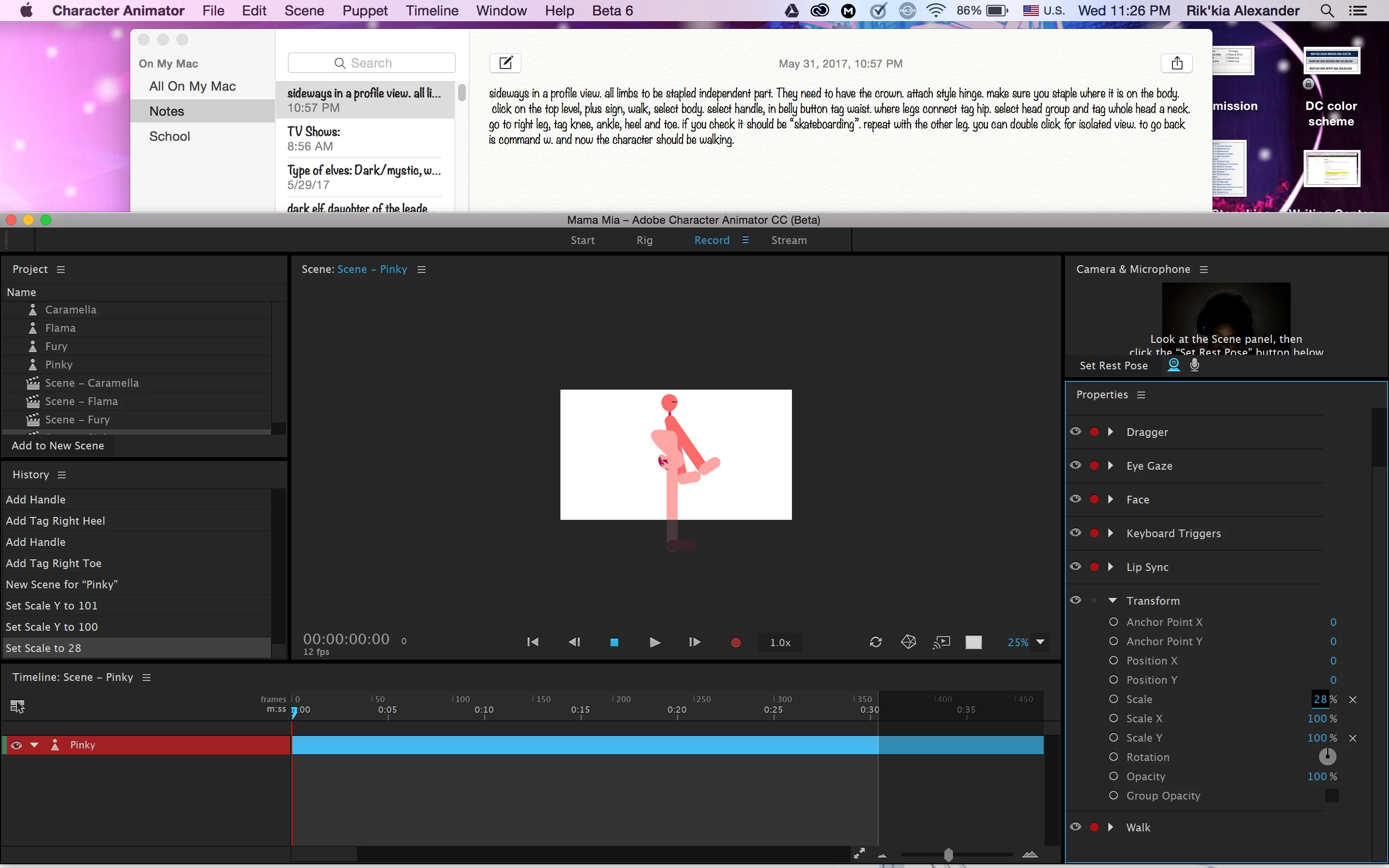
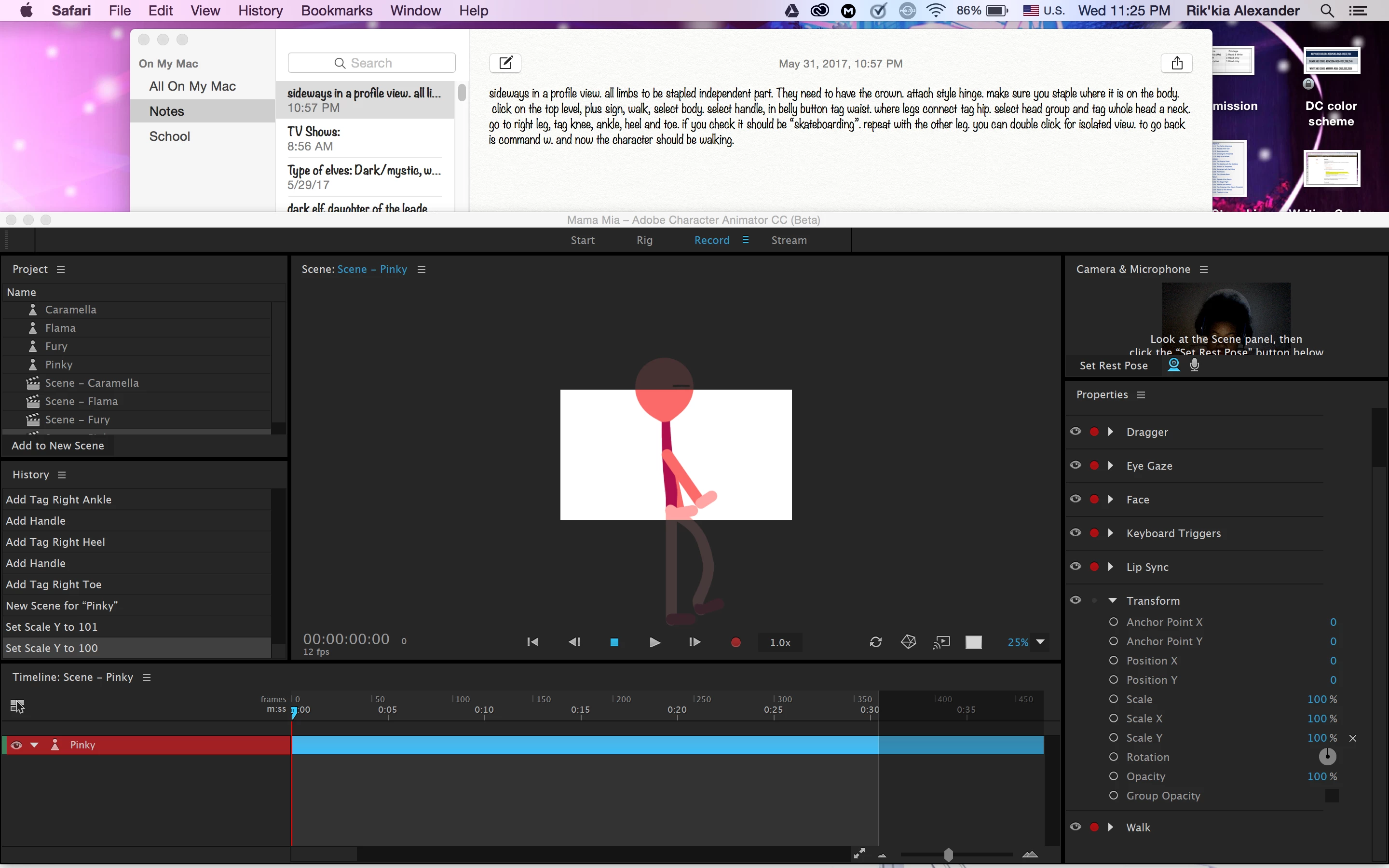
btw, this isn't the normal character I work on. I figured it would be easier for me to spot what I'm doing wrong by using a stick figure.

This topic has been closed for replies.
Correct answer oksamurai

Hmm, I use Transform > Scale a lot to make characters bigger or smaller - if you look at the Walkbot example you should be able to scale him properly.

Is it possible the top Character group doesn't have a crown/+? That can cause a lot of issues like this. If not, can you post a screenshot of your rig mode?

1 reply

oksamurai
Community Manager
oksamuraiCommunity ManagerCorrect answer
Community Manager
June 1, 2017

Hmm, I use Transform > Scale a lot to make characters bigger or smaller - if you look at the Walkbot example you should be able to scale him properly.

Is it possible the top Character group doesn't have a crown/+? That can cause a lot of issues like this. If not, can you post a screenshot of your rig mode?

Chasing Pyre
Participant
June 1, 2017

Thank you.