



Martinnel
Inspiring
November 19, 2018
Answered

Switching from frontal to walk

  • November 19, 2018
  • 2 replies
  • 863 views

I've done this before, but can't get it to work on my current puppet.

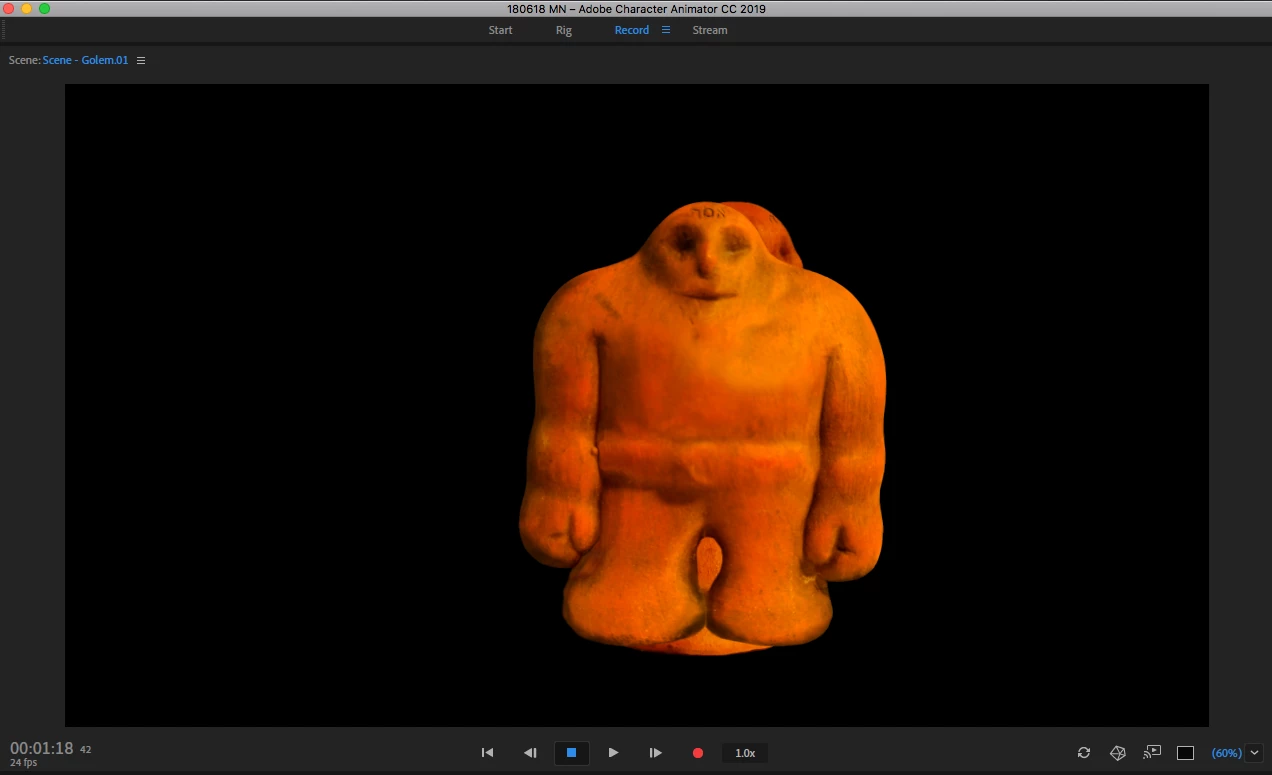
I've got a Frontal and Right Profile setup for my puppet. I've assigned the Walk behavior to the top level on my puppet and I've successfully configured him to walk using the Start with left & right arrow keys setup. I can also see my frontal guy in Record mode. But I can't get it to switch from frontal to profile. I get whichever one or ones are selected in the Rig window. If both are visible in Rig, Frontal appears on top of Right Profile when I switch to Record mode.

How do I get it so I see Frontal mode any time I haven't pressed the left or right arrow?

Martin
    This topic has been closed for replies.
    Correct answer alank99101739

    I think you have to create the Left and Right profile for it to work. Someone else had the same problem recently. If no profiles, all is good (e.g. walkbot just has left walk, no frontal), but as soon as you want frontal and left profile you also have to create a right profile from memory otherwise it does not work. (That might be a bug.)

    2 replies

    alank99101739
    Legend
    November 20, 2018

    It almost feels like a bug...

    alank99101739
    alank99101739Correct answer
    Legend
    November 19, 2018

    I think you have to create the Left and Right profile for it to work. Someone else had the same problem recently. If no profiles, all is good (e.g. walkbot just has left walk, no frontal), but as soon as you want frontal and left profile you also have to create a right profile from memory otherwise it does not work. (That might be a bug.)

    Martinnel
    MartinnelAuthor
    Inspiring
    November 19, 2018

    Ah, great tip. I'll try that.

    Martin