Known Participant
March 17, 2017
Answered

The invisible arm

  • March 17, 2017
  • 2 replies
  • 649 views

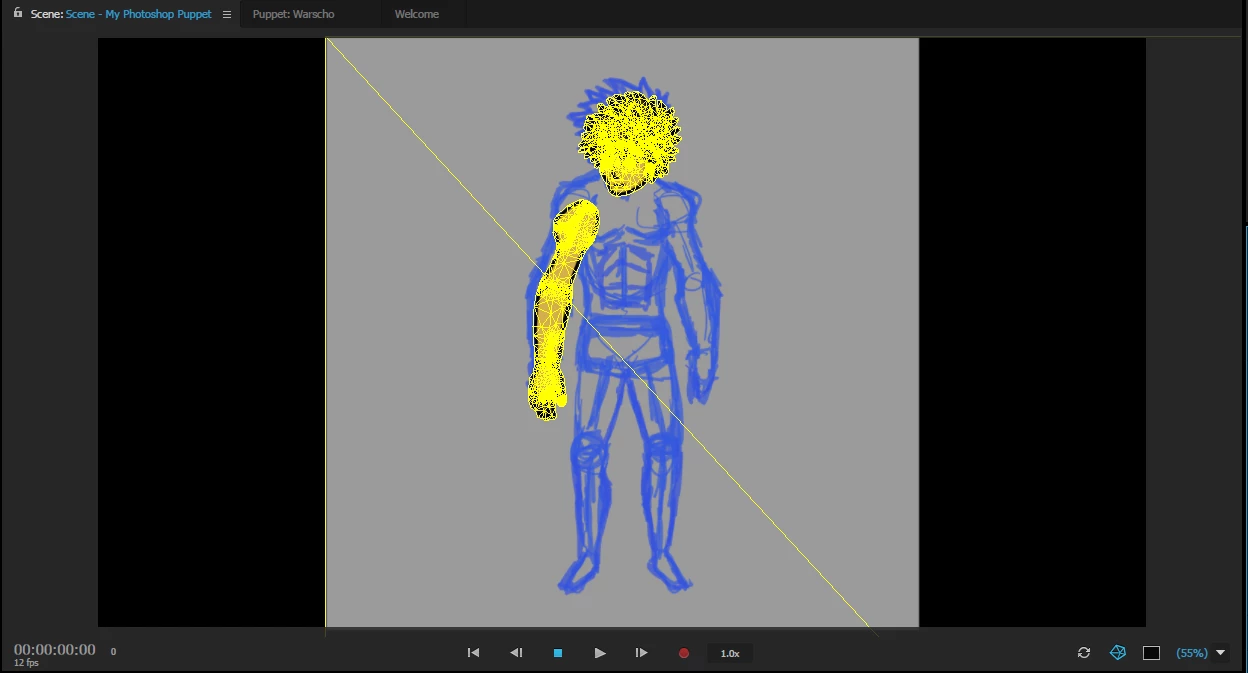
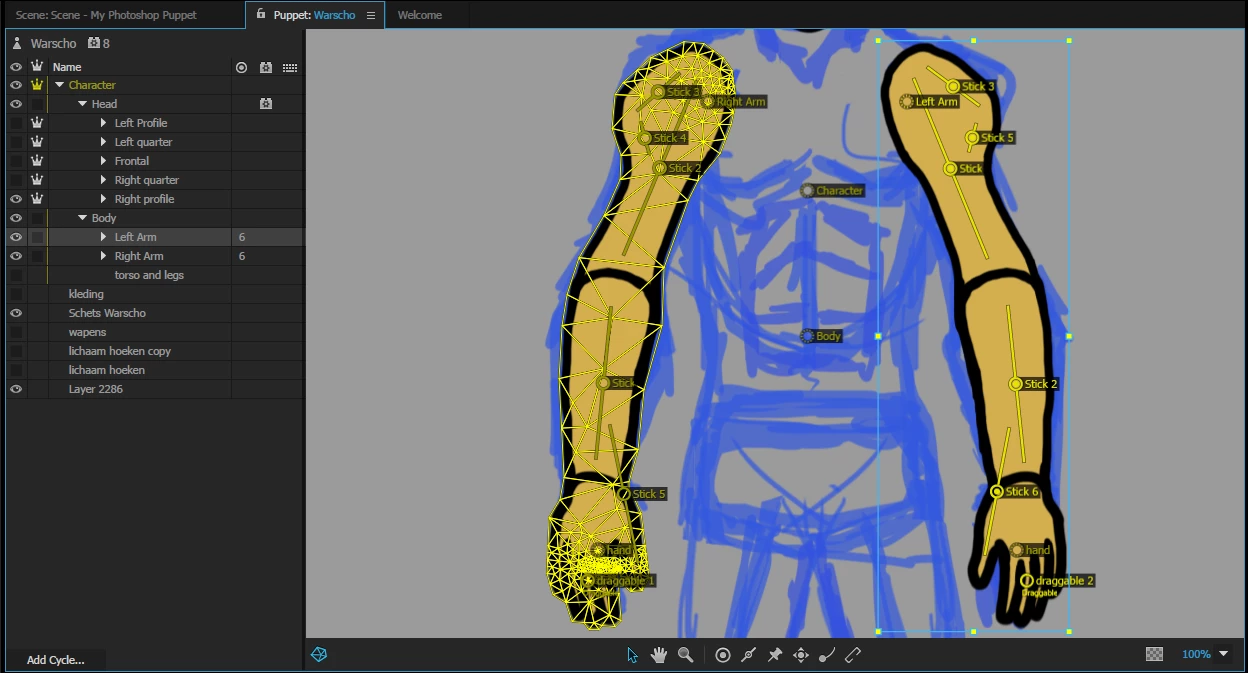
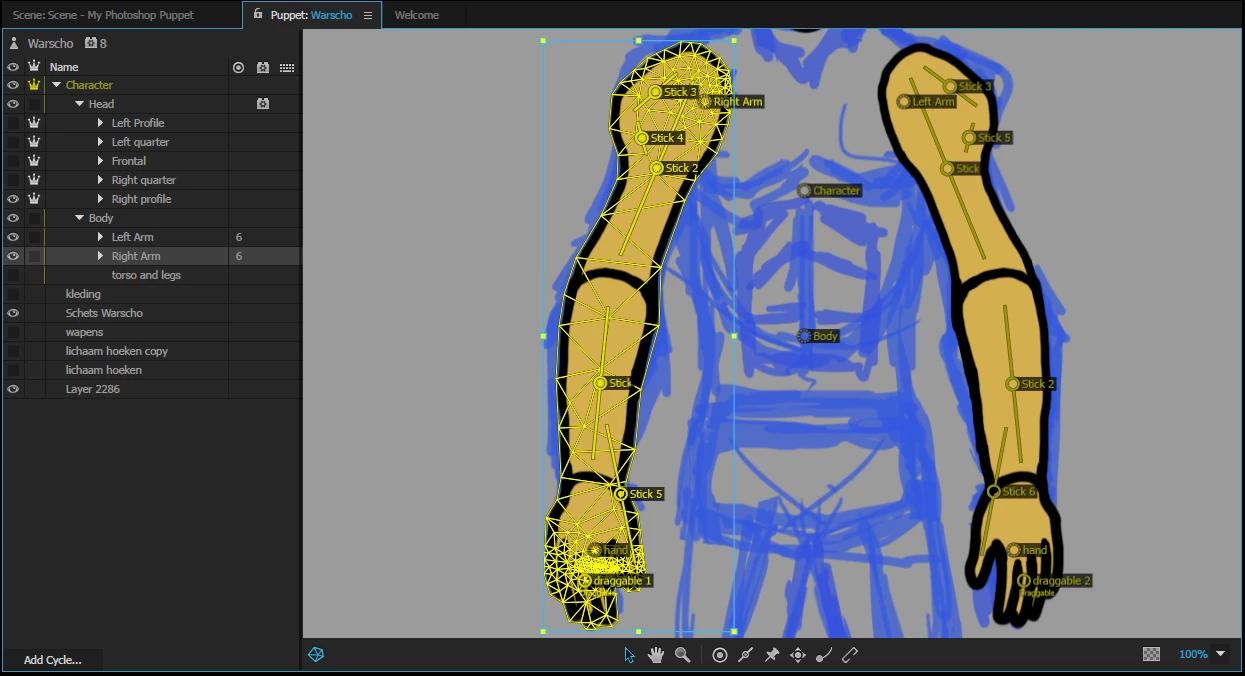
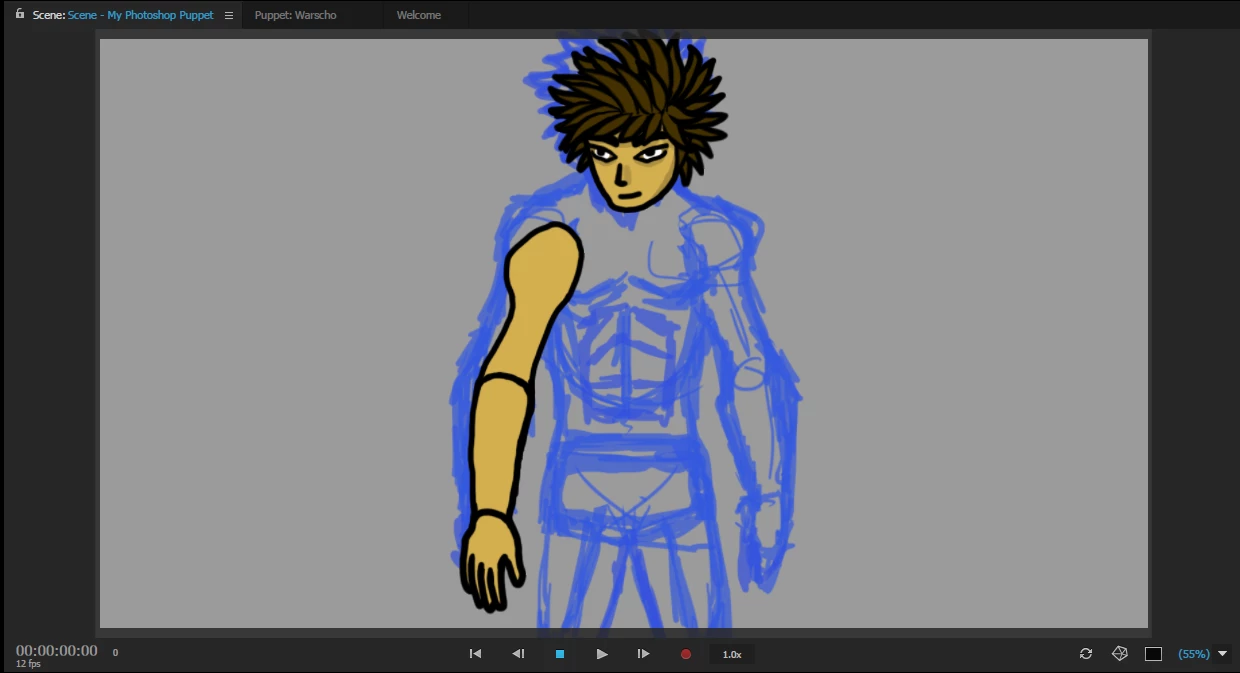
I can't see the mesh of the left arm of my character (HIS left), and in the scene I can't see the arm at all. Here are some screenshots with left arm selected and right arm selected, and the scene with and without showing mesh. It looks like the left arm has the same mesh as the right one.. What I did after it worked fine was duplicating and mirroring the left one and rename it right arm. Can anyone help me?
    This topic has been closed for replies.
    Correct answer oksamurai

    I think it's having trouble because right now it sees the body as two disconnected floating pieces - or "islands" as we call them - I think if you a) put a body between them, even a temp square that connects them, and b) made the arms independent and stapled them at the shoulder sockets - then it should work.

    Also note that CH doesn't always play well with extra background images too - so it looks like it thinks that background is part of the mesh, hence the giant yellow diagonal line going through the last image.

    2 replies

    Known Participant
    March 17, 2017

    Okay thanks for the fast reply, I'll try it out.

    oksamurai
    Community Manager
    oksamuraiCommunity ManagerCorrect answer
    Community Manager
    March 17, 2017

    I think it's having trouble because right now it sees the body as two disconnected floating pieces - or "islands" as we call them - I think if you a) put a body between them, even a temp square that connects them, and b) made the arms independent and stapled them at the shoulder sockets - then it should work.

    Also note that CH doesn't always play well with extra background images too - so it looks like it thinks that background is part of the mesh, hence the giant yellow diagonal line going through the last image.

    Known Participant
    March 17, 2017

    Thanks for the tips, it worked! One thing I'm wondering: Can't I use staple and bones in the Photoshop names already? Layers named staple just disappear in CH and bones remain as a normal line. A cycle layer behavior would also be nice to apply in Photoshop already. Now I have to apply it each time I make big changes, and if I duplicate something in Photoshop I have to do the exact same bone rigging twice in CH. And if not, will there ever be a version of CH where nothing resets after big Photoshop changes?

    oksamurai
    Community Manager
    Community Manager
    March 17, 2017

    Glad that worked. We've moved away from Photoshop rigging for the most part, as it's largely a mystery of what happens and people were running into all sorts of issues with it early on. We're working to make the sync stuff better so CH is smarter about your syncs/edits and tried to keep rigging tied to particular parts - the next version will have some big improvements in this area!