Tarun Saini
Community Manager
Community Manager
December 18, 2023
Answered

What's new in the Creative Cloud Desktop 6.1 app update!
  • December 18, 2023
  • 3 replies
  • 3331 views

Explore new features in the Creative Cloud App 6.1


We are excited to release a host of exciting new features designed to elevate your experience and deliver added value. Our dedicated team is committed to consistently enhancing our offerings to meet your needs and expectations. Let's explore what these features are.

Key Features
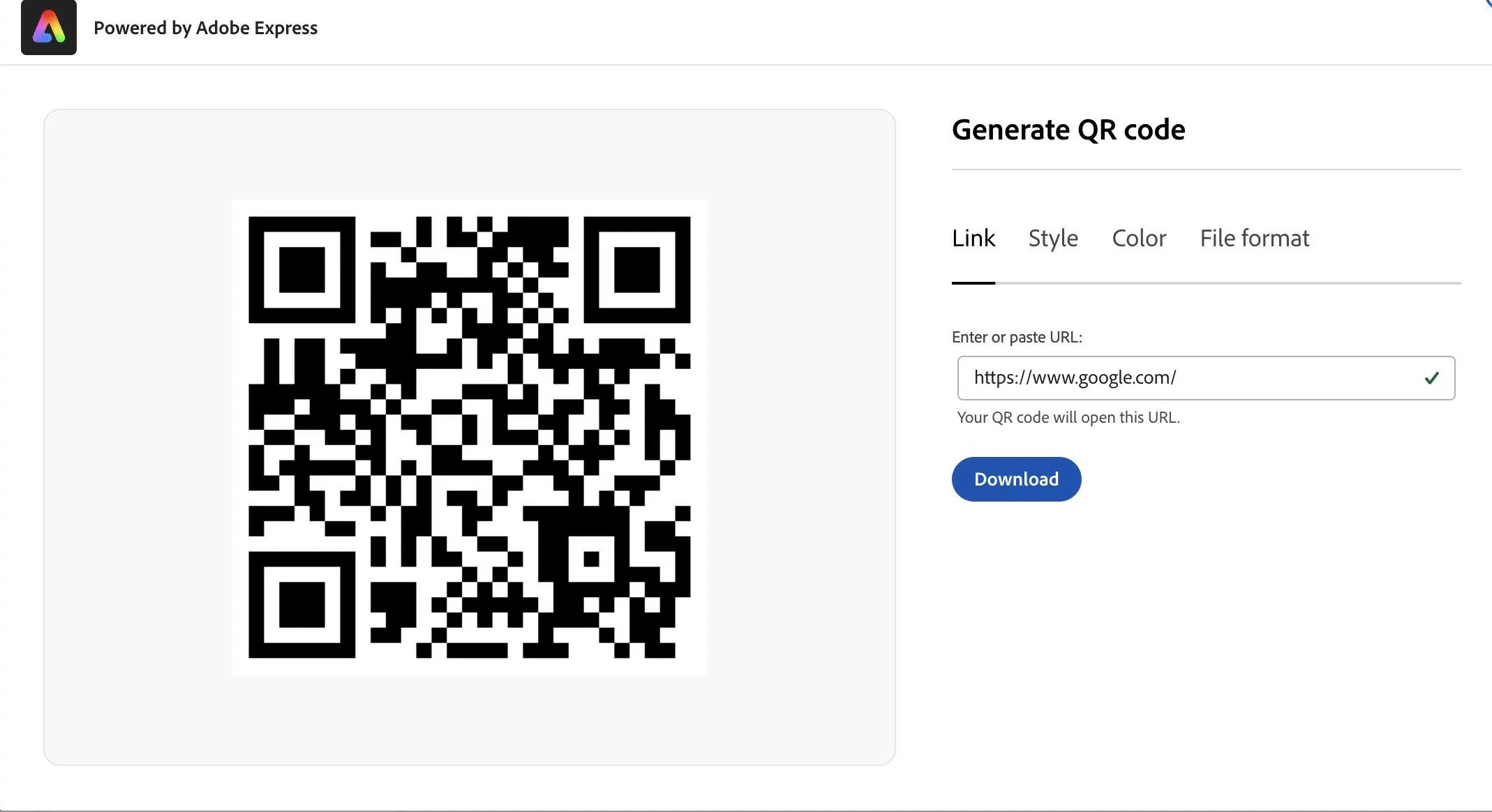
 

Generate QR code: Using this quick action, you can now create a QR of any link or URL and change its style, color and file type.
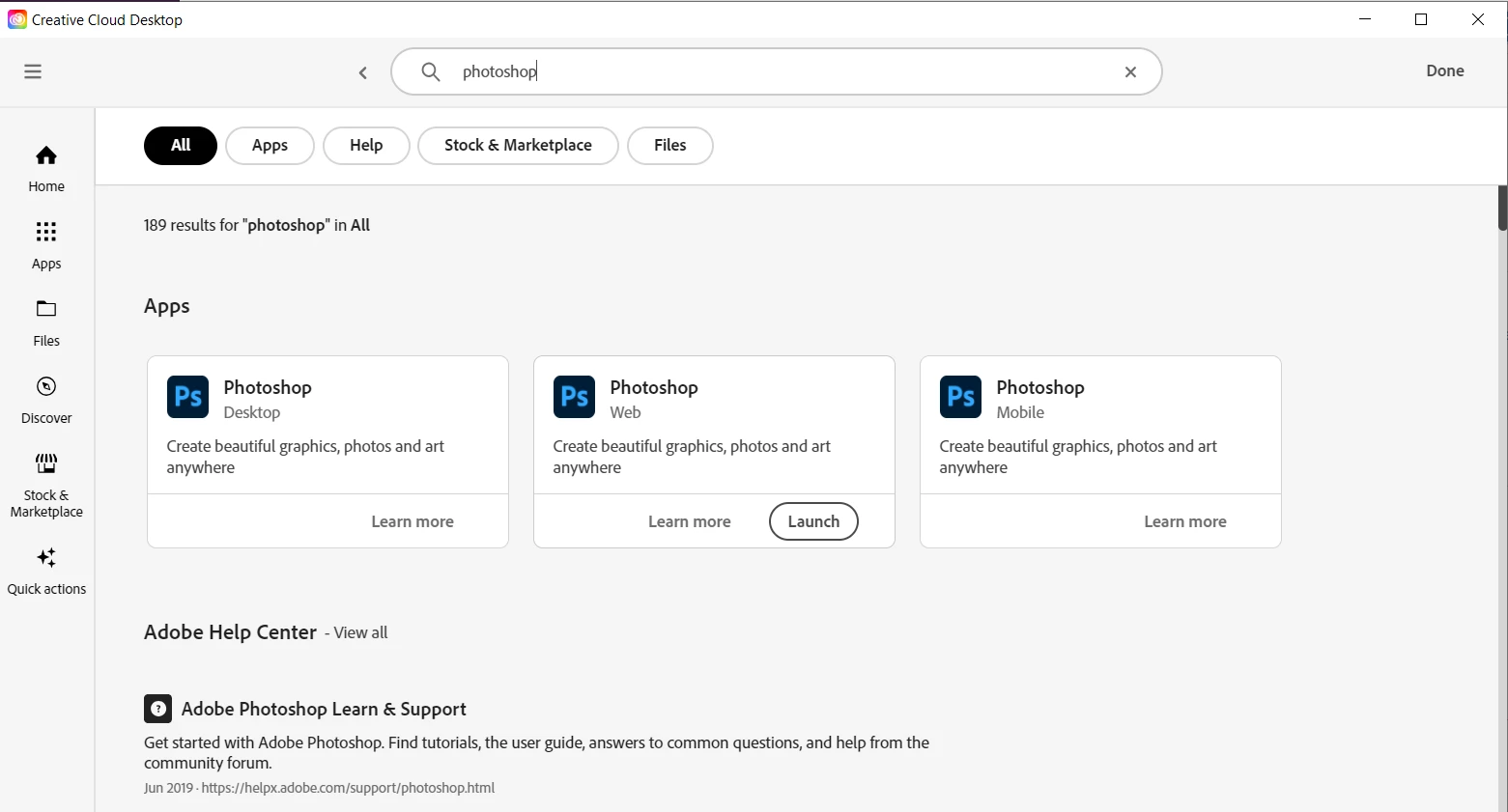


Search Results: The left navigation panel (Apps, Files, etc) will remains consistent in Search results.
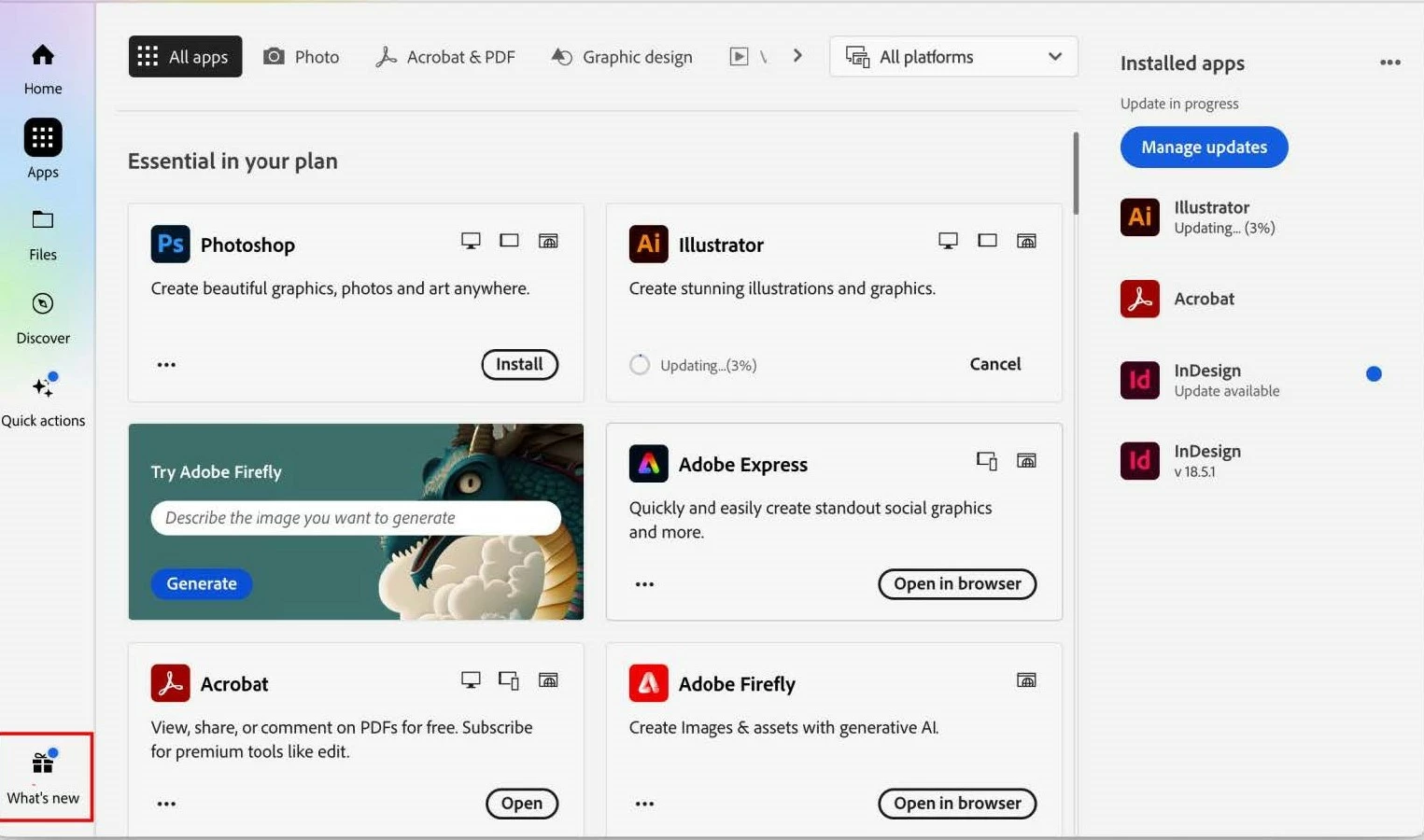


Update notifications: We'll keep you up to date for any new content with a blue dot notification appearing for updates to your products and services. The "What's New" functionality has an enhanced look and a blue dot appears wherever updated content is available.


Quick Links

 
 Hey community! Upvote if this post was helpful, and leave a comment to join the conversation.
This topic has been closed for replies.
Correct answer Tarun Saini

@Tarun Saini 


https://community.adobe.com/t5/creative-cloud-services-discussions/muse-not-running-after-creative-cloud-desktop-app-update/m-p/14314374/page/2#M49358


Thanks @kglad, for sharing the link. I will discuss this with the engineering team and will share the update here.

3 replies

Participating Frequently
May 27, 2024

Hello, my user interface of the Creative Cloud Desktop app (version 6.2.0.554 (on MacOS Sonoma 14.4.1)) is different from the screenshots in this post. My office colleague also has the user interface as shown. In my Creative Cloud Desktop app, the UI, especially the left-hand sidebar is different.

How do I get the version as shown?

Thanks for help!

kglad
Community Expert
Community Expert
May 27, 2024

@stevenb42676976 


contact your admin.

Known Participant
February 26, 2024

I find the new update confusing to navigate. It used to be easy to see what apps you have and what needs updating and how to keep older versions while still updating. I finally found where this is in the new app, but it is not intuitive. Shouldn't it be under the apps tab when you click this tab?

kglad
Community Expert
Community Expert
February 26, 2024
Participating Frequently
December 22, 2023

Das Creative Cloud Desktop 6.1 app update hat einen Bug! Anwender von Muse können nach dem update dieses Programm nicht mehr starten. Gibt es eine Müglichkeit eine ältere Version von Creative Cloud Desktop zu installlieren, damit tausende von Muse nutzern wieder vernünftig arbeiten können? Bitte auch die Dikussion unter https://www.facebook.com/groups/adobemusegroup?sorting_setting=RECENT_ACTIVITY beachten!)

Viele Grüße aus Hamburg

Anfdreas

Tarun Saini
Community Manager
Community Manager
December 22, 2023

Hi @dromi31 ,


Thanks for reaching out. Could you please let us know what issue you are seeing with the latest update of Creative Cloud? If you're looking to download an older version of the Creative Cloud app, use this link: https://helpx.adobe.com/download-install/kb/creative-cloud-desktop-app-download.html


Regards,

Tarun

Tarun Saini
Community Manager
Tarun SainiCommunity ManagerAuthorCorrect answer
Community Manager
December 22, 2023

@Tarun Saini 


https://community.adobe.com/t5/creative-cloud-services-discussions/muse-not-running-after-creative-cloud-desktop-app-update/m-p/14314374/page/2#M49358


Thanks @kglad, for sharing the link. I will discuss this with the engineering team and will share the update here.