


Answered
Adobe Cloud is popping up every few minutes, how to stop it?
Adobe's Creative Cloud, is the most annoying cancerous app I've seen in my 25 years using computers (including the good old trojans) I've succeeded in putting it on leash by disabling it from the startup, but once I need to update an Adobe program, that's it: It keeps popping up every few minutes and there's nothing I can do about it but to restart the computer (Which I don't wanna do THIS frequently as I am working on so many things).
- Tried to update it.
- Tried to close it from the process in Task Manager.
- Tried to Quit it from the program
- Tried to minimize it.
- I even tried to uninstall it and it won't let me "Couldn't uninstall Creative Cloud for desktop, you still have creative cloud applications installed on your computer that require it"
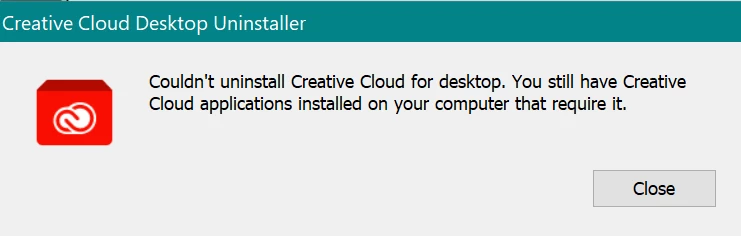
Obviously I use all those apps and can't uninstall them. How to stop this tumor from infecting my workload?
I am using the latest version of Windows 10, but it has been this way since 1 years at least anyway.
 AdChoices