



Question
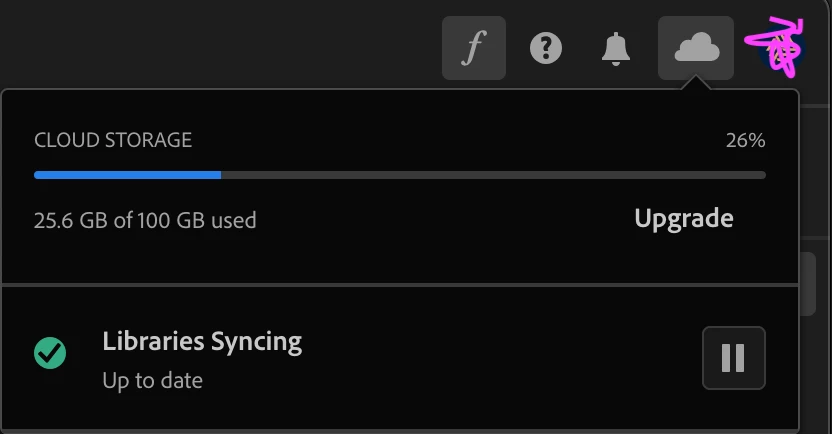
Adobe cloud storage show "Libraries syncing : Up to date" but in my Mac folder stay still.
My Adobe Cloud storage is not working now, when I logged in to Creative Cloud the status showed "Libraries is syncing: up to date"
I tried to test by uploading the folder+file on my laptop then I logged in my PC and checked the uploaded file from my laptop. but the folder stays still.
How can I fix it?
FYI:
- previously when I operated with file/folder in my Cloud storage, it showed a notification message and also showed some tag done status in the file/folder name.
 AdChoices