


Participant
September 27, 2024
Question

Unable to Access Behance: HTTP ERROR 403

  • September 27, 2024
  • 5 replies
  • 8728 views

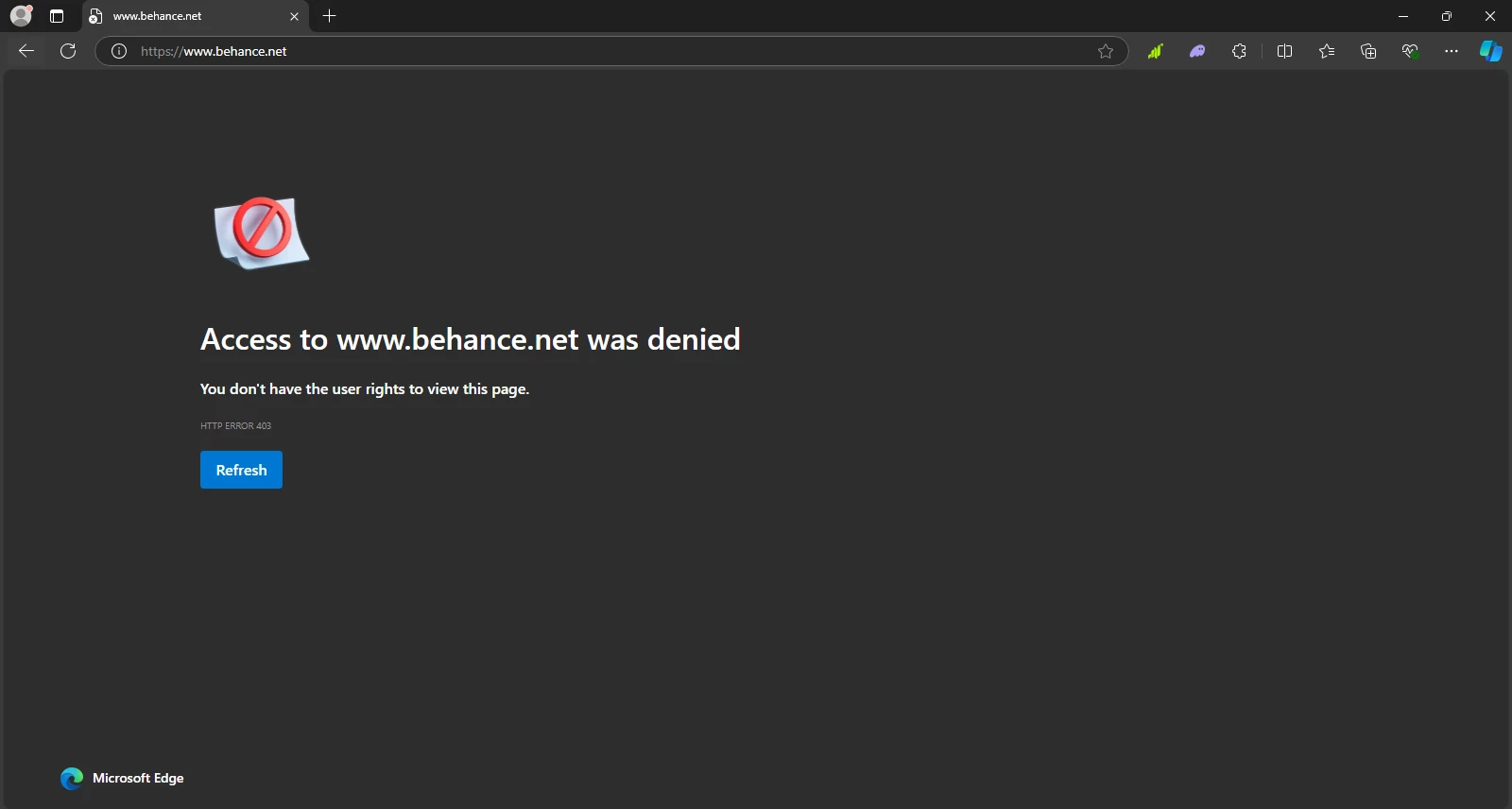
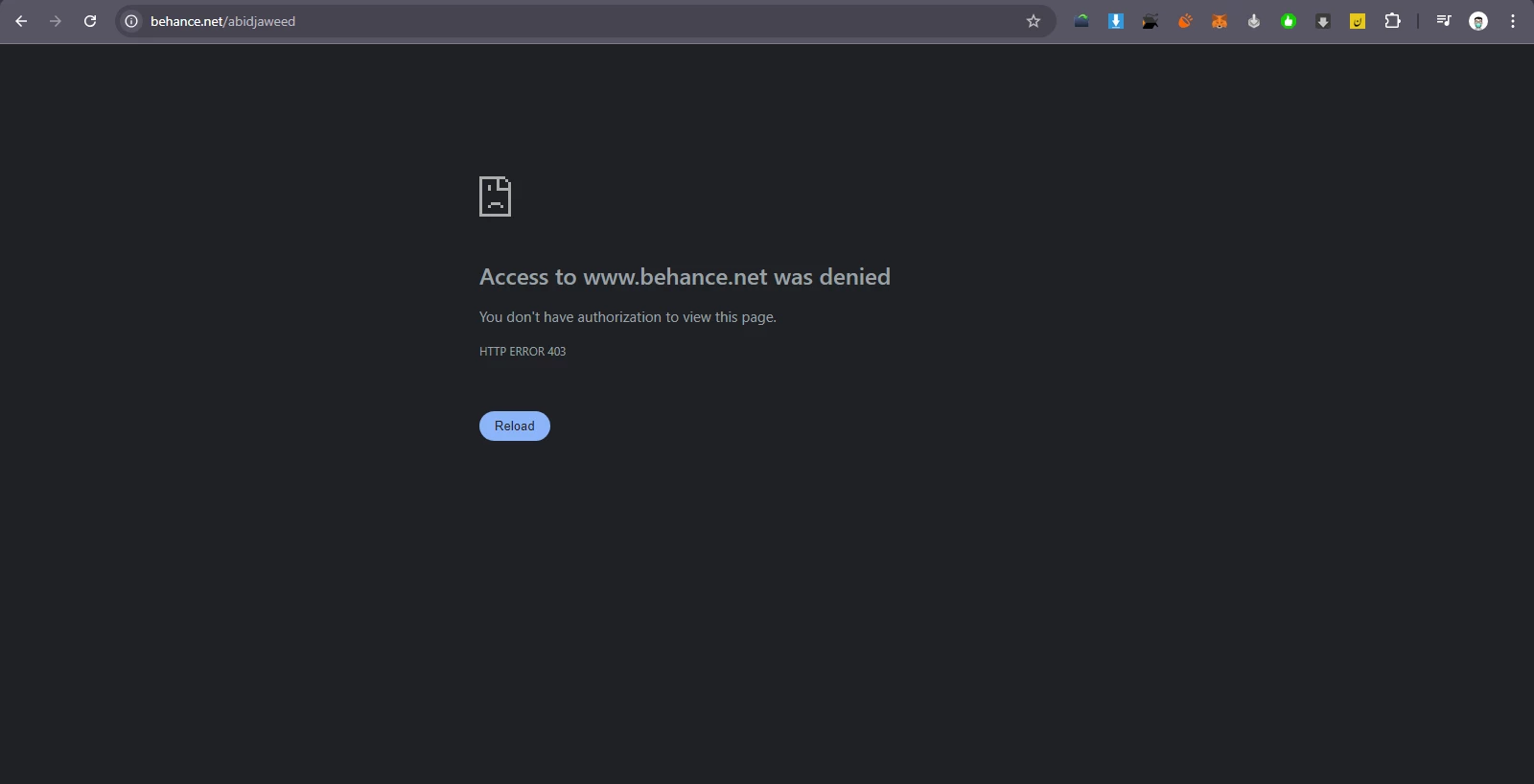
Hi, I am confused. For the last 6-7 days, I have been unable to access the Behance site. It always shows this message: "HTTP ERROR 403." I don’t know what the issue is. I have cleared my browser's cache and history, and I have tried different browsers as well (screenshots attached). Can anyone help me resolve this issue?
5 replies

Known Participant
January 1, 2025

Lol only Adobe could muck something up this bad, having the same problem. Works fine at another connection but not here at office lmao. No its not your "router" or "modem" or anything YOU as a user did, it's always purely an Adobe engineering (cursing removed) as usual that they ignore until enough people complain to get it fixed. Hound your Adobe rep or customer support, it's all we can do. 

Participating Frequently
June 2, 2025

Hi all I am having the exact same issue. Tried 3 different browsers and in Incognito. Behance let's me log in but the moment i try to update my portfolio I get kicked out and get the same message. Getting repeated 403 errors from multiple browsers and devices even after successful login. IP blocking? Others reported this too. Need resolution. I am staying in Zanzibar, Tansania but my account is LEGIT and I had long term subscription. I need a REAL solution please!

kglad
Community Expert
Community Expert
June 2, 2025


you're the owner of the teams or enterprise subscription?

Participant
October 7, 2024

I have been having this same issue for the last few weeks. I was able to log in yesterday and make some changes on my portfolio. But today, I'm unable to visit the website, I keep getting the same error message.


kglad
Community Expert
Community Expert
October 7, 2024

try using a different network.

Participant
October 2, 2024

I'm having the same issues, any update or a fix for this? if it's related to the router or wifi? How can it be fixed?. Would appreciate all the help I can get. Thanks!

Participant
September 30, 2024

I have also same issues, I keep getting HTTP ERROR 403. I also tried using the app but it's also shows error message?? I hope someone can help me fix the issue?

kglad
Community Expert
Community Expert
September 30, 2024

what's the url?

Participant
September 30, 2024
kglad
Community Expert
Community Expert
September 27, 2024

works for me.


what if you use a different network (eg, mobile phone with wifi disabled)?

Participant
September 27, 2024

Yes, then that works. Its working on my mobile phone with sim internet.

kglad
Community Expert
Community Expert
September 27, 2024

now enable wifi in your mobile and retest.