Try to sign out from CC and then go to https://account.adobe.com to check with your account details.
If you find any strange thing please use How to contact Adobe support - Adobe Support Community - 11843852
link to contact support.
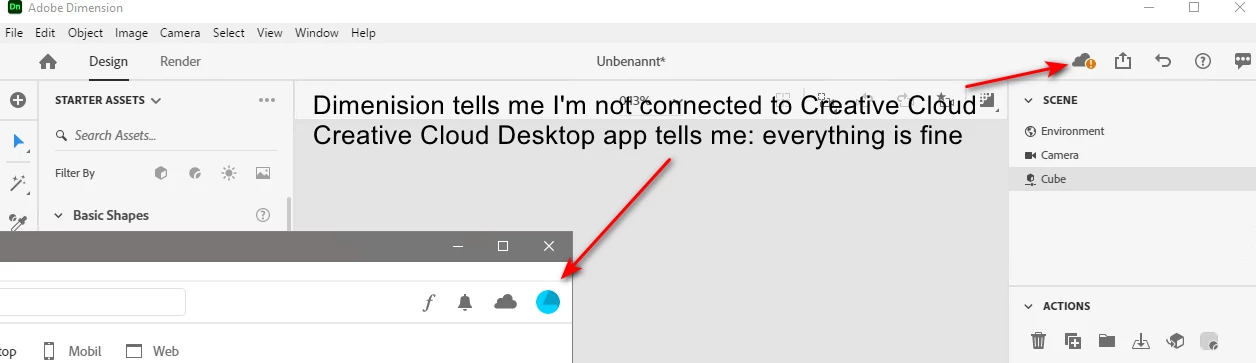
After signing out of the cc desktop app and signing again, I started Dimension and got an error message that I have to sign in with no further explanations. Then I started Illustrator, and there I saw the reason: There was still a connection between the account and the old PC.
I was able to unsign from the old PC in that dialog box.
Now I can start Dimensions without the cloud error message.
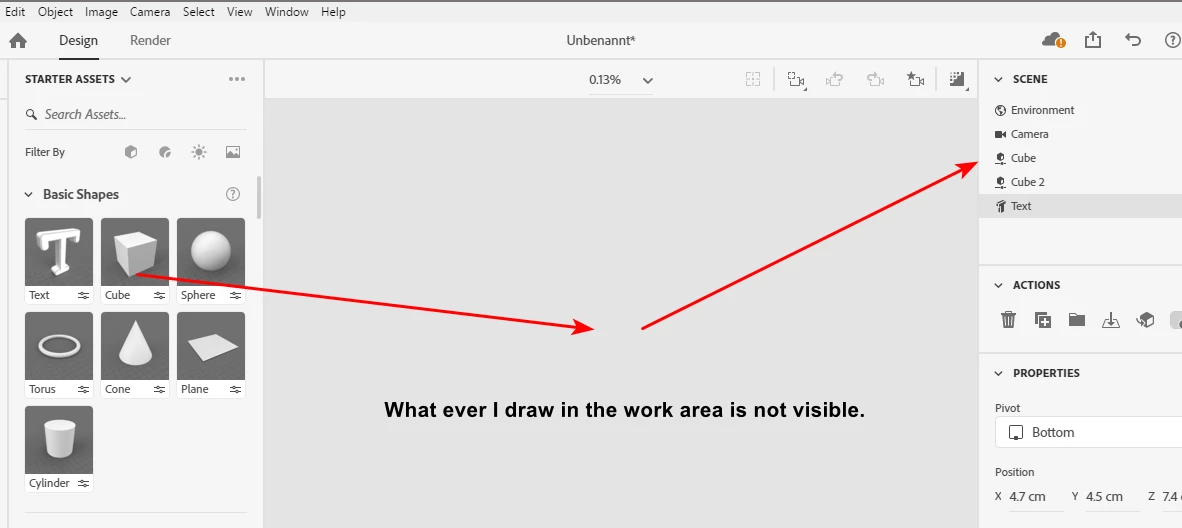
Nevertheless, when I create an object, the main problem remains that it is not visible in the work area.
BTW: I tried to find the section where I could manage my devices with my online account. No way. I just couldn't find it. It must be a top-secret place. I've found these instructions from 2016: https://community.adobe.com/t5/digital-editions/manage-authorized-devices/m-p/3948262#M11277
But as it seems, Adobe moved this area to another place. Does anybody know how to find the "Activated devices" section on your Adobe account?



 AdChoices