


Exit
  • Global community
    • Language:
      • Deutsch
      • English
      • Español
      • Français
      • Português
  • 日本語コミュニティ
  • 한국 커뮤니티
0

Add-on doesn't appear in Illustrator even when it says "Installed" on the page with all my add-ons

Community Beginner ,
Jan 13, 2017 Jan 13, 2017

Hello,

I have published an add-on via producer portal successfully. I have published it as Private to test if it would work well and I if I can install/uninstall it. The add-on compatible with Adobe Illustrator version 20 and higher.
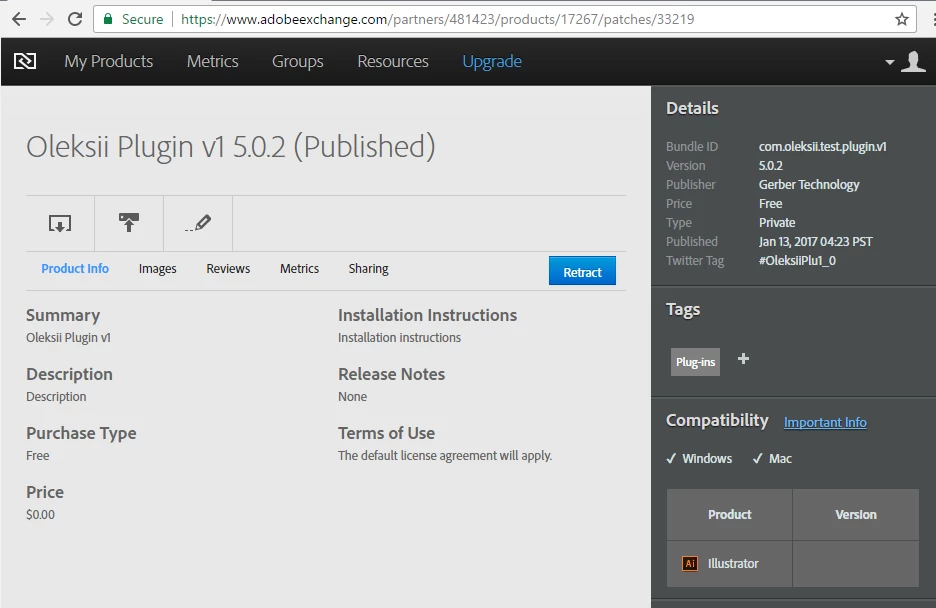
Add-on.png

The add-on appeared in my add-ons here https://creative.adobe.com/addons/my_addons
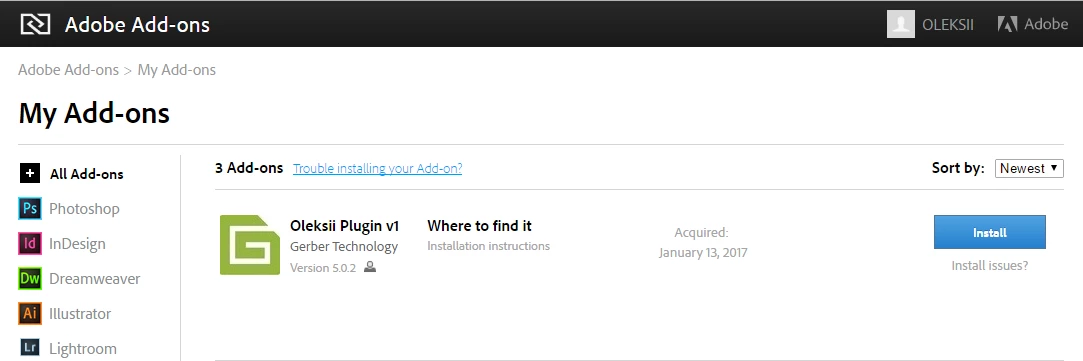
Add-on2.png

If I click on "Install" button, the page redirects and says the add-on has been installed.

Add-on3.png

But if I open Creative Cloud application 3.9.1.335, there is nothing related the installed add-on. It has to show me a notification and a new record has to appear in activity stream section
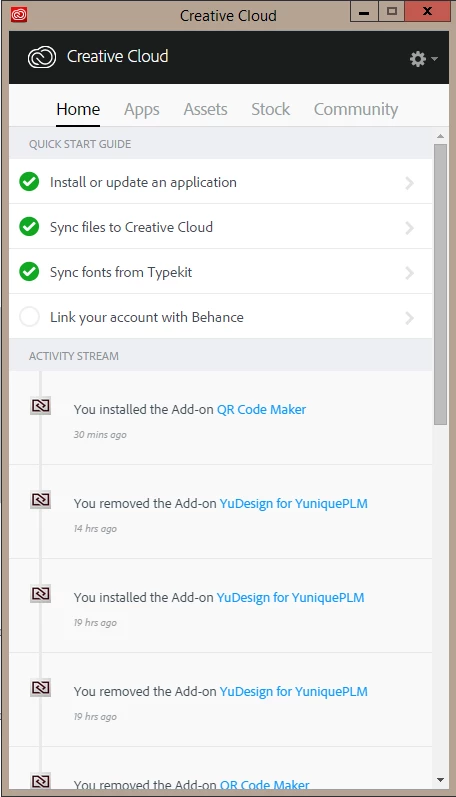
Add-on4.png

As a result nothing appeared in Illustrator. I'm using the latest Adobe Illustrator 2017.0.1.

The same result if I remove the add-on. it just redirect a page and says it's been removed without any notification in Creative Cloud app.
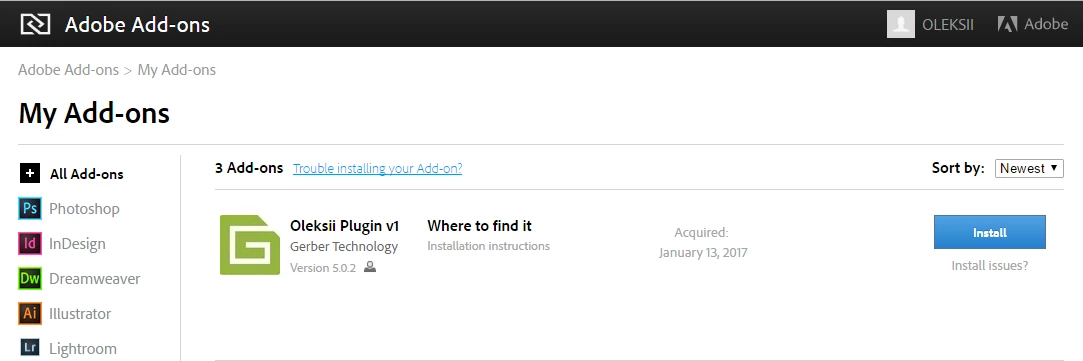
Add-on2.png

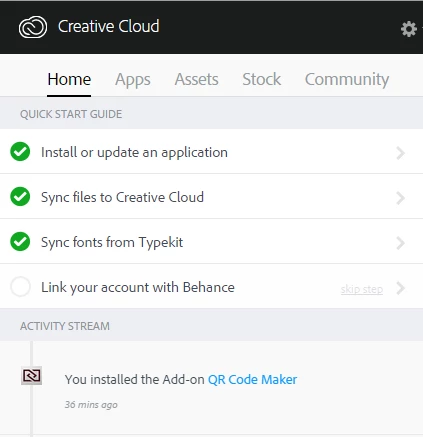
Just to be sure Creative Cloud works well, I tried to install another add-on "QR Code Marker" I've found in the library.

Add-on5.png

Add-on6.png

It's been installed successfully!

What could it be? What could be wrong? Please, let me know if I need to provide more details.

TOPICS
Creative Cloud
620
Translate
Report
Community guidelines
Be kind and respectful, give credit to the original source of content, and search for duplicates before posting. Learn more
community guidelines

correct answers 1 Correct answer

Community Beginner , May 08, 2017 May 08, 2017

The issue is no longer reproducible. Adobe fixed the issue.

Thanks Adobe for "answers"!

Translate
Community Beginner ,
Jan 14, 2017 Jan 14, 2017

Hello,

It seems I've found the issue but I still don't know how to solve it.

My add-on is compatible with Adobe Illustrator beyond 2015.3 (20.0). Due to this fact "manifest.xml" file looks like:

Screen Shot 2017-01-14 at 18.45.13.png

If I change "Version", for instance, to "17.0", it will work perfectly!

Screen Shot 2017-01-14 at 18.51.20.png

I've tried to use all versions of Illustrator and found that the latest version acceptable by AdobeExchange is 19.2! So we aren't able to publish add-ons compatible only with versions above 19.2. Does anyone know what's going on there?

Translate
Report
Community guidelines
Be kind and respectful, give credit to the original source of content, and search for duplicates before posting. Learn more
community guidelines
Community Beginner ,
May 08, 2017 May 08, 2017
LATEST

The issue is no longer reproducible. Adobe fixed the issue.

Thanks Adobe for "answers"!

Translate
Report
Community guidelines
Be kind and respectful, give credit to the original source of content, and search for duplicates before posting. Learn more
community guidelines