


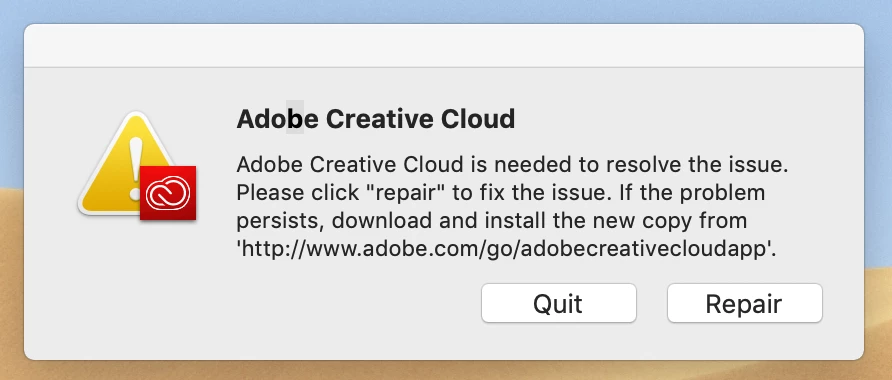
Adobe Creative Cloud is needed to resolve the issue - Error
Hi there,
After installing the latest versions of the adobe apps, I randomly get this message. It got so annoying that I erased my start-up disk and reinstalled a fresh copy of Mojave, and did a fresh install of the adobe apps. Unfortunately I got the message again several times now.
I can't click "repair", neither "quit", because the message is frozen. The apps stop functioning well and it also affects the whole mac. Safari doesn't respond either.
The only thing I can do is do a hard restart, which is pretty annoying and a waste of time.
I found this issue on the forum, but several people got it while installing apps. Over here the installation works fine, so it's a different case.
Anyone has a solution for this? It interrupts my workflow seriously...
 AdChoices