ricklopez_bb10k
New Participant
May 18, 2020
Answered

Adobe Creative Cloud Missing or Damaged Every Time I Restart. HELP! [topic edited by mod]

  • May 18, 2020
  • 2 replies
  • 866 views

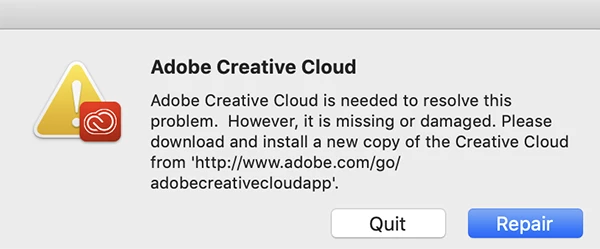
Screenshot attached.

Incredibly tired of reading through all of these various posts, month after month, trying to figure out how to reslove this. I'm paying you guys, RIGHT?


Working (trying to) on a shiny new iMac, so why I should be having these kinds of problems is beyond me...


Help me somebody,

—RL
 

This topic has been closed for replies.
Correct answer Nancy OShea

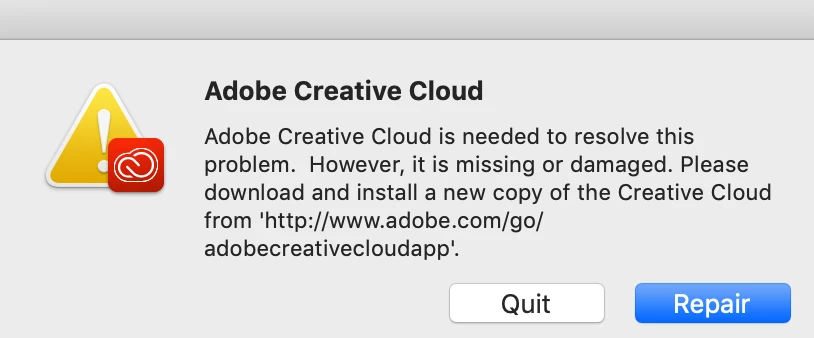
I hate downloading attached images so I'm embedding your screenshot here for everyone to see.


I assume you're on the latest macOS Catalina?  And Creative Cloud is missing or damaged in some way.


Perform a fresh re-installation after running the Adobe Cleaner Tools. See link below.

https://helpx.adobe.com/creative-cloud/kb/cc-cleaner-tool-installation-problems.html


Post back if you still need help.


2 replies

Just Shoot Me
Brainiac
May 18, 2020

Just because you are using a Brand New Mac computer does not mean there are no problems with it.

So the first place to start is looking at the hardware in that Mac. RAM SSD Whatever.


If you install the CC DTA and it works then you shut down and then restart later today, tomorrow, whenever and you get that error then there is something wrong with your computer. The files n eeded to start the CC DTA have been damaged or are missing. The Adobe CC DTA does not do that to itself. Something on your computer is damaging or removing the needed files for it to run.


Could also be some type of User Permissions problem. For some reason the File/folder permissions are being Reset by OS X and stopping access to the files need to run the CC DTA.

ricklopez_bb10k
New Participant
May 18, 2020

"RAM SSD Whatever."... Ha. I have no idea, but imagined it was because the uninstalls I did before didn't pan out, which is probably what was actually happening. The link shared above was ACES, and I'm good to go.


Thanks for trying, appreciate the responses, I'm out,

R

Nancy OShea
Nancy OSheaCorrect answer
Community Expert
May 18, 2020

I hate downloading attached images so I'm embedding your screenshot here for everyone to see.


I assume you're on the latest macOS Catalina?  And Creative Cloud is missing or damaged in some way.


Perform a fresh re-installation after running the Adobe Cleaner Tools. See link below.

https://helpx.adobe.com/creative-cloud/kb/cc-cleaner-tool-installation-problems.html


Post back if you still need help.


Nancy O'Shea— Product User & Community Expert
ricklopez_bb10k
New Participant
May 18, 2020

Excellent! That link and the "Cleaner" did the trick, Ms. O'Shea.

Restarted w/out issues.


THANKS!!

—R