


CC App Installation Windows 8.1
I am attempting to install Audition and Premiere onto my laptop running Windows 8. I already have CC up and running on my other computer running Windows 10. When I attempt to install these apps through the Creative Cloud hub, I am given an error code.
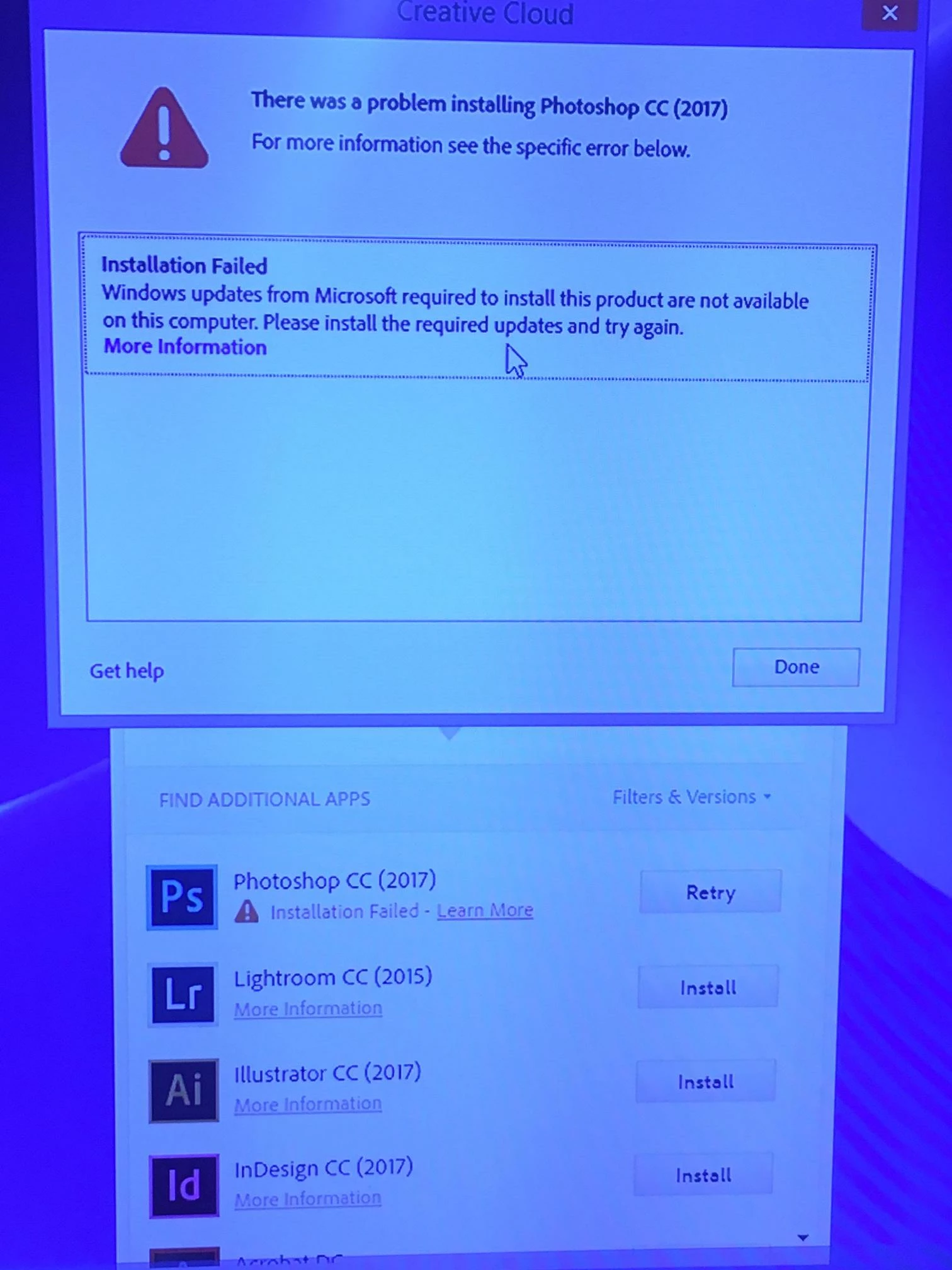
When I clicked on "More Information" I was told to update my Windows. This PC is running the latest version of Windows 8.1. Adobe's advice was to install an Update for Universal C Runtime in Windows. When I attempted to install the package for my x64 version of Windows, this error occurred. 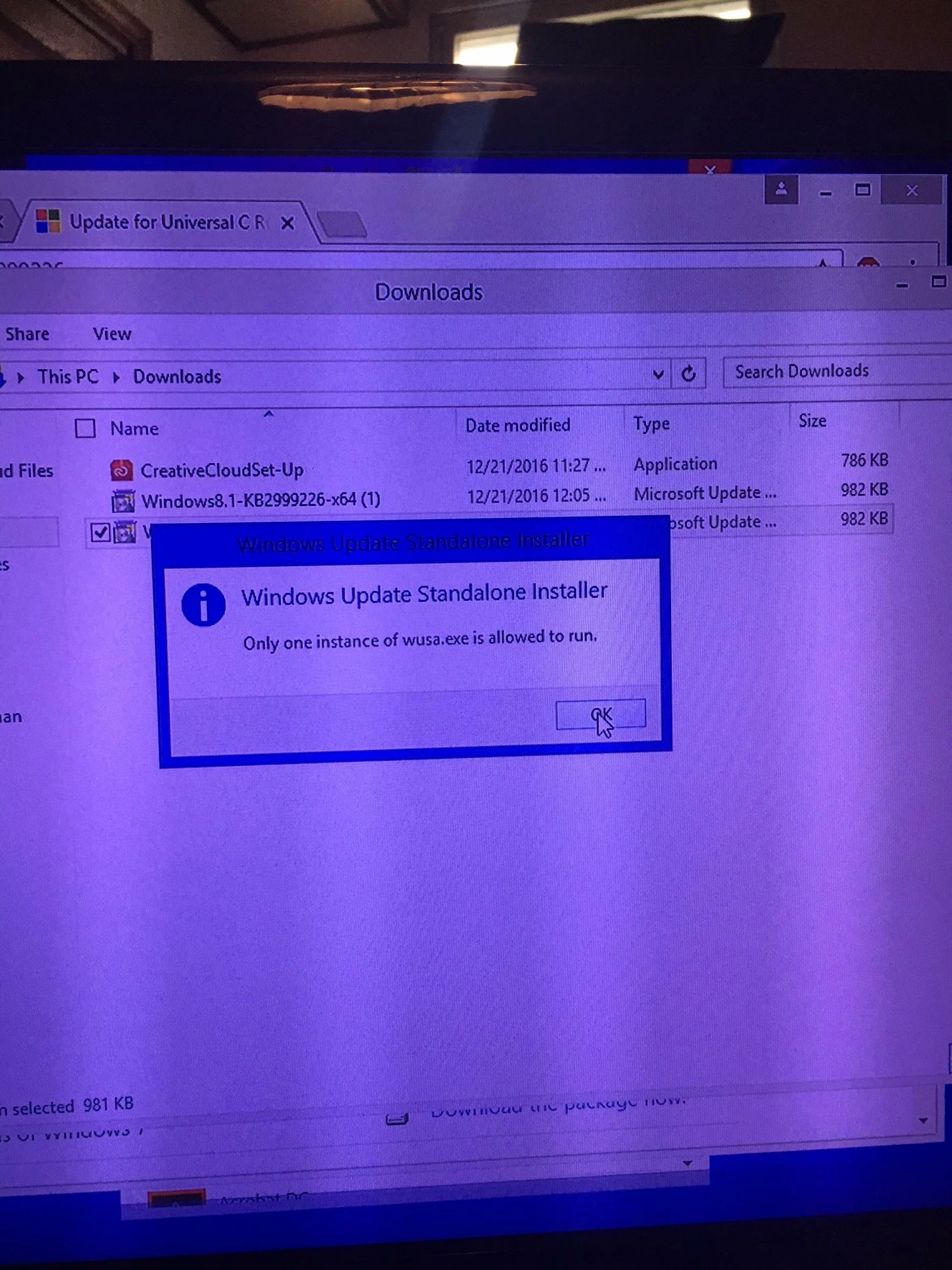
Can anyone help me out here? I've tried all the "go-to" fixes. I've restarted the PC, reinstalled CC, and even done a hard reset back to factory settings on the PC, I am really at a loss for what to do here.
 AdChoices