martigny
Participating Frequently
October 1, 2017
Answered

CC - Not Installing Macbook Pro

  • October 1, 2017
  • 1 reply
  • 952 views

Hello.
I'm having hard times installing CC on my macbook pro
I tried downloading the full apps and it's not working.

- Adobe cleaning app crash when I try to clean my mac from previous files
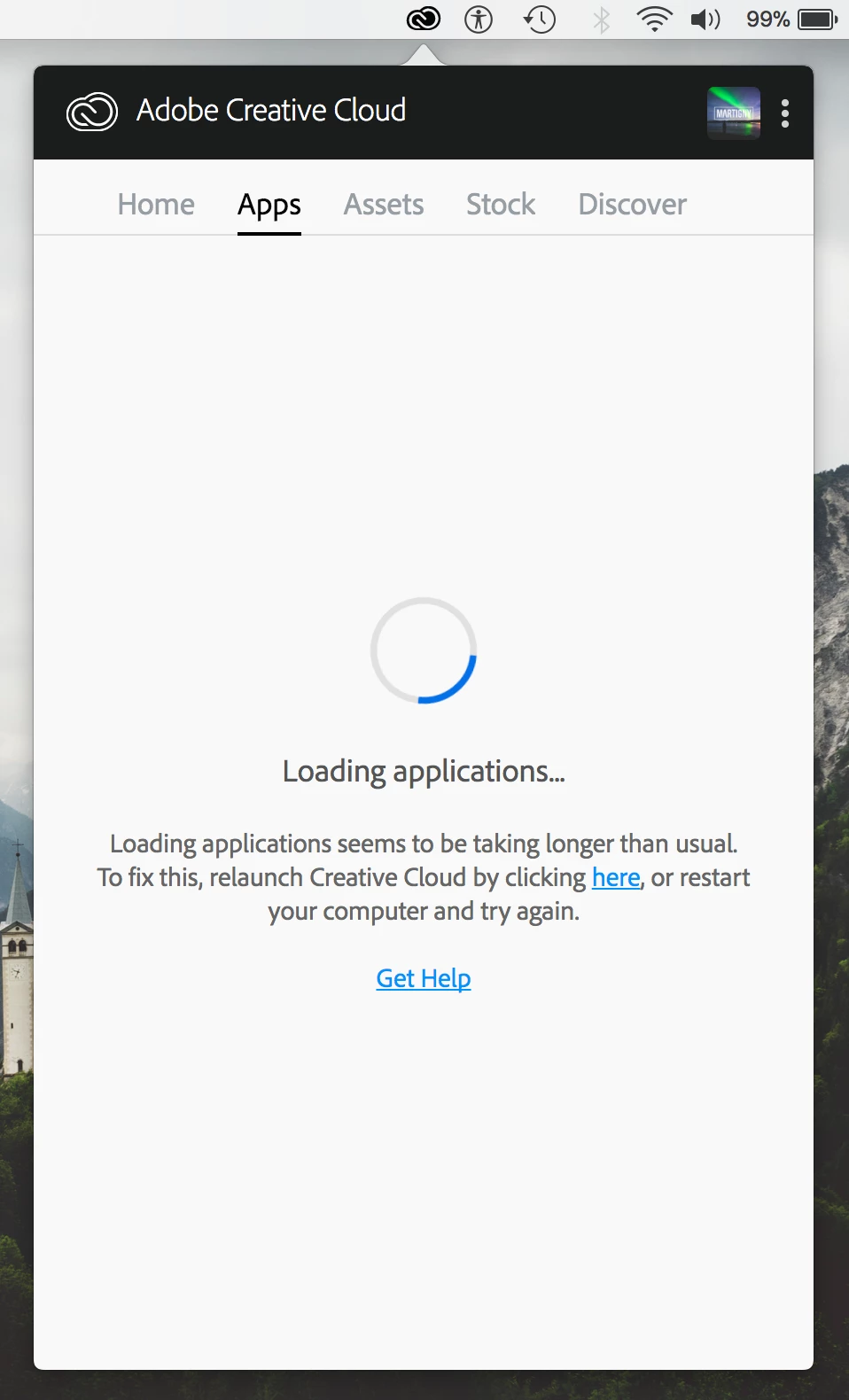
- CC Desktop Apps close when I'm 42% done with the installation so wont install
- Lightroom was stuck at 12% for 2h before i lost it and rebooted
- Illustrator is stuck at 1% and wont go up
haven't tried PS yet...

My specs:

MacBook Pro (Retina, 13-inch, Mid 2014)

2,6 GHz Intel Core i5

8 Go 1600 MHz DDR3

Intel Iris 1536 Mo

running the new High Sierra but it wasnt working on regular Sierra I did the update overnight to see if it would fix the problems

Can someone please help me I'm really getting pissed right now and I need my apps to work

This topic has been closed for replies.
Correct answer kglad

I followed the steps and i had to relog again

but it didn't change anything


using a browser that allows popups and cookies,  contact adobe support during pst business hours by clicking here and, when available, click 'still need help', http://helpx.adobe.com/x-productkb/global/service-ccm.html

1 reply

kglad
Community Expert
October 1, 2017

uninstall everything cc including preferences, https://helpx.adobe.com/creative-cloud/help/uninstall-remove-app.html

then uninstall the cc desktop app, https://helpx.adobe.com/creative-cloud/help/uninstall-creative-cloud-desktop-app.html

clean your computer of cc files per http://www.adobe.com/support/contact/cscleanertool.html

restart your computer (don't skip this)

reinstall the cc desktop app, https://creative.adobe.com/products/creative-cloud.

if you're unable to install the cc desktop app at this stage, use an administrator account (solution 3 here, https://helpx.adobe.com/creative-cloud/kb/creative-cloud-missing-damaged.html)

use the desktop app to install your cc programs/trials

martigny
martignyAuthor
Participating Frequently
October 1, 2017

Hello! since the CC desktop app wasnt installed i cant uninstall it.

I ran the clean up program and when i run it i got 2-3 files that are there.

When i try to uninstall them it opens adobe application manager but theres no windows and nothing happens..

if i try to clean them instead the clean up program crash.

i tried redownloading the app manager but when im installing it theres a loading windows then it close without installing or uninstalling anything.

I'm seriously getting frustrated here i need to work on my programs.

what else can i do

martigny
martignyAuthor
Participating Frequently
October 1, 2017