


Participating Frequently
July 13, 2018
Answered

creative cloud desktop sign in doesn't remember name or password

  • July 13, 2018
  • 1 reply
  • 8120 views

Windows 10 (most recent).  Adobe CC (most recent).

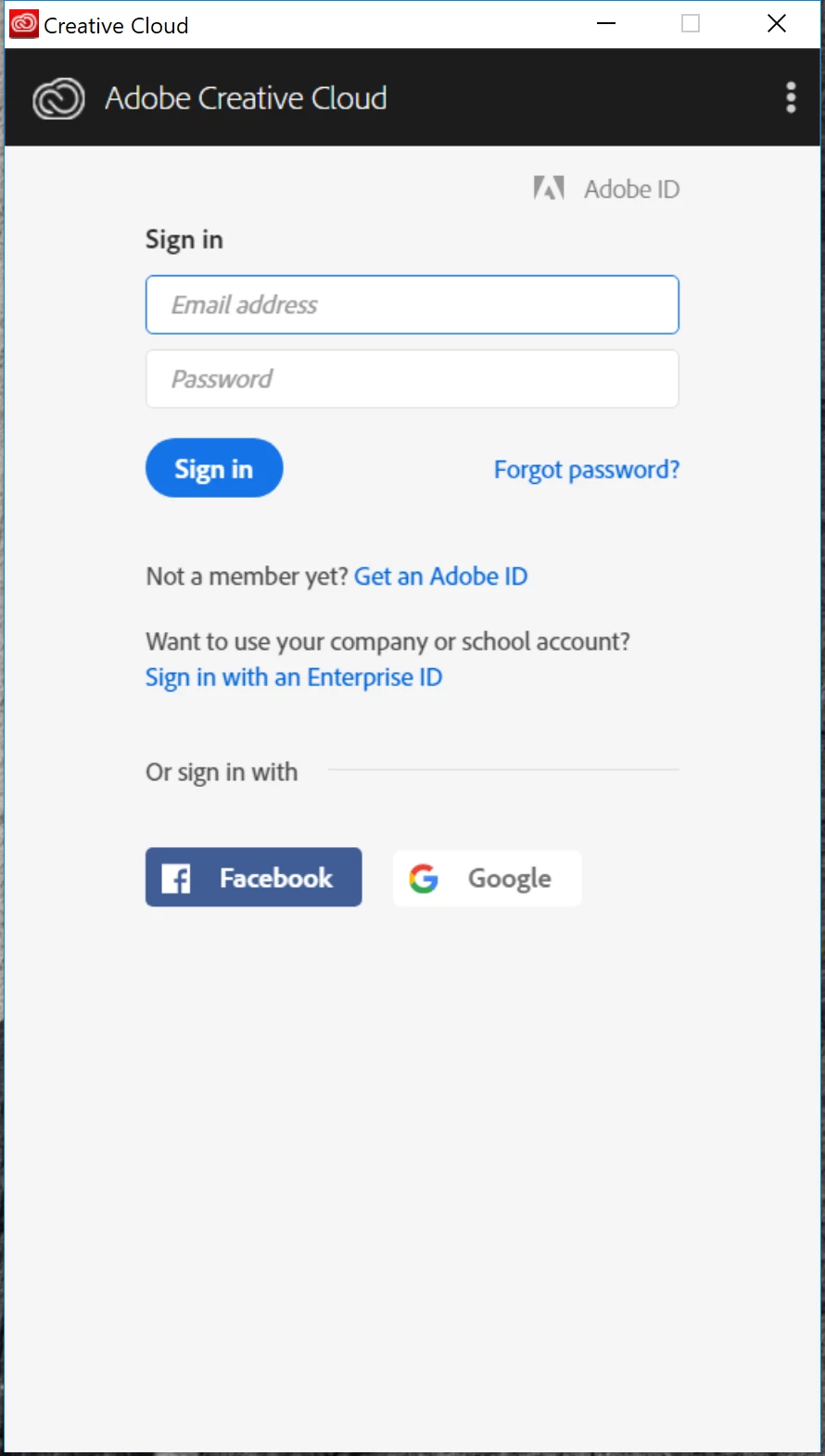
Occasionally when I boot up, the CC sign in window comes up, but it does not remember my name (address) or pw.  It has in the past.  Image below.

What's wrong, and is there a simple/quick fix?

I did some research, and found this thread, which didn't answer the question-- Re: creative cloud doesn't save login credentials/password​​  (leading to this link: "Failed to install" error received when installing Adobe Creative Cloud desktop app )--unless the answer was to uninstall and reinstall CC, which isn't clear from the answer.  If that is the case, does that mean uninstalling ALL the Adobe apps, or just the CC management app (the red one with the links).

Thanks,

Gideon
This topic has been closed for replies.
Correct answer kglad

quit your cc desktop app

delete your Adobe PCD folder and SLStore folders, https://helpx.adobe.com/creative-cloud/kb/configuration-error.html

remove the OPM.db file:

    Mac OS: You can locate the OPM.db file in the \User\<user name>\Library\Application Support\Adobe\OOBE folder. To access the hidden user Library folder, see Access hidden user library files | Mac OS 10.7 Lion.

    Windows: You can locate the OPM.db file in the \Users\<user name>\AppData\Local\Adobe\OOBE folder.  To view the hidden AppData folder, see Show hidden files, folders, filename extensions | Windows XP, Vista, Windows 7.

restart your computer and retry signing in to your cc desktop app

1 reply

kglad
Community Expert
Community Expert
July 13, 2018

you have to uninstall all cc programs before you can uninstall the cc desktop app.

if you are going to do that, do it completely:

uninstall everything cc including preferences, https://helpx.adobe.com/creative-cloud/help/uninstall-remove-app.html

then uninstall the cc desktop app, https://helpx.adobe.com/creative-cloud/help/uninstall-creative-cloud-desktop-app.html

clean your computer of cc files per http://www.adobe.com/support/contact/cscleanertool.html

restart your computer (don't skip this)

reinstall the cc desktop app, https://creative.adobe.com/products/creative-cloud.

if you're unable to install the cc desktop app at this stage, use an administrator account (solution 3 here, https://helpx.adobe.com/creative-cloud/kb/creative-cloud-missing-damaged.html)

use the desktop app to install your cc programs/trials

Participating Frequently
July 16, 2018

The CC desktop is already installed.  The problem is it doesn't remember name or password.

kglad
Community Expert
kgladCommunity ExpertCorrect answer
Community Expert
July 16, 2018

quit your cc desktop app

delete your Adobe PCD folder and SLStore folders, https://helpx.adobe.com/creative-cloud/kb/configuration-error.html

remove the OPM.db file:

    Mac OS: You can locate the OPM.db file in the \User\<user name>\Library\Application Support\Adobe\OOBE folder. To access the hidden user Library folder, see Access hidden user library files | Mac OS 10.7 Lion.

    Windows: You can locate the OPM.db file in the \Users\<user name>\AppData\Local\Adobe\OOBE folder.  To view the hidden AppData folder, see Show hidden files, folders, filename extensions | Windows XP, Vista, Windows 7.

restart your computer and retry signing in to your cc desktop app